The Webalert Blog
Expert insights on website monitoring, uptime optimization, SSL management, and building trust with status pages.
RSS FeedExpert insights on website monitoring, uptime optimization, SSL management, and building trust with status pages.
RSS Feed
Monitor a React app's document, bundles, hydration, routes, API dependencies, critical interactions, error boundaries, and deployments.
Monitor Webflow production domains, SSL, redirects, CMS pages, forms, custom code, assets, and publish correctness beyond platform status.
Monitor WooCommerce products, cart, checkout, payment webhooks, Scheduled Actions, WP-Cron, WordPress, cache, and hosting.
Set up WordPress uptime monitoring for public pages, REST API, Site Health, WP-Cron, plugins, PHP, database, DNS, and SSL.
UptimeRobot vs Webalert: compare free monitor limits, intervals, status pages, alerting, team access, paid plans, and migration.

Measure replication lag correctly in PostgreSQL, MySQL, and MongoDB; diagnose network, apply, I/O, and workload bottlenecks; protect stale reads and failover.
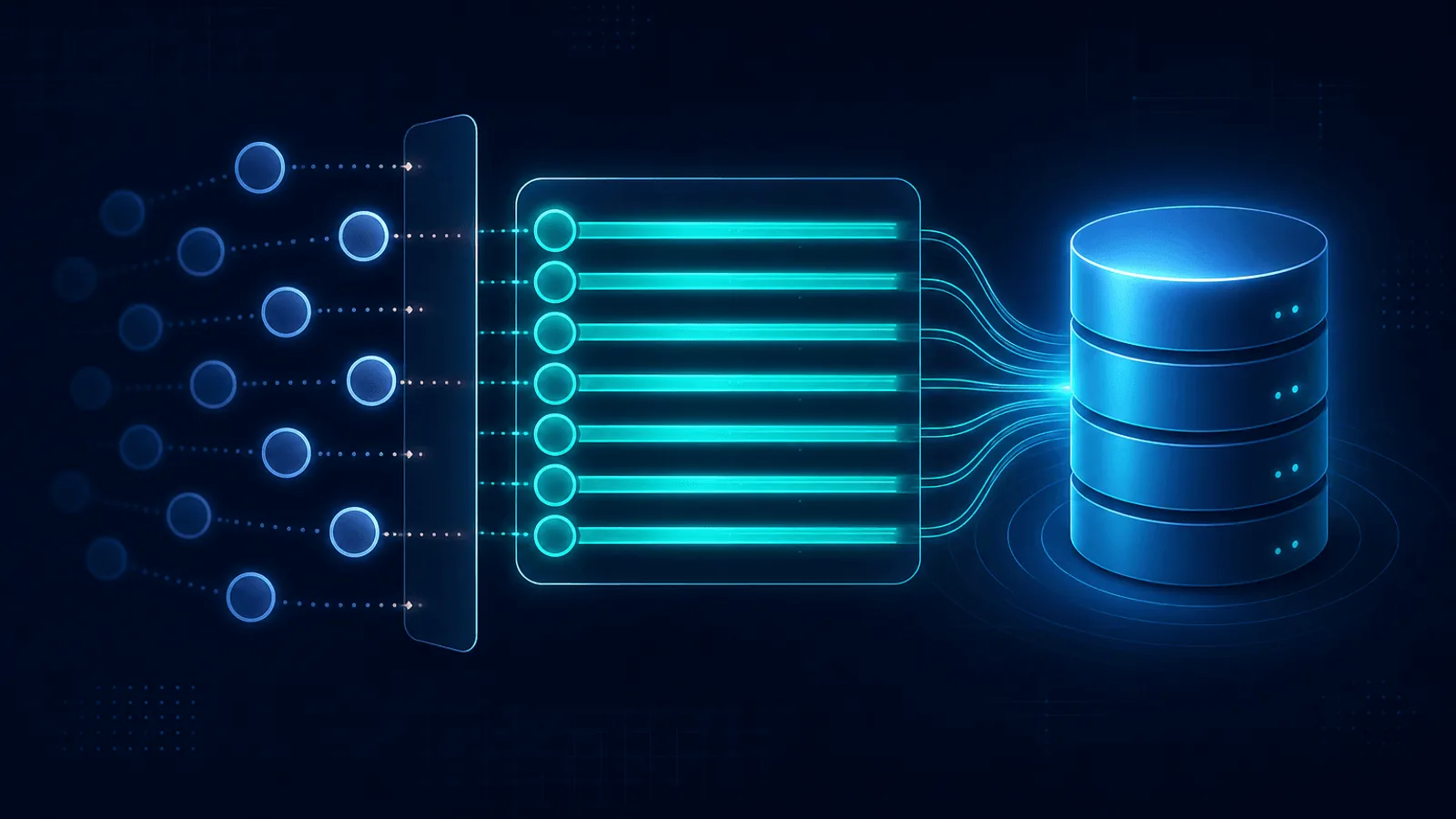
Diagnose database connection pool exhaustion, distinguish client wait timeouts from server limits, size pools across replicas, and fix leaks safely.
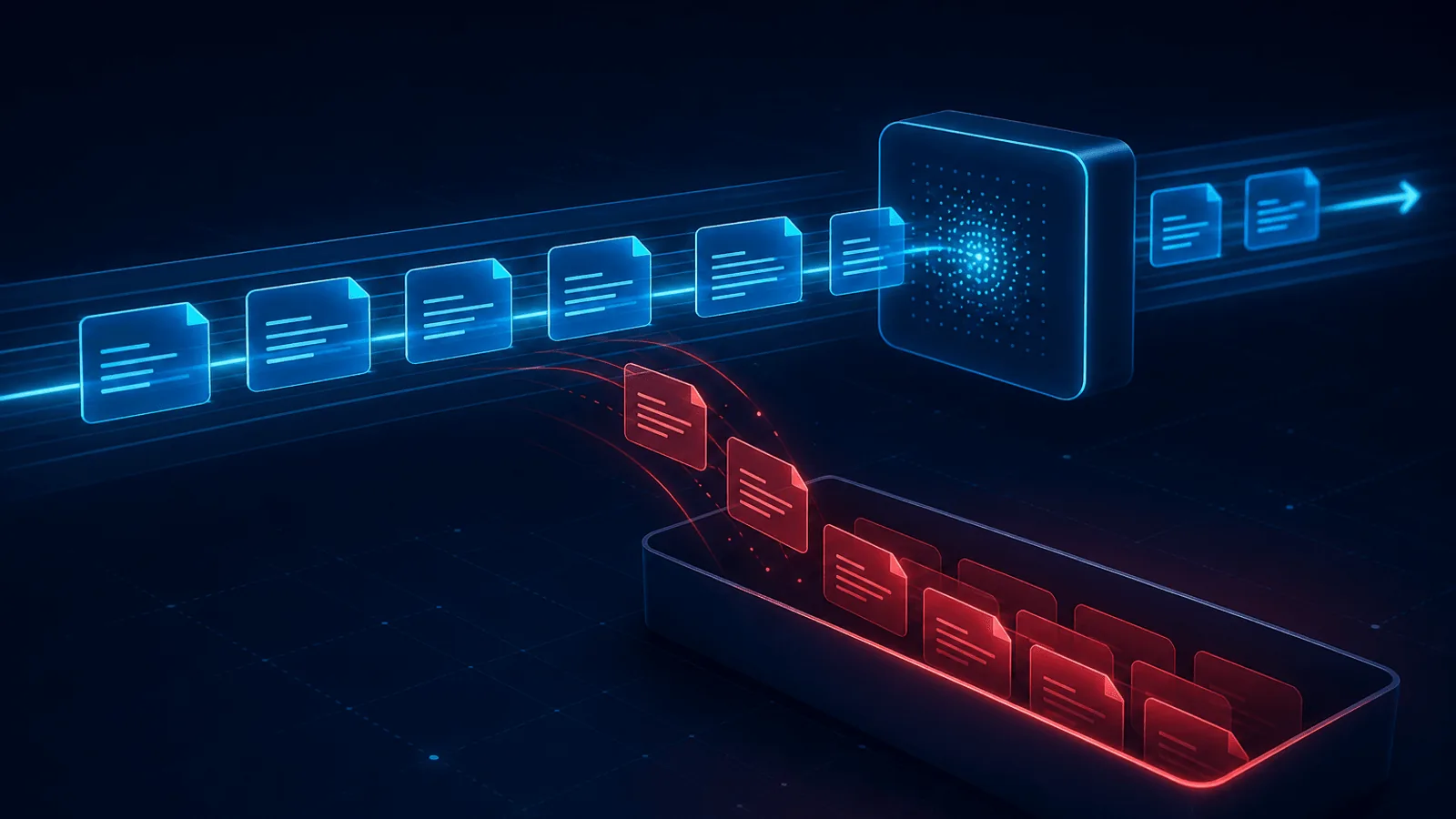
Learn why messages enter a dead letter queue, what metadata to retain, how to alert and triage failures, and how to redrive safely without duplicates.

Implement graceful shutdown with readiness removal, SIGTERM handling, request and queue drain, resource cleanup, and Kubernetes termination deadlines.

What CrashLoopBackOff means, the common reasons a pod keeps restarting, and a step-by-step way to diagnose and fix the crash loop with kubectl.
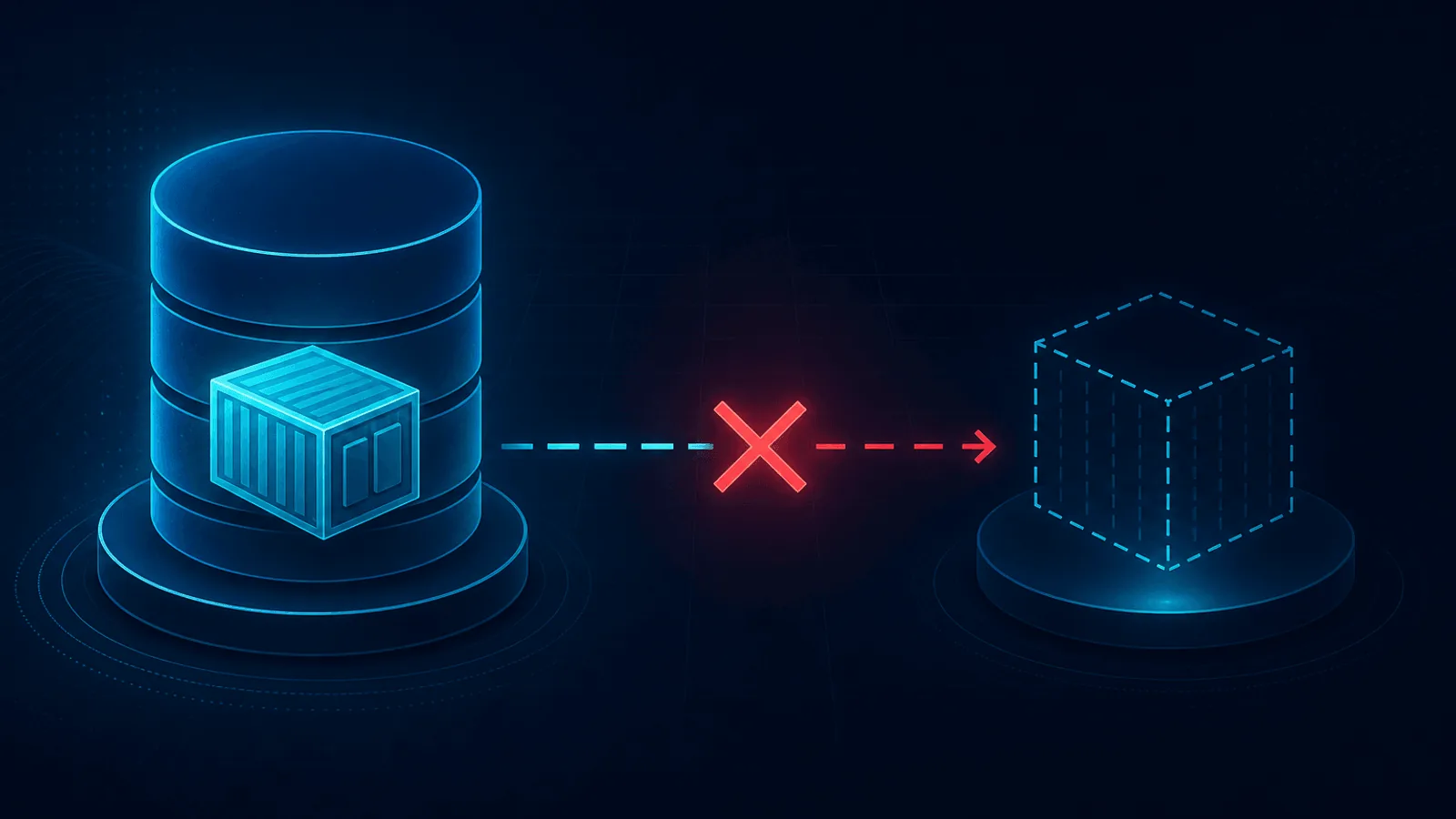
What ImagePullBackOff and ErrImagePull mean, why Kubernetes can't pull your container image, and how to diagnose and fix the most common causes.

Why Kubernetes kills pods with OOMKilled and exit code 137, how memory requests and limits cause it, and how to diagnose and fix out-of-memory restarts.
3 monitors, 10-minute checks, instant email and Slack alerts — no credit card required.
Start Free Monitoring