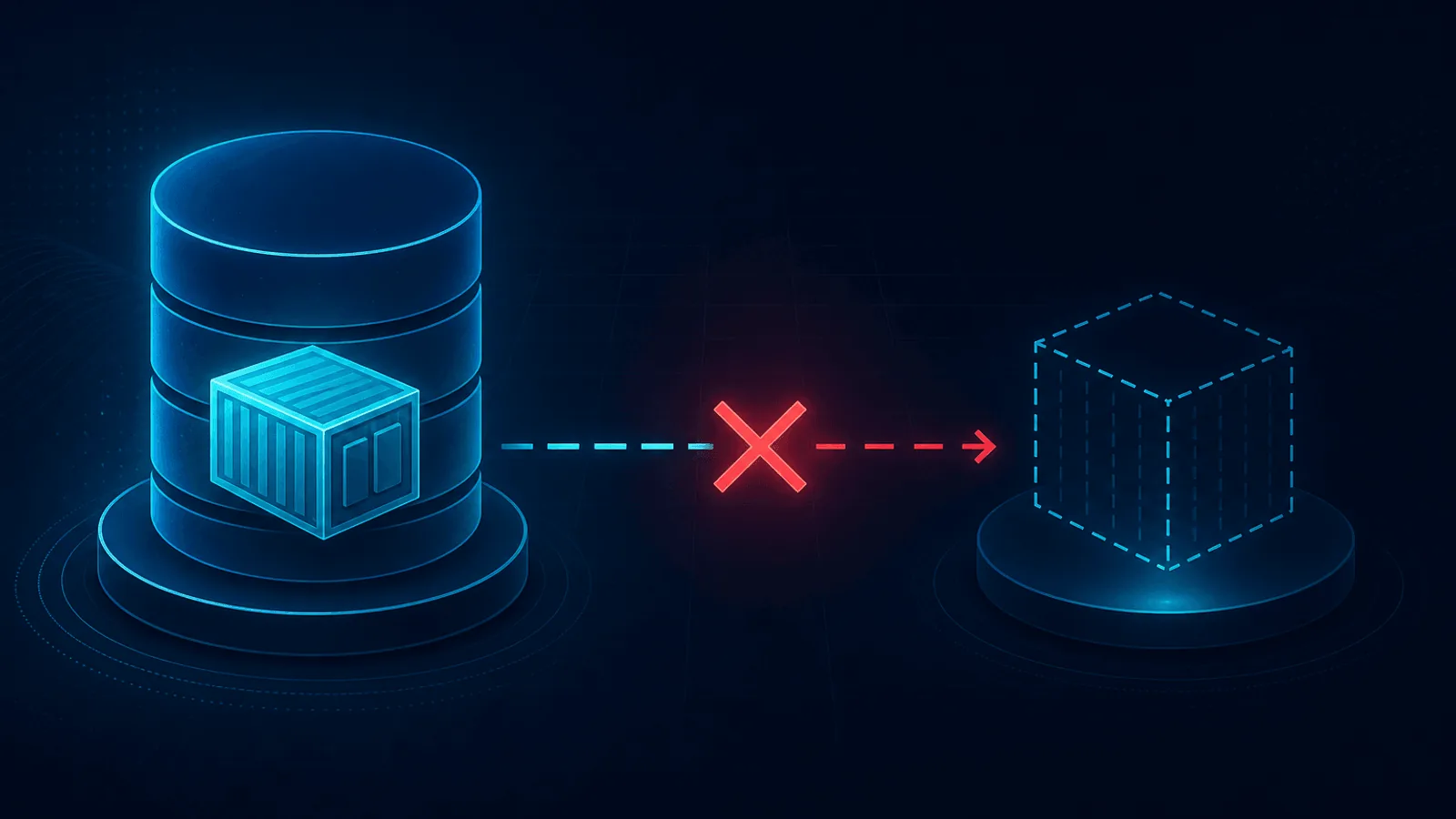
Your deployment rolls out, and the pods never start. kubectl get pods shows ErrImagePull, which a moment later becomes ImagePullBackOff. Unlike a crashing app, this failure happens before your code ever runs — Kubernetes can't even get the container image onto the node, so there's nothing to start. The good news: because it's a pull problem, not a runtime problem, the causes are a short and well-understood list, and the fix is usually quick once you read the error.
This guide explains what these two statuses mean, why they happen, and how to diagnose and fix each cause.
What ErrImagePull and ImagePullBackOff Mean
These are two stages of the same problem:
ErrImagePullis the first failure: the kubelet tried to pull the container image and the pull failed.ImagePullBackOffis what comes next: after the failed pull, Kubernetes waits — with an increasing back-off delay — before trying again, exactly like it does for crash loops. SoImagePullBackOffjust means "the image pull failed and I'm pausing before retrying."
The key point: the container never started because its image isn't on the node. Whatever's wrong is between the kubelet and the registry — the name, the tag, the credentials, or the network path to it.
The Common Causes
Almost every image-pull failure is one of these:
- Wrong image name or tag. A typo in the repository, or a tag that doesn't exist (
myapp:lastestinstead oflatest, or a version that was never pushed). The single most common cause. - Image doesn't exist in the registry. The CI build didn't push, the tag was deleted, or you're pointing at the wrong registry entirely.
- Private registry without credentials. The image is private and the pod has no
imagePullSecret, so the registry returns401 Unauthorized/403 Forbidden. - Expired or wrong credentials. The
imagePullSecretexists but the token has expired or lacks permission for that repository (common with short-lived cloud registry tokens — ECR, GCR, ACR). - Rate limiting. Public registries throttle anonymous pulls. Docker Hub's pull limits, in particular, surface as failed pulls with a
429 Too Many Requests-style message on busy clusters. - Network or DNS problems. The node can't reach the registry — a firewall, a DNS resolution failure, or no egress to the registry's endpoint.
- No image for the node platform. A multi-platform image index lacks a manifest for the node's OS/architecture. A single-architecture image may pull successfully and then fail later with
exec format error, so confirm whether the failure occurred during pull or process startup.
How to Diagnose It
The error message almost always names the cause — you just have to read it:
- Describe the pod.
kubectl describe pod <name>and read theEventsat the bottom. This is where the actual registry error appears, and it's usually unambiguous:manifest unknown/not found→ the image or tag doesn't exist (typo or never pushed).401 Unauthorized/403 Forbidden/pull access denied→ a credentials problem (missing or invalidimagePullSecret).429or "toomanyrequests" → registry rate limiting.dial tcp ... i/o timeout/ DNS errors → a network path problem reaching the registry.no match for platform→ architecture mismatch.
- Verify the immutable image reference. Copy the exact
image:value and inspect it in the registry. A localdocker pullis useful, but it tests your workstation's credentials, network, and architecture—not the node's—so it does not rule Kubernetes out by itself. - Check the pull secret. Confirm the pod references an
imagePullSecret, that the Secret exists in the same namespace, and that it has valid credentials for that registry. - Test connectivity from the node. If the error is network-related, check that the node can resolve and reach the registry host.
How to Fix Each Cause
- Wrong name/tag → correct the
image:field; double-check the tag actually exists in the registry. Prefer immutable, specific tags overlatestto avoid surprises. - Image not pushed → confirm your CI pipeline built and pushed the tag your manifest references; re-run the push if needed.
- Missing credentials → create an
imagePullSecret(kubectl create secret docker-registry ...) and reference it in the pod spec (or attach it to the service account). - Expired token → refresh the credential; for cloud registries, automate token renewal (e.g. a credential helper) so short-lived tokens don't lapse.
- Rate limiting → authenticate your pulls (authenticated limits are higher), use a pull-through cache or mirror, or host critical images in your own registry.
- Network/DNS → open egress to the registry, fix DNS, or use a registry mirror reachable from the cluster.
- Architecture mismatch → build a multi-arch image (or the right single arch) so a manifest matches the node's platform.
A good habit that prevents most of these: deploy immutable image digests, authenticate pulls, and verify the image manifest contains every scheduled node platform before rolling out. Specific tags are easier to read than latest, but only digests are immutable.
For the authoritative state model and backoff behavior, see the Kubernetes image pull section of Pod lifecycle.
How Webalert Helps
ImagePullBackOff means new pods can't start — which during a rollout can quietly leave you running on old (or too few) pods while you think you've deployed. Outside-in monitoring is what catches the user-facing fallout:
- Uptime and endpoint monitoring that flags when a stuck rollout leaves your service degraded or serving stale versions.
- Deploy-time verification — confirm from outside that the new version is actually live and responding after a release, not silently blocked on a failed image pull.
- Multi-region checks so a rollout that fails to bring up new pods is caught as real user impact, not just an internal event.
- Fast alerting so a failed deploy that can't pull its image doesn't go unnoticed until customers complain.
Kubernetes will keep retrying the pull; Webalert tells you whether your users are getting a working service in the meantime.
Summary
ErrImagePull and ImagePullBackOff mean Kubernetes couldn't pull your container image, so the pod never started — a failure that happens before your code runs and lives entirely between the kubelet and the registry. The causes are a short list: a wrong name or tag, an image that was never pushed, missing or expired registry credentials, rate limiting, network/DNS problems, or an architecture mismatch.
The fix starts with reading the Events in kubectl describe pod, which names the cause directly — manifest unknown (bad tag), 401/403 (credentials), 429 (rate limit), or a network error. Correct the reference, fix the pull secret, authenticate to dodge rate limits, and pin specific tags so deploys fail loudly at build time instead of silently at runtime. Then verify from the outside that your new version is actually serving traffic.