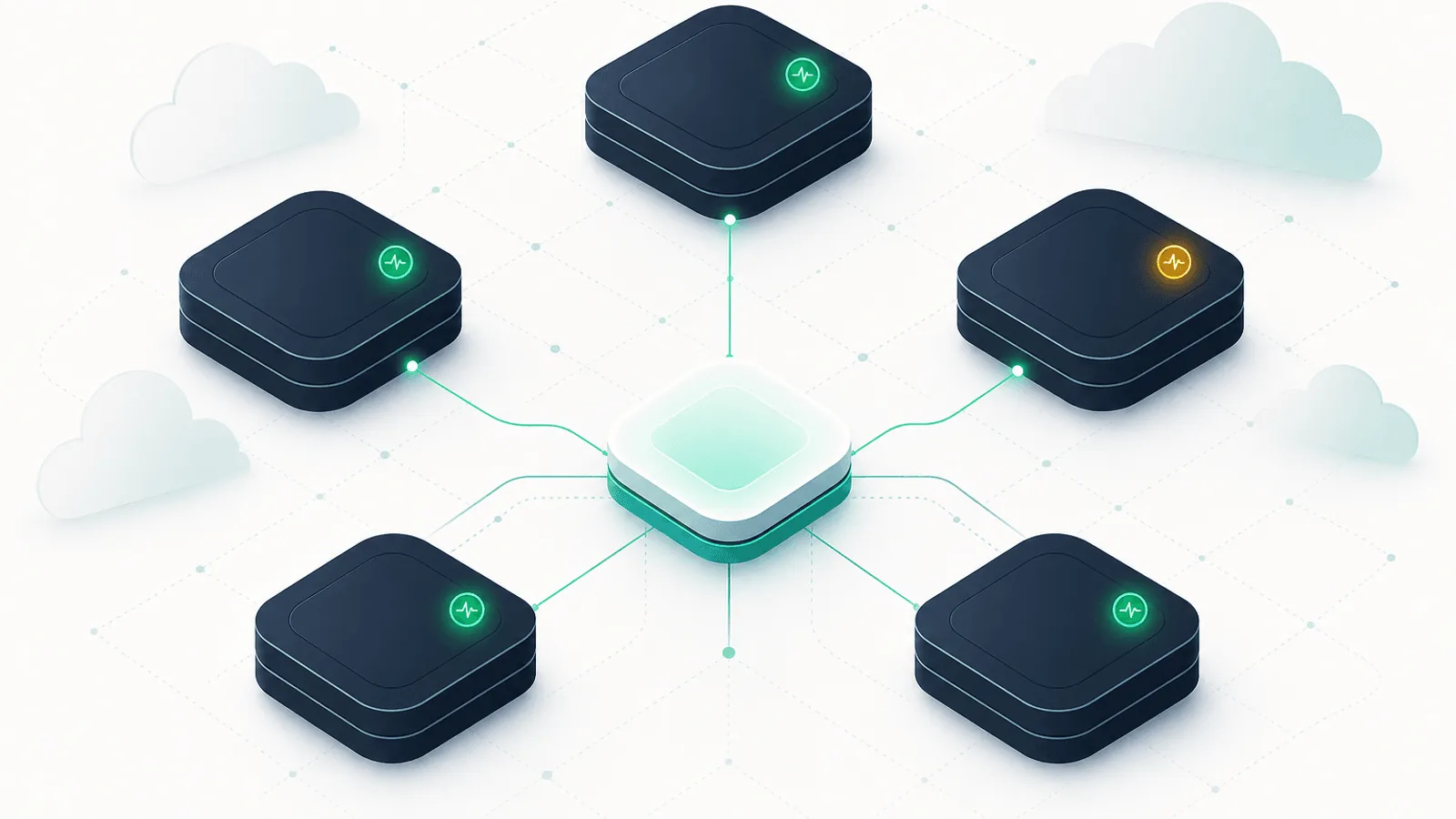
A Backend-as-a-Service removes infrastructure operation, not application responsibility. Supabase or Firebase can be broadly available while your project has broken auth configuration, restrictive rules, a failing function, exhausted capacity, or one regional client path that cannot reach it.
This guide covers what to monitor on Supabase and Firebase backends so you catch outages, quota limits, auth flow failures, and slow queries from your application's perspective — not from the provider's status page.
Why BaaS Backends Need Their Own Monitoring Approach
A traditional self-hosted backend gives you control: you can ping your own database, watch your own connection pool, restart your own service. A BaaS takes that control away — and traditional monitoring loses signal along with it.
A few realities about BaaS monitoring:
- You don't run it, but you depend on every layer. Auth, database, storage, functions, realtime — if any layer degrades, your app degrades. The blast radius of a BaaS incident is the entire backend.
- Provider status is aggregate context. It does not validate your project, credentials, policies, data model, function revision, or user regions.
- Plans and quotas change. Read current project limits from provider consoles and APIs, then alert on forecasted exhaustion and rejected requests rather than copying static limits into runbooks.
- Auth flows fail in ways
/healthdoesn't catch. The auth service can be "up" but token issuance can be slow, refresh can be failing for a subset of users, or social login providers (Google, Apple, GitHub OAuth) can be in mixed state. - Region matters. Run checks from the regions where clients operate and preserve the project's configured service locations in alert context.
- Function startup and scaling behavior varies. Separate startup latency from warm request latency when the platform and runtime expose it.
- Row-level security and security rules are easy to misconfigure. A schema change can break RLS in a way that returns 200 OK but with empty results.
Standard uptime monitoring catches "is the BaaS responding?" For BaaS specifically, that's barely a fraction of the failure surface.
The BaaS Dependency Surface
Before you can monitor your BaaS backend, you need to know what you actually depend on. The typical surface:
- Authentication — sign-up, sign-in, OAuth provider callbacks, JWT issuance, token refresh, password reset
- Database — primary data store (Postgres for Supabase, Firestore or Realtime DB for Firebase)
- Realtime / subscriptions — websocket or long-poll channels for live updates
- Functions / edge functions — serverless code (Supabase Edge Functions, Firebase Cloud Functions)
- Storage — file upload, file download, signed URL generation
- Hosting / CDN (Firebase Hosting only) — static asset delivery
- Quotas and billing — read counts, write counts, egress, function invocations
- Project / dashboard availability — separate from data plane; if the dashboard is down you can't change config, but the app keeps working
Monitor each of these as an independent dependency. A single overall "is Supabase up?" check tells you almost nothing useful.
Supabase-Specific Monitoring
PostgREST Data Endpoint
Supabase exposes your Postgres database through PostgREST at https://<project>.supabase.co/rest/v1/. Monitor it like any REST API:
- Set up a check that hits a small known endpoint, e.g.,
GET /rest/v1/<table>?select=id&limit=1 - Include the
apikeyandAuthorization: Bearer <anon-or-service-key>headers — see Monitor Authenticated APIs With Bearer Tokens and Custom Headers - Validate the response body shape (an array of objects), not just a 200
- Compare latency with the endpoint's measured baseline and application budget
This single check catches database outages, PostgREST outages, and project-level issues simultaneously.
Supabase Auth
The auth API sits at https://<project>.supabase.co/auth/v1/. A lightweight configuration request can show that the gateway responds, but endpoint availability and access behavior can vary by project and GoTrue version:
- If you probe
GET /auth/v1/settings, validate its expected status and response contract for your project rather than treating it as proof that every auth flow works - For end-to-end monitoring, run a periodic test sign-in and refresh with a dedicated monitoring account; alert on failure and latency-budget burn
- Monitor OAuth provider callbacks separately — Google/Apple/GitHub each have their own uptime
See Login and Authentication Flow Monitoring for the full auth-flow pattern.
Realtime Channels
Supabase Realtime runs websockets at wss://<project>.supabase.co/realtime/v1/websocket. Monitor by:
- Establishing a websocket connection, subscribing to a known channel, and confirming you receive a heartbeat within a few seconds
- Watching connection drop rates from your application logs
- Alerting if your client-side reconnect count spikes (often the first signal of regional issues)
Edge Functions
Each deployed function has its own URL: https://<project>.supabase.co/functions/v1/<name>. Monitor each critical function:
- Hit a minimal "health" function (write a tiny
healthfunction that just returns{ok: true}) - Track p50/p95/p99 latency separately — cold starts skew the average
- Watch the deploy revision so you know which version is running
Storage
https://<project>.supabase.co/storage/v1/. Monitor:
- A
HEADrequest to a known public object (cheapest possible check) - For private storage, a signed-URL generation + download flow
- Track object latency and errors separately from the data API
Database Connection Pool (Direct Postgres)
If your app connects directly via the Postgres connection string (not through PostgREST), monitor connection pool utilization the same way you would for any Postgres — see Database Monitoring: MySQL, PostgreSQL, Redis, and Uptime. The pooler (PgBouncer) sits in front; saturation there will surface as connection refused errors.
Project health, reports, and quotas
Supabase plans expose project-specific limits and usage for resources such as:
- Bandwidth and egress
- Database and storage size
- Connections and compute
- Active users and service-specific usage
Supabase documents a Management API project health endpoint with service status such as ACTIVE_HEALTHY, and Reports for Database, Auth, Storage, Realtime, and API systems. Use the management endpoint as provider-side context and application canaries as the user signal. Alert on forecasted exhaustion with enough lead time for the team's upgrade or cleanup process.
Firebase-Specific Monitoring
Firestore
The hardest layer to monitor from outside, because Firestore has no public HTTP endpoint you can curl directly — it speaks gRPC over HTTPS with Google's auth.
Practical approach:
- Build a tiny "canary" Cloud Function that performs a read against a known document and returns success/failure with timing
- Monitor that function's URL with a public HTTP check
- Track Firestore read/write count via Cloud Monitoring against your quotas
- Alert according to the canary's error-budget burn and latency objective
Firebase's official Firestore monitoring guide covers operations, latency, Security Rules evaluations, dashboards, and alerts through Cloud Monitoring. Use server metrics for service behavior and the canary for the application's authenticated data path.
Firestore-specific failure modes worth tracking:
- Index missing — a query that needs a composite index fails after a schema change
- Security rules denying valid requests — usually after a rules deploy
- Hot document contention — concentrated writes can increase contention and latency
- Quota or capacity exhaustion — behavior depends on plan and current documented limits
Realtime Database (legacy)
If you're still on Firebase Realtime Database (not Firestore):
GET https://<project>.firebaseio.com/.json?shallow=true— quick reachability check- Watch for "permission denied" responses suggesting rules issues
- Monitor connection count against the current project limit shown by Firebase and Google Cloud
Firebase Auth
Monitor via a canary Cloud Function that performs a sign-in or token refresh against a dedicated test user. Track:
- Sign-in latency
- Token refresh success rate
- OAuth provider success rate (separately for Google, Apple, etc.)
Cloud Functions
Each function exposes an HTTPS trigger. Monitor:
- A simple "health" Cloud Function with an HTTP check
- Cold start latency (separately tracked)
- Function-specific error rate from Cloud Monitoring
Two Firebase-specific failure modes:
- Generation 1 vs Generation 2 functions have different cold-start and scaling behavior
- Startup latency differs by generation, runtime, region, and configuration; track it separately from steady-state execution
Cloud Functions exports logs to Cloud Logging; Firebase documents creating log-based metrics, charts, and alerts in its functions logging guide.
Cloud Storage
- A
HEADrequest to a public object - Signed URL generation latency for private files
- Quota tracking (storage size + egress)
Firebase Hosting
Firebase Hosting is a CDN. Monitor:
- Cache hit ratio (via Firebase console)
- A canary URL with response time tracking
- Certificate expiry (Firebase manages this but alert on certificate issues anyway)
See CDN Monitoring: Catch Edge, Cache, and Origin Failures for the underlying CDN monitoring patterns.
Combine app canaries with provider status
Provider status, project health, logs, and usage reports answer different questions from an application synthetic. A provider incident can explain a failure, but a green provider status cannot validate your credentials, RLS or Security Rules, function revision, schema, data, or client route.
Run canaries from relevant user regions with the same authentication and request shape as the application. When they fail, investigate the result even if provider status is green; first rule out a bad canary, then use project logs and provider status to scope the cause. See multi-region monitoring.
Cold Start Latency on Serverless Backends
Serverless function startup can make an invocation slower than steady state. The effect depends on platform, generation, runtime, region, code size, and configured minimum instances:
- A 5-minute uptime check on a low-traffic function will hit cold starts almost every time
- That makes the function look slow when it's really just idle
Two approaches:
- Measure startup separately where logs or runtime context expose it.
- Use configured minimum instances only when justified by the user latency objective and current provider pricing.
- Keep the availability canary representative. An artificial keep-warm request can hide the experience of a genuinely infrequent function.
For user-facing functions that absolutely must be fast on first invocation, the warmth strategy is worth the cost. For internal or batch functions, just track them separately.
Quota and Usage Monitoring
Quotas are the silent killer of BaaS reliability. Some specifics worth alerting on:
Supabase
- Egress and bandwidth — monitor usage rate and forecast against the current plan
- Database and storage size — alert with enough lead time to upgrade or archive
- Active connections — watch pooler capacity, waits, refusals, and growth
- Compute and service usage — use current project reports and billing data
Firebase
- Firestore operations and storage — compare usage and forecast with current quotas and budget
- Cloud Functions invocations and CPU-seconds
- Cloud Storage egress — same pattern
- Authentication usage — monitor plan-specific limits and rejected requests
- Firebase Hosting bandwidth — particularly important during promotional events
Fetch usage through the Supabase Management API, Firebase console, or Google Cloud Monitoring as appropriate. Choose thresholds from reset period, growth rate, upgrade lead time, and failure behavior.
Auth Flow Monitoring Specifically
Auth is the highest-stakes BaaS dependency. If users can't sign in, your entire product is functionally down — even if the database is healthy.
Run periodic full-flow auth checks:
- Sign-in with a known credential (dedicated monitoring user)
- Token refresh (use the refresh token from sign-in to get a new access token)
- A simple authenticated request (verify the new token actually works against your data endpoint)
Track each step's latency separately. A slow sign-in often indicates upstream OAuth provider issues; slow refresh often indicates the auth service itself; slow authenticated requests indicate downstream services.
Set auth alerting from the product's own latency and availability objectives. Confirm transient network failures when the delay is acceptable, but page sustained complete-flow failure because it blocks access to the product.
For OAuth flows specifically, monitor each provider (Google, Apple, GitHub) independently. They fail independently; lumping them together loses signal.
Row-Level Security and Rules Failure Modes
This is the subtlest BaaS failure mode. Both Supabase (with Postgres RLS) and Firebase (with security rules) let you write declarative policies that determine which users can read/write which data.
Common patterns that break in production:
- Schema change deploys but rules don't update — new columns are accessible, but rules don't cover them
- Rules deploy that's too restrictive — valid requests now return empty results or permission errors
- Test data with weak rules in production — security vulnerability hiding under the radar
Detection:
- Monitor "expected non-empty" queries — if a known query for a known user normally returns 5 rows and now returns 0, that's a rules regression
- Monitor permission-denied error rate — a spike usually means a rules deploy went wrong
- Run a regression test suite of RLS/rules cases on every deploy — much higher leverage than runtime monitoring
Alerting that matches the dependency
- Page on confirmed failure of auth or another product-blocking canary.
- Alert on latency or error-budget burn rather than one universal duration.
- Ticket forecasted quota exhaustion early enough for upgrade, cleanup, or traffic control.
- Include provider, project, service, region, operation, release, error class, and recent configuration change.
- Correlate direct provider canaries with the application's own health so responders can distinguish provider failure from application configuration.
See Alert Fatigue: Notifications That Get Acted On for the principles.
Setting Up a Supabase / Firebase Uptime Check
A minimal but useful uptime check for Supabase:
GET https://<project>.supabase.co/rest/v1/healthcheck?select=id&limit=1
apikey: <anon-key>
Authorization: Bearer <anon-key>
Configure your monitor to:
- Run at an interval derived from the acceptable detection delay in relevant regions
- Alert on latency-budget burn relative to the canary's baseline and user objective
- Validate response body confirms an array structure
- Use a dedicated
healthchecktable with a single row, with public read policy — separate from your application data - Use a dedicated monitoring API key scoped to read-only on the healthcheck table
For Firebase, deploy a small Cloud Function:
exports.healthcheck = onRequest({ cors: true }, async (req, res) => {
  const start = Date.now();
  const snapshot = await db.collection('_healthcheck').doc('canary').get();
  res.json({
    ok: snapshot.exists,
    latency_ms: Date.now() - start,
  });
});
Monitor that function's URL with the same pattern.
For more on per-endpoint API uptime patterns, see REST API Monitoring: Endpoints, Errors, and Performance. For broader provider-availability strategy, see Third-Party Dependency Monitoring: What You Don't Control.
Health Checks From Your App vs External Monitoring
Your application can also expose its own /health endpoint that proxies a check to your BaaS. This is useful because:
- It catches issues from inside your app — including auth misconfigurations and connection-string problems
- It's what your load balancer and orchestrator use anyway
But always have external monitoring as well. The internal /health view is blind to issues that occur between the public internet and your application. See Health Check Endpoints: /health, /livez, /readyz Guide for the contract design.
The right setup is layered:
- External uptime monitor → public app URL (catches all-the-way-broken)
- External monitor → BaaS endpoint directly (catches BaaS issues independently of your app)
- Internal
/health→ tests app + BaaS together (catches misconfigurations)
BaaS Monitoring Checklist
For every BaaS-backed production app:
- Data endpoint check is content-validated and runs at a justified interval
- Auth flow check (sign-in + token refresh + authenticated request) every 5 minutes
- Realtime / websocket check (if applicable)
- One uptime check per critical Edge Function / Cloud Function
- Storage uptime check (HEAD on a known object)
- Quota and capacity forecasts provide enough remediation lead time
- Cold-start tracking separate from steady-state latency
- OAuth provider checks (Google / Apple / GitHub) independently
- Multi-region external checks from your users' regions
- Regression test suite for RLS / security rules on every deploy
- Application
/healthendpoint that includes a BaaS-dependency check - Provider status subscribed as context, not the only signal
How Webalert Helps Monitor BaaS Backends
Webalert is built for monitoring exactly the kind of authenticated, JSON-responding, latency-sensitive endpoints that Supabase and Firebase expose:
- HTTP monitoring with custom headers —
apikeyandAuthorization: Bearerfor Supabase; bearer tokens for Firebase Cloud Functions - Content validation — Verify the response body shape, not just a 200
- Response time alerts — Catch latency degradation before users feel it
- Multi-region checks — Confirm BaaS reachability from Webalert's US, EU, and APAC regions; add other locations when required
- 1-minute check intervals — Detect BaaS provider incidents within a minute
- Multi-channel alerts — Email and Slack on all plans; SMS, webhooks, Discord, and Microsoft Teams on paid plans
- Status page — Communicate to your users when the BaaS provider is degraded
- 5-minute setup — Add the endpoint, paste your key, set thresholds, and you're live
See features and pricing for details.
Summary
- BaaS platforms move infrastructure out of your control — and out of the visibility your traditional monitoring depends on.
- Monitor each layer of the BaaS dependency surface independently: auth, database, realtime, functions, storage, quotas.
- Supabase and Firebase have different failure modes: PostgREST + Postgres for one, Firestore + Cloud Functions for the other; each layer needs its own canary.
- Provider status and application synthetics answer different questions; use both.
- Cold starts on serverless functions create noise; either keep functions warm or track cold-start latency separately.
- Quota behavior and limits vary by plan; monitor current usage, forecast exhaustion, and rejected requests.
- Auth is the highest-stakes BaaS dependency; run full-flow auth checks every few minutes, alert aggressively.
- Layer your monitoring: external BaaS check + external app check + internal
/healththat exercises the dependency.
The promise of a BaaS is "don't think about backend infrastructure." The reality is: think about it differently. The infrastructure is still there — you just monitor it from the outside in.