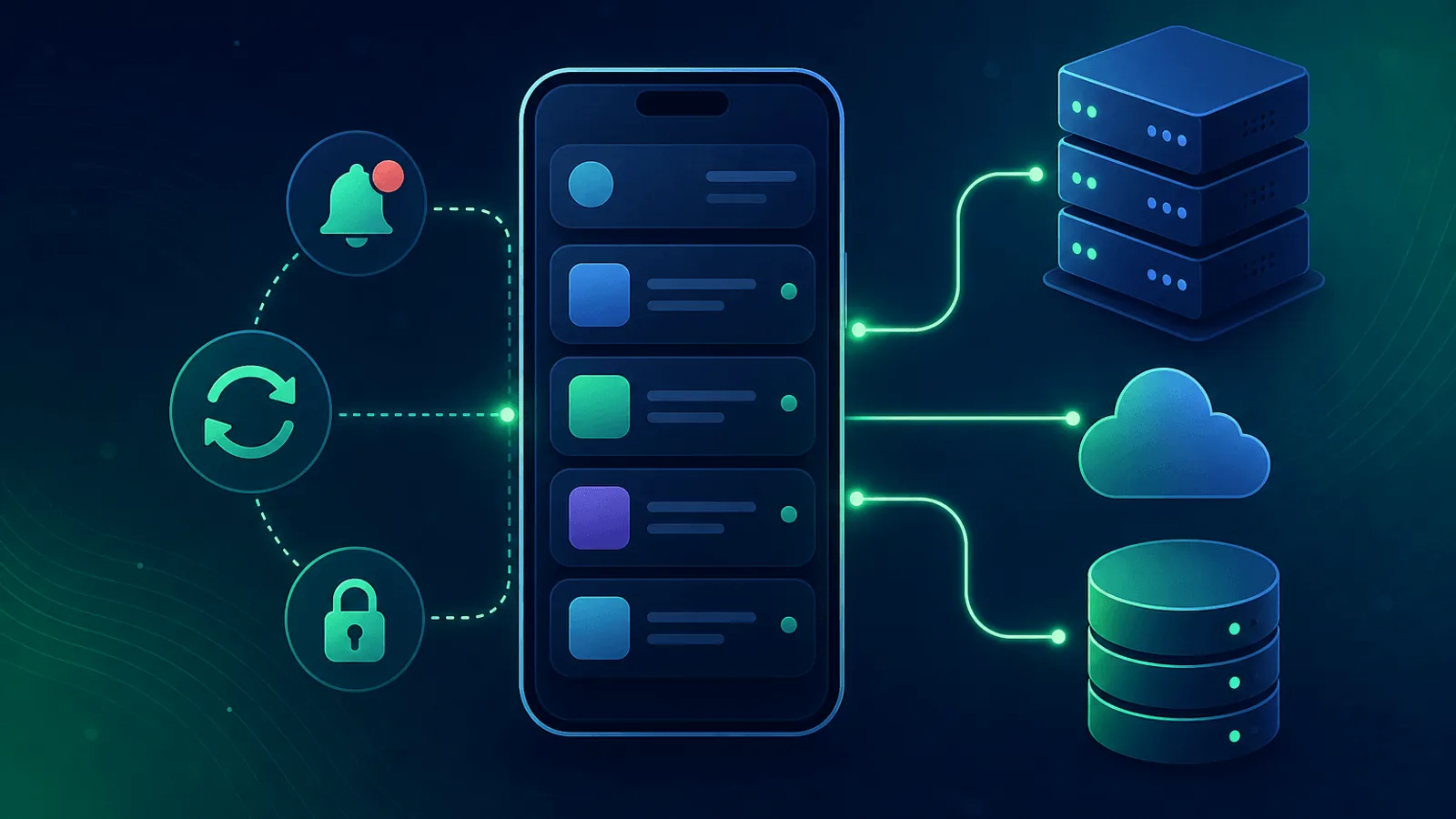
The web app can be healthy while mobile clients cannot refresh tokens, parse a changed response, fetch bootstrap configuration, sync in the background, or receive push. Mobile backend monitoring must reproduce the requests shipped clients make and segment results by app version, platform, region, and network.
Mobile apps fail in ways the web doesn't. They run on cellular networks with packet loss, they cache aggressively, they hit different API endpoints than your web app, they rely on push notifications and background tasks that have no UI, and they're updated through app stores with multi-day review cycles. When something breaks, you can't ship a hotfix the way you can on the web — you have to detect and fix the problem at the backend.
This guide covers what to monitor for a mobile app's backend so the next push provider outage, certificate rotation, or API contract change doesn't show up first as a flood of one-star reviews.
Why Mobile Apps Need Backend-Specific Monitoring
A mobile app has a different failure profile than a web app:
- Different API endpoints — Mobile clients often hit
/api/v3/mobile/*paths, distinct from web routes - Long client lifetimes — A user keeps the app installed for months; a breaking change reaches all clients gradually
- Aggressive caching — Apps cache responses to feel fast offline, which can hide partial outages and surface stale data
- Push notifications — A whole monitoring surface (APNs, FCM) that doesn't exist on web
- Background tasks — Sync, location updates, periodic refresh; failures here are invisible to the user until the next foreground event
- Cell network conditions — Timeouts, partial responses, and HTTPS failures behave differently over LTE/5G
- App version skew — Multiple supported and still-active client versions can have different API expectations
- Store review delay — A backend bug surfacing as a client crash can't be fixed by shipping a new build immediately
A "pure web" uptime monitor catches none of these. Mobile backend monitoring requires testing the paths your mobile app actually uses, the way it uses them.
What to Monitor
1) Mobile-Specific API Endpoints
If your backend exposes mobile-specific routes (often versioned under /mobile/v1 or behind a different gateway), monitor them as their own surface:
- HTTP checks on the mobile API base URL with content validation that matches what the client expects
- Contract validation — Verify required fields, types, nullability, and version negotiation; a
200response can still be incompatible - API version negotiation — If your client sends
Accept: application/vnd.app.v3+json, monitor with the same headers - Forced upgrade paths — Many apps ship a "minimum supported version" check; monitor that endpoint separately because if it breaks, every user gets logged out
Mobile clients are far less forgiving of partial responses than browsers. A null where the app expects an array is a crash, not a gracefully empty list.
2) Authentication and Session Refresh
Mobile authentication is dominated by long-lived refresh tokens. When token refresh breaks, users get silently logged out — and your support inbox fills with "the app keeps logging me out" complaints:
- Login synthetic check with a real test account (see How to Monitor Your Login and Authentication Flow)
- Token refresh endpoint specifically — Apps refresh tokens silently in the background; this endpoint failing kills user retention
- Biometric/passkey re-auth — If your app uses Face ID or passkeys, monitor the WebAuthn challenge endpoint
- Social login callback — Sign in with Apple, Google Sign-In, etc., each have their own provider-side risks
3) Push Notification Delivery
Push notifications are mission-critical for many apps and easy to forget about:
- APNs (Apple Push Notification service) — Monitor provider authentication, request responses, invalid tokens, and delivery metrics
- FCM (Firebase Cloud Messaging) — Monitor send responses plus delivery and delay metrics
- End-to-end delivery — Use controlled devices or instrumentation where the operating system permits; do not infer delivery from provider acceptance alone
- Topic / segment delivery — If you use topics, verify representative topics still receive messages
Apple documents APNs delivery metrics export. Firebase documents console reports, the FCM Data API, and BigQuery export in its message-delivery guide. Use provider metrics together with your sender errors and client acknowledgements.
4) Background Task and Sync APIs
Apps run background tasks for sync, location, content prefetch, and analytics upload. These hit your backend without a foregrounded UI:
- Sync endpoint — Monitor the API your app calls during background sync; failures here cause stale data on next launch
- Analytics upload — Mobile analytics often batch up overnight; if upload is broken for a day, you lose visibility
- Heartbeat from real devices — Apps phone home periodically; track the rate and alert on a sudden drop (could indicate a cohort of clients can't reach you)
5) App Configuration and Feature Flags
Mobile apps often fetch a config blob on startup. If config breaks, the app starts in a broken state:
- Config endpoint —
/config,/manifest, or wherever your app fetches its bootstrap data - Content validation — Confirm the JSON contains required keys
- Feature flag service — If you use feature flags, monitor that the flag service is responding to mobile clients
A broken config endpoint typically manifests as "the app shows the loading screen then quits" — a catastrophic but invisible outage from the backend's perspective.
6) Content and Media Delivery
Apps load images, videos, and other media from your backend or CDN:
- CDN reachability from regions where your users live (see CDN Monitoring)
- TLS / SSL on media domains — Mobile apps are often stricter than browsers about cert validation; an issue browsers tolerate can crash the app
- Cell-network-friendly response sizes — Track p95 response sizes; a sudden increase costs users data and battery
7) TLS and certificate pinning
If the app uses certificate or public-key pinning, rotation can strand shipped clients:
- SSL certificate expiry with at least 30-day notice
- Certificate or key changes — Alert on planned and unexpected chain changes and test every supported client
- Backup and recovery path — Verify the pin set and rotation procedure before changing production TLS
Do not add pinning merely for monitoring. If an existing design makes the server unreachable, recovery may require rollback or a client release, so treat certificate rotation as a compatibility change.
8) Release health
Not strictly your backend, but worth monitoring:
- Update rollout health — If you use staged rollouts, monitor crash rates per version
- Adoption and API errors by version — Detect one client cohort failing after rollout
- Review and support themes — Use as lagging qualitative evidence, not the primary alert
Common Mobile Backend Failure Modes
| Failure | User Impact | How to Detect |
|---|---|---|
| Mobile API returns 500 from one region | Some users see infinite spinner | Multi-region API checks |
| Token refresh endpoint broken | Users silently logged out | Synthetic refresh check |
| APNs authentication or request failure | iOS push requests fail | Provider response + delivery metrics |
| FCM project credentials revoked | Android push delivery stops | FCM auth + delivery synthetic |
| Config endpoint returns malformed JSON | App stuck on splash screen | Content validation on /config |
| TLS chain changed outside pin plan | Pinned client versions cannot connect | Preflight compatibility + chain monitoring |
| Background sync API down | Stale data on next foreground | Sync endpoint synthetic |
| Forced upgrade endpoint broken | Every user logged out | Dedicated check on the upgrade endpoint |
| Mobile-only API path not deployed | Mobile broken, web fine | Mobile-path-specific synthetic |
| CDN serving wrong cert in one region | Image/video loads fail in that region | Multi-region SSL on media domain |
Setting Up Monitoring for Your Mobile Backend
Quick start (15 minutes)
- Health endpoint — Monitor your
/api/healthor equivalent with multi-region checks - Login synthetic — Use a dedicated mobile test account
- Token refresh synthetic — Critical and frequently overlooked
- TLS / SSL on the API domain
- Config endpoint — Verify it returns valid, expected JSON
Comprehensive setup (1 hour)
Add to the quick start:
- Push notification delivery — Test device subscribed to a known token, hourly synthetic push
- Per-version API checks — Pretend to be 3–4 supported app versions and verify each gets a sane response
- Background sync synthetic — Mimic the calls your app makes during background refresh
- Cert pinning validation — Track cert fingerprints and alert on rotation
- Multi-region — Confirm reachability from every region where you have users
- CDN / media domain monitoring — TLS, response time, and reachability separately from API
What to Do When Mobile Backend Monitoring Fires
API endpoint returns 5xx:
- Check whether the web API is also affected (often shared infrastructure)
- Look at recent deploys; mobile and web sometimes have different deploy windows
- Check for changes to API gateway or load balancer config affecting
/mobile/*paths - Verify upstream dependencies (auth service, feature flag service)
Token refresh failing:
- Check whether new logins still work — refresh-only failures usually point to a key or signing issue
- Verify the JWT signing keys haven't rotated unexpectedly
- Look at session storage health (Redis, database)
Push delivery failing:
- Check provider status pages (Apple Developer System Status, Firebase Status)
- Verify your auth tokens or service account JSON haven't expired
- Check for changes to bundle IDs or sender IDs (rare but devastating)
Cert pinning issue:
- Verify the new cert chain matches what your pinned clients expect
- Roll back the cert change if the rotation wasn't planned
- Communicate with users via push or status page about needing to update the app
- Plan an emergency app release with updated pins if necessary
Config endpoint broken:
- Roll back the config change
- Check for syntax errors in the config payload
- Verify CDN cache hasn't fragmented across regions
How Webalert Helps
Webalert provides external monitoring designed for the mobile backend stack:
- Multi-region HTTP checks — Mimic the regions your real users come from
- Content validation — Verify API responses contain the JSON shape your app expects
- Authenticated checks — Test login, refresh, and protected endpoints (see Monitor Authenticated APIs)
- SSL monitoring — Track cert expiry and rotation, including media and CDN domains
- DNS monitoring — Catch resolution issues that block mobile clients on cellular networks
- Webhook + heartbeat monitoring — Pair with your push delivery synthetics
- Multi-channel alerts — Email, SMS, Slack, Discord, Microsoft Teams, webhooks
- Status pages — Communicate mobile-specific incidents to users transparently
- 5-minute setup — Start with API and TLS checks today
See features and pricing for details.
Summary
- Mobile apps fail differently than web apps. Backend monitoring must reflect the paths and behaviors mobile clients actually use.
- Token refresh, push delivery, and config endpoints are the three highest-leverage signals; most teams under-monitor them.
- Cert pinning makes TLS rotation a high-risk operation — track cert fingerprints, not just expiry.
- App store reviews are a lagging signal of backend health; synthetic monitoring is a leading one.
- Run checks from regions matching your real user base, including from cellular-typical conditions when possible.
- Treat mobile API paths, sync endpoints, and config endpoints as separate monitoring surfaces from your web stack.
Your mobile backend is a different product than your web backend. Monitor it that way.