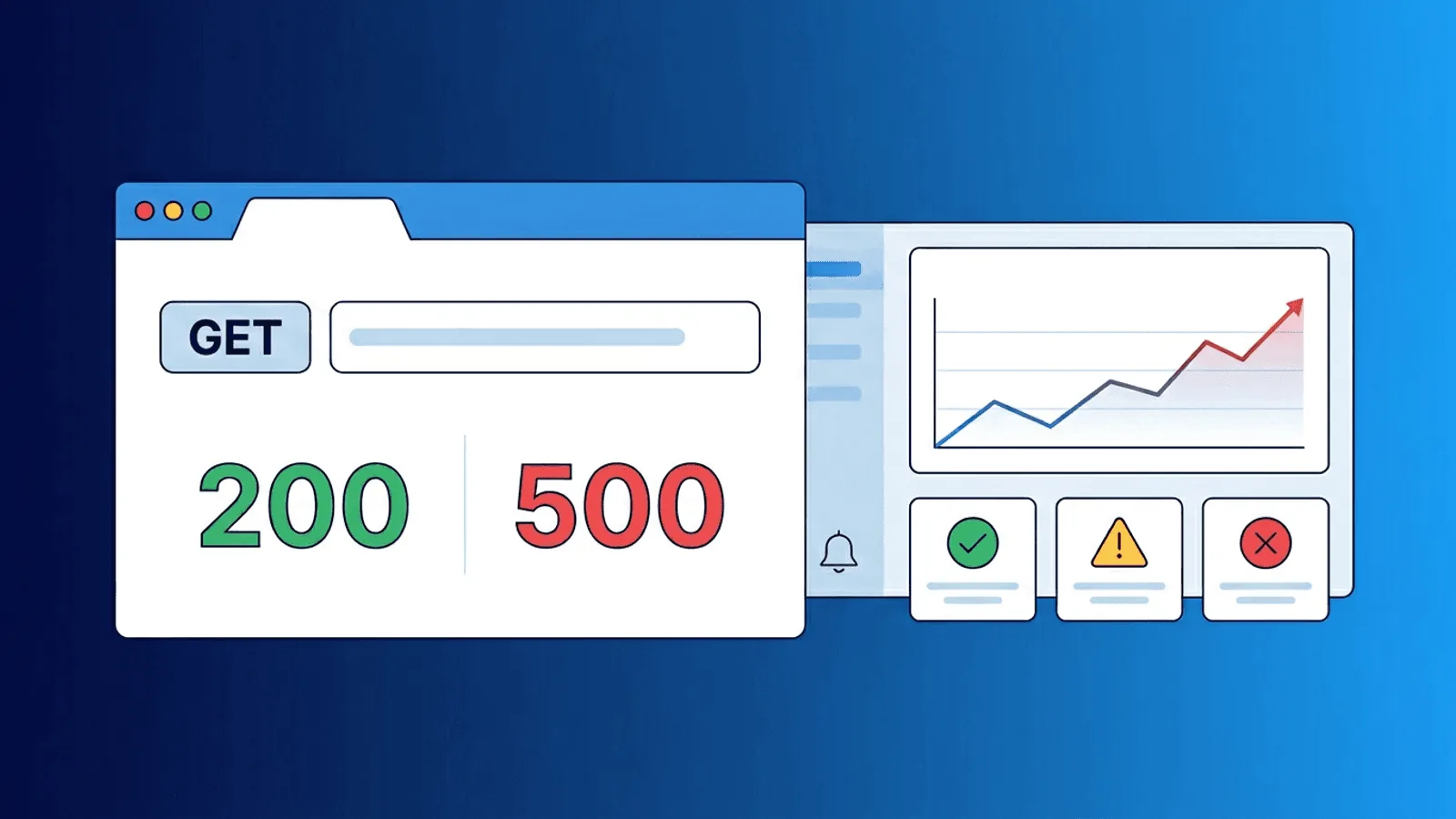
Short answer: REST API monitoring should exercise representative resources with the correct method, authentication, payload, headers, and expected response semantics. Validate status and body, measure latency, and use idempotency or disposable test data for state-changing canaries. Start with API uptime monitoring, authenticated checks, and RFC 9110.
Your REST API can return 200 OK and still be broken.
A successful status code does not mean the response body is correct, that authentication works, or that downstream services are healthy. If your monitoring only checks whether the endpoint is reachable, you are missing the failures that matter most.
This guide covers what to monitor in a REST API, which endpoints deserve checks, and how to set up alerts that catch real problems without drowning your team in noise.
Why API Monitoring Is Different from Page Monitoring
Website monitoring checks whether a page loads. API monitoring checks whether a service behaves correctly under contract.
Key differences:
- No visual output — You cannot eyeball an API response. Monitoring must validate structure and content programmatically.
- Multiple consumers — APIs serve mobile apps, third-party integrations, and internal services simultaneously. A failure affects all of them.
- Authentication required — Most production APIs need tokens, API keys, or session credentials to return meaningful responses.
- Versioned contracts — Breaking changes in v2 can go unnoticed if monitoring only checks v1.
- Error formats vary — Some APIs return errors inside a 200 response body. Others use proper HTTP status codes. Your checks need to handle both.
Which REST API Endpoints Should You Monitor?
Not every endpoint needs a dedicated check. Focus on the paths that carry the most user and business impact.
Health and readiness endpoints
Most APIs expose a /health or /ready endpoint. Monitor it, but do not rely on it alone. Health endpoints often check only that the process is running, not that the full stack is functional.
Use health checks as a baseline, then add deeper checks below.
Authentication endpoints
Authentication is the gateway. If login or token refresh fails, every authenticated request fails.
Monitor:
- Login or token exchange endpoint
- Token refresh flow
- Expected response shape (access token present, correct expiry)
Core read endpoints
Pick the 2-3 most critical GET endpoints:
- User profile or account data
- Primary resource listing (products, orders, projects)
- Dashboard or summary endpoint
Validate both status code and response body structure.
Core write endpoints
If safe to do so (using test accounts or idempotent operations), monitor at least one write path:
- Create a test resource
- Update a known test record
- Verify the response confirms the operation
For production APIs where writes have side effects, use a dedicated test tenant or sandbox.
Webhook and callback endpoints
If your API sends webhooks, monitor the delivery mechanism:
- Heartbeat check on the webhook dispatcher
- Verify test webhook delivery to a known receiver
What to Validate in Each Check
Status code
The minimum check. But remember:
| Status Code | What It Means | Monitoring Action |
|---|---|---|
| 200-299 | Success | Proceed to body validation |
| 301/302 | Redirect | Alert if unexpected — may indicate misconfigured routing |
| 401 | Unauthorized | Alert — credentials may have expired or rotated |
| 403 | Forbidden | Alert — permissions or IP allowlists may have changed |
| 404 | Not Found | Alert — endpoint may have been removed or renamed |
| 429 | Rate Limited | Warning — monitoring itself may be throttled, or real users are being limited |
| 500-503 | Server Error | Critical alert — the service is failing |
Response body
Go beyond status codes:
- Key fields present — Does the response contain the expected top-level keys?
- Correct data types — Is the
idfield a string or number as expected? - No error payload — Some APIs return
{ "error": "..." }with a 200 status. - Non-empty results — An empty array where data is expected can indicate a data-layer failure.
Response time
Track latency per endpoint:
- Baseline — What is the normal p95 for this endpoint?
- Threshold — At what latency does user experience degrade?
- Trend — Is latency slowly increasing after recent deployments?
A 200 response in 8 seconds is functionally a failure for most user-facing flows.
Response headers
Sometimes useful to validate:
Content-Typematches expected format (JSON, not HTML error page)- Cache headers are set correctly
- Rate limit headers indicate remaining quota
Authentication in Monitoring Checks
Most REST APIs require authentication. Your monitoring tool needs to send valid credentials with each check.
Common patterns
| Auth Method | How to Monitor |
|---|---|
| API key in header | Send X-API-Key: <key> or Authorization: ApiKey <key> with each request |
| Bearer token | Send Authorization: Bearer <token> — refresh token before expiry |
| Basic auth | Send Authorization: Basic <base64(user:pass)> |
| Query parameter | Append ?api_key=<key> to the URL |
Credential management tips
- Use a dedicated monitoring service account with minimal permissions
- Rotate credentials on a schedule and update monitoring config
- Never use admin or owner-level credentials for monitoring
- Store credentials in your monitoring tool's secrets management, not in plain text
Token refresh
If your API uses short-lived tokens (OAuth, JWT), your monitoring setup needs to handle refresh. Options:
- Use a long-lived API key for monitoring instead of OAuth tokens
- Pre-generate a token with extended expiry for monitoring
- Use a monitoring tool that supports multi-step checks (authenticate, then use token)
Error Rate and Anomaly Detection
Individual check failures matter, but error-rate trends matter more.
What to track
- Error rate per endpoint — Percentage of checks returning non-2xx over a window
- Error rate by type — Distinguish between 4xx (client-side) and 5xx (server-side) errors
- Latency percentiles — p50, p95, p99 by endpoint
- Availability percentage — Uptime over 24h, 7d, 30d windows
When to alert
- Immediate: 5xx on critical endpoints from 2+ regions
- Fast: Error rate exceeds 5% over 5 minutes
- Slow: p95 latency exceeds threshold for 15 minutes
- Informational: Single-region anomaly or minor latency increase
API Versioning Pitfalls
REST APIs evolve. Versioning creates monitoring blind spots.
Common issues
- Monitoring v1, users on v2 — Your checks pass while real traffic hits a broken newer version
- Deprecated endpoints removed — A version sunset breaks clients who have not migrated
- Inconsistent behavior across versions — Same resource, different response shapes
Best practice
Monitor at least the current production version and the most recent previous version. When deprecating a version, add monitoring for the deprecation response (usually 410 Gone or a redirect) to confirm it behaves as documented.
Practical Setup: 15-Minute Version
If you need a high-impact REST API monitoring setup fast:
- Health check — GET
/healthor/api/statusevery minute from multiple regions - Auth check — POST to login or token endpoint, validate token in response body
- Read check — GET one critical resource endpoint with auth, validate response shape
- Latency alert — Set threshold at 2x your normal p95 for key endpoints
- Error alert — Alert on any 5xx, warn on sustained 4xx increases
This catches the majority of REST API incidents with minimal configuration.
Practical monitoring baseline
- Cover health, auth, one critical read, and carefully controlled write/update/delete workflows where needed.
- Assert method-specific status, headers, schema, business invariants, and latency—not only connectivity.
- Track error and latency distributions by route template, release, region, and dependency.
How Webalert Helps
Webalert provides the external monitoring layer REST APIs need:
- HTTP/HTTPS checks with custom headers, methods, and request bodies
- Authentication support — API keys, bearer tokens, basic auth, custom headers
- Content validation — Check response body for expected fields or error indicators
- Response time tracking — Per-endpoint latency monitoring with threshold alerts
- Multi-region checks — Detect regional API failures and routing issues
- Heartbeat monitoring — Verify background jobs and async processors complete
- Multi-channel alerts — Email, SMS, Slack, Discord, Teams, webhooks
- Status pages — Communicate API incidents to consumers clearly
See features and pricing for details.
Summary
- REST API monitoring needs more than a reachability check.
- Validate status codes, response bodies, auth flows, and latency.
- Focus checks on health, authentication, core reads, and critical writes.
- Use dedicated monitoring credentials with minimal permissions.
- Track error rates and latency trends, not just individual failures.
- Monitor all active API versions, not just the latest.
- Start with 4-5 targeted checks to catch the majority of incidents.
A well-monitored API gives your team confidence and your consumers reliability.