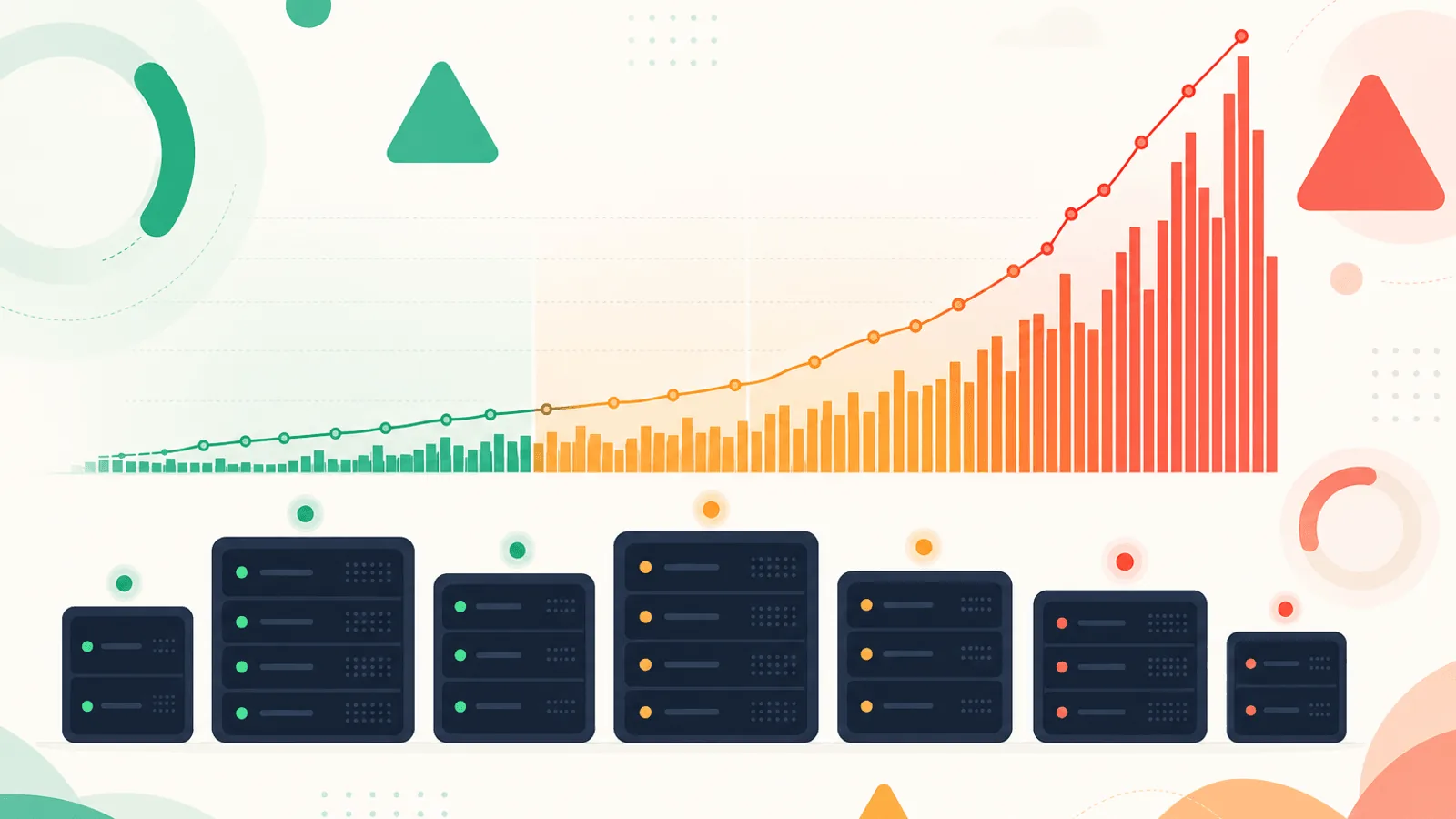
Short answer: Monitor 5xx responses as an error ratio, not a raw count: 5xx responses / eligible requests. Alert on sustained user impact and fast error-budget burn, then break the rate down by route, release, region, and upstream to isolate the cause. This applies Google SRE’s guidance to prioritize user-facing errors; see the 5xx code guide and Google SRE monitoring chapter.
A 200 means "everything worked." A 5xx means "I tried and failed." Between those two responses is almost every production incident you'll ever debug.
The first time you ship a real service, you set up an alert: "page me if there's a 500." It fires constantly. A buggy request from one user trips it. A bot scraper. A scheduled job that's been broken for months and nobody noticed. After two weeks you mute the alert, and a month later you have an actual outage that nobody sees for forty minutes because the 5xx alert is "noisy."
5xx errors aren't binary — "did one happen?" is the wrong question. The right question is "how is the rate trending, and is the rate above what's normal for this endpoint right now?" Done well, 5xx monitoring catches outages before customers complain, separates app bugs from infrastructure failures, and surfaces deploys that introduce regressions within seconds.
This guide covers what each 5xx code actually signals, how to alert on error rates instead of error counts, and how to build a 5xx playbook that fires when something is genuinely wrong and stays quiet when it isn't.
What Each 5xx Code Actually Means
Before you can alert on them, you need to know what each code is telling you. The codes carry information; flattening them all into "5xx" loses signal.
500 Internal Server Error
The generic "something went wrong inside the app." A bug, an unhandled exception, a database error, a null pointer. Almost always an application-layer problem.
- Most common cause: uncaught exception in your code
- Who fixes it: the team that owns the failing endpoint
- Speed of fix: a deploy or a rollback
502 Bad Gateway
A reverse proxy or load balancer (Nginx, HAProxy, AWS ALB, Cloudflare) tried to forward a request upstream and got nothing useful back — the upstream returned an empty response, an invalid response, or refused the connection.
- Most common cause: an upstream service crashed, restarted, or its connection pool is exhausted
- Common during: deploys, OOM kills, app process crashes
- Who fixes it: infrastructure or the upstream service team
- Often correlates with: a deploy that just rolled out
503 Service Unavailable
The server is up but is deliberately not serving requests right now. Could be intentional (maintenance mode, graceful shutdown drain, rate limit) or unintentional (auto-scaling group is empty, all instances marked unhealthy by health checks).
- Most common cause: load balancer has no healthy instances, or the app is in maintenance mode
- Speed of fix: as fast as a new instance can be brought up
- Often correlates with: deploys, autoscaling events, or health check failures
504 Gateway Timeout
A proxy waited longer than its configured timeout for the upstream to respond. The request never returned in time.
- Most common cause: a slow database query, an external API hang, or a runaway request
- Who fixes it: depends on root cause — app team if it's a slow query, infra if it's a network issue
- Often correlates with: rising p95/p99 latency on the same endpoint
Cloudflare and proxy-specific codes
If you sit behind Cloudflare, Fastly, or another edge network, you'll see codes that don't come from your origin:
- 520 Web Server Returned an Unknown Error — Cloudflare got something it couldn't parse from your origin
- 521 Web Server Is Down — Cloudflare can't reach your origin at all
- 522 Connection Timed Out — Cloudflare tried to connect to your origin but timed out
- 523 Origin Is Unreachable — DNS or routing problem between Cloudflare and your origin
- 524 A Timeout Occurred — Cloudflare connected to origin but the response took longer than ~100 seconds
These mean "your edge can't reach your origin" — a different incident than "your origin returned 500." Alert on them separately.
For a full status code reference, see HTTP Status Codes Explained: A Monitoring Guide.
Rate, Not Count: The Single Most Important Idea
The most common 5xx monitoring mistake is alerting on counts. "Page me if there are more than 10 errors in 5 minutes" sounds reasonable until your traffic 10x's during a marketing campaign and 10 errors per 5 minutes is suddenly 0.001% of requests — totally normal background noise.
Alert on the rate of 5xx responses, not the count:
- 5xx rate =
5xx responses / total responsesover a window - A 1% sustained 5xx rate means roughly 1 in every 100 user requests fails
- A 5% 5xx rate is a serious incident
- A 50% 5xx rate is most of your users experiencing an outage
Rate scales with traffic. Count doesn't. If your alert thresholds were valid at 100 RPS, they'll be wrong at 10 RPS and wrong again at 10,000 RPS — unless you switch to rates.
Rate by code, not lumped together
Don't alert on overall 5xx rate alone. The codes mean different things and a mix of 1% 500s plus 2% 502s is a very different incident than 3% straight 502s. Track each code separately:
- 500 rate — app bug indicator
- 502 + 504 rate — upstream / network indicator
- 503 rate — capacity / health-check indicator
- 520-524 rate — edge-to-origin indicator (if applicable)
A single dashboard panel split by code answers "where is the failure?" in two seconds.
Rate per endpoint
Aggregate rates hide localized failures. If 100% of /api/checkout returns 500 but the homepage is fine, your overall 5xx rate is 0.1% — barely above noise — but checkout is completely broken.
Track per-endpoint error rates for at least:
- Critical user-facing pages (homepage, login, signup, checkout)
- Critical API endpoints (the ones mobile apps and integrations call)
- Anything that handles payment, authentication, or order processing
See REST API Monitoring: Endpoints, Errors, and Performance for endpoint-level monitoring patterns.
Setting Thresholds That Catch Real Incidents
There's no universal 5xx threshold. The right number depends on your traffic volume, the criticality of the endpoint, and how noisy your baseline is. But these patterns work for most production services.
Baseline first
Before you set a threshold, measure your baseline error rate. Look at the past 30 days:
- What's the median 5xx rate? (Probably 0.01–0.1% for a healthy service)
- What's the 99th percentile of the per-minute rate? (Your peaks during normal operation)
- Are there time-of-day patterns? (Some services have predictable cron-driven spikes)
Your alert thresholds should be multiples of the baseline, not arbitrary numbers.
Three-tier alerting
A single threshold either misses real problems or pages you for noise. Tier your alerts:
- Warning (notify a channel, don't page): 3× baseline sustained for 5 minutes, OR 1% sustained for 5 minutes (whichever is higher)
- Critical (page on-call): 10× baseline OR 5% sustained, for 3 minutes
- Emergency (page everyone): 20× baseline OR 20% sustained, for 1 minute
The "sustained" durations matter. A single spike that lasts 30 seconds is rarely actionable — by the time someone looks, it's gone. A 3-minute sustained spike is real and worth interrupting someone for.
Per-code thresholds
Different codes warrant different urgency:
- 500 rate > 1%: serious — your app is broken for users
- 502/504 rate > 0.5%: serious — your infrastructure is broken
- 503 rate > 5%: less urgent if expected (maintenance), critical if not
- 521-524 rate (edge errors) > 0.5%: page immediately — edge-to-origin failure means users can't reach you
Deploy-aware thresholds
Most 5xx spikes correlate with deploys. Make your alerting deploy-aware:
- Tighten thresholds during the 10 minutes after a deploy (e.g., page on 1% 5xx for 2 minutes, vs the usual 3 minutes)
- Tag the deploy in your alerting so the on-call response includes "deploy X went out at Y:ZZ"
- Auto-rollback triggers can use the same 5xx rate signal if you trust your CI
See Alert Fatigue: Notifications That Get Acted On for the broader principles.
Distinguishing App Bug vs Infra Failure vs Upstream Dependency
When 5xx rate climbs, the next question is "what kind of failure?" The code itself gives the first clue:
| Pattern | Likely cause | First check |
|---|---|---|
| Sudden 500 rise after deploy | App bug in new code | Rollback or check error logs for new stack traces |
| 502 across many endpoints simultaneously | Upstream process crash, OOM, deploy mid-flight | Process status on app servers, restart count, recent deploys |
| 503 from load balancer | No healthy instances | Health check status, autoscaling events |
| 504 with rising latency | Slow downstream — DB, cache, external API | Database slow query log, TTFB trends |
| 521/522/523 from edge | Origin unreachable from CDN | Origin DNS, firewall rules, origin server status |
| Single-endpoint 500 rise | Endpoint-specific bug | Recent changes to that handler, request payload patterns |
| All-endpoint 5xx rise without deploy | Shared infra failure (DB, queue, cache) | Database availability, cache hits, queue health |
When the pattern is ambiguous, two correlations help:
- Recent deploys — a 5xx spike within minutes of a deploy is almost always the deploy
- Latency correlation — rising p95/p99 alongside 504s points to a slow downstream
Handling 502 Cascades from Load Balancers
A specific failure mode that catches teams off guard: 502 cascades.
The pattern: one upstream instance crashes. The load balancer marks it unhealthy and routes traffic to the remaining instances. Each remaining instance now handles slightly more load. Under that extra load, another instance hits a memory limit or connection limit and crashes. The load balancer marks it unhealthy. Now even fewer instances are handling even more load. Within minutes, every instance has crashed.
You see this on your dashboards as:
- 502 rate climbing in steps (each crash adds another step)
- Active instance count dropping
- Memory or CPU on remaining instances climbing rapidly
Your monitoring should catch the first crash, not the cascade:
- Alert on a single instance becoming unhealthy if your fleet is small (fewer than 5 instances)
- Alert on instance count dropping below a threshold for your scale
- Alert on per-instance memory or CPU climbing past 80% (the cascade is forming)
The fix is usually:
- Stop the bleeding — scale up the fleet manually if autoscaling isn't fast enough
- Identify the root cause — what made the first instance crash?
- Often: a memory leak, a runaway request, a connection pool exhaustion
On-Call Playbook for a Rising 5xx Rate
When the alert fires, you don't want to be deciding what to do. Have a playbook ready.
The first 60 seconds
- Confirm the alert is real — open your monitoring dashboard, look at the 5xx rate by code
- Check the deploy timeline — did anything ship in the last 15 minutes?
- Check the status pages of your critical dependencies (database provider, payment gateway, CDN)
- Look at which endpoints are affected — all of them, or one specific route?
The first 5 minutes
- If it correlates with a deploy, the default action is rollback first, debug later
- If it's localized to one endpoint, check recent code changes to that route
- If it's infrastructure-shaped (502/503/504 across endpoints), check infrastructure health — instance count, database, cache, queue
- Communicate: post in your incident channel with what you're seeing
The first 30 minutes
- Once symptoms stop, document what happened in your incident channel — even before the post-mortem
- Capture the dashboards showing the 5xx rate climb and recovery — they'll be in the post-mortem
- Note the time-to-detection (alert fire vs incident start) and time-to-mitigation (alert fire vs symptoms stopping)
See Incident Runbook Template: Build Reusable Response Plans for the playbook structure and Reduce MTTR: A Guide to Faster Incident Recovery for the metrics that matter.
Sampling vs Full Logging
You can't store every request log forever. But you can't alert on errors you don't see. The tradeoff:
- Full logging (every request, every response) — best for incident debugging, expensive at scale
- Sampling (e.g., 1% of successful requests + 100% of errors) — keeps cost down, keeps all the signal
- Aggregation-only (counts and rates, no individual logs) — cheapest, but you can't drill into "what did this specific failed request look like?"
For 5xx monitoring specifically, log 100% of 5xx responses with full detail (status code, endpoint, user ID if available, request ID, response time, upstream service if applicable). Sample 200s if storage is a concern.
The reason: when you're debugging an incident, you need every failed request. You don't need every successful one.
What to Include in Each 5xx Log Entry
The bare minimum for useful 5xx logs:
- Timestamp with millisecond precision
- Status code (the specific 5xx, not just "5xx")
- Endpoint / route (the path pattern, not just the full URL)
- HTTP method
- Response time (helps separate timeout-shaped errors from instant errors)
- Upstream identifier if behind a proxy (which backend instance handled this)
- Request ID (so you can correlate across logs and traces)
- User or session ID if available (helps identify if it's user-specific)
- Error category (for app-generated errors: "database_timeout", "validation_failed", "auth_required", etc.)
- Stack trace for 500s (or a reference to where the trace is stored)
Anything more is nice. Anything less makes incidents harder to debug.
External Uptime Monitoring as a Backup
In-app error tracking has a blind spot: it can't see errors when your app isn't running. If the process crashes, the load balancer can't reach it, or DNS breaks, your app never sees the request — and therefore never logs the failure.
External uptime monitoring catches this. A monitor running from outside your infrastructure hits your endpoints on a schedule and records what it sees:
- A 5xx response — your app is up but failing
- A connection refused — your process or load balancer is down
- A DNS resolution failure — your DNS is broken
- A certificate error — your SSL is broken
- A timeout — your service is too slow to respond at all
The external view also reveals issues your in-app monitoring will never see: edge errors (520-524), DNS failures, certificate expiry, regional reachability problems.
For more on the layered approach, see API Uptime Monitoring with Health Checks.
5xx Monitoring Checklist
For every production service:
- 5xx responses logged at 100% (don't sample errors)
- Each 5xx log includes endpoint, method, code, response time, request ID, and (where possible) user/session ID
- Rate-based alerts, not count-based
- Per-code rate dashboards (500 vs 502 vs 503 vs 504, plus edge codes if applicable)
- Per-endpoint rate tracking for critical user flows
- Three-tier alerts: warning, critical, emergency, each with explicit thresholds and durations
- Deploy-correlated alerting (tighter thresholds in the 10 minutes after a deploy)
- External uptime monitoring as a backup view from outside your infrastructure
- Cascade detection (alert when instance count drops or per-instance load climbs sharply)
- On-call playbook with the first-60-seconds and first-5-minutes steps documented
- Monthly review of false-positive vs true-positive alerts; tune thresholds
Practical monitoring baseline
- Define the denominator and exclusions so retries, probes, and canceled work do not distort the rate.
- Use a short fast-burn alert plus a longer slow-burn alert instead of one brittle threshold.
- Attach route, release, region, dependency, and trace exemplars to the incident view.
How Webalert Helps Monitor 5xx Errors
Webalert is an external view that catches what your in-app monitoring can't:
- HTTP/HTTPS uptime checks — Detect endpoints returning an unhealthy response instead of expected content
- Per-endpoint monitoring — Track the homepage, checkout, login, and API endpoints independently
- Multi-region checks — Confirm reachability from Webalert's US, EU, and APAC regions; add other probe locations if your users require them
- Response time alerts — Catch the 504-shaped failure where a request hangs instead of erroring fast
- Multi-channel alerts — Email and Slack on all plans; SMS, webhooks, Discord, and Microsoft Teams on paid plans
- Status page — Communicate an endpoint incident when its monitor is down
- 1-minute check intervals — Detect issues within a minute of occurrence
Webalert's canonical pages do not list per-code or percentage-based 5xx alert rules. Keep those rate and code breakdowns in application, edge, or log telemetry, and see features and pricing for current Webalert boundaries.
Summary
- 5xx codes carry information. Treat 500, 502, 503, 504, and edge codes (520-524) as distinct signals — they fail for different reasons and need different responses.
- Alert on rate, not count. Rate scales with traffic and stays meaningful as your service grows.
- Track per-code and per-endpoint rates separately. Aggregate rates hide localized failures.
- Set thresholds as multiples of your baseline, tiered for warning / critical / emergency, with sustained-duration requirements to filter noise.
- Most 5xx spikes correlate with a deploy — make alerting and on-call playbooks deploy-aware.
- Watch for 502 cascades: a single instance crash that takes down the rest of the fleet in minutes.
- Use external uptime monitoring alongside in-app logging — they catch different failure modes.
A 5xx alert that fires once a week and is always correct is more valuable than one that fires twenty times a week and is mostly noise. The goal isn't fewer errors. The goal is faster, more confident responses to the ones that matter.