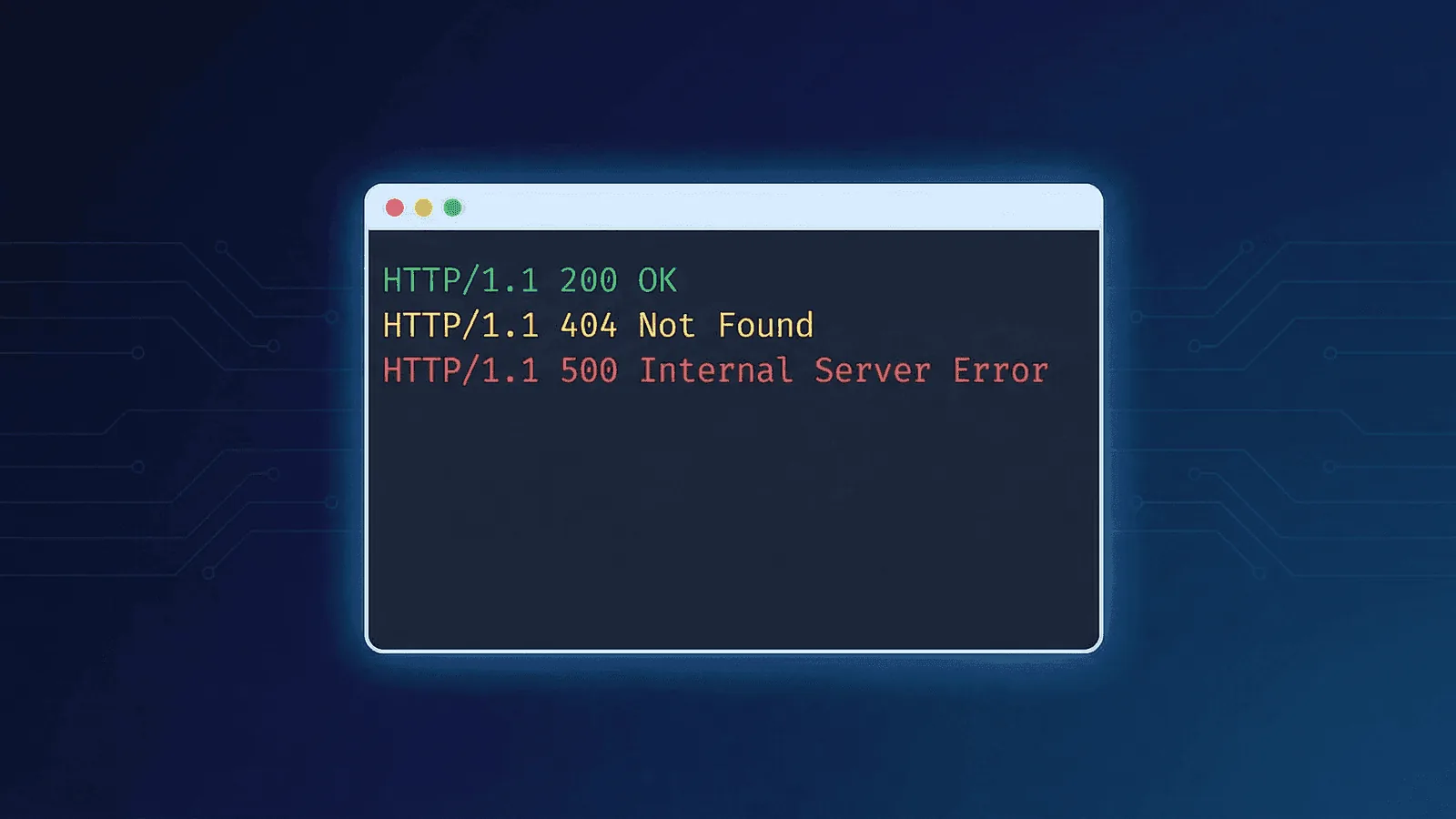
Short answer: HTTP status codes describe the outcome and semantics of one response: 1xx is informational, 2xx successful, 3xx redirection, 4xx a client-attributed failure, and 5xx a server-attributed failure. Monitoring should assert the codes valid for each method and endpoint rather than assuming only 200 is healthy. Use the focused 3xx, 4xx, and 5xx guides with RFC 9110.
Every time a browser requests a page, the server responds with a three-digit number. That number — the HTTP status code — tells the client exactly what happened: success, redirect, client mistake, or server failure.
If you run a website, API, or online service, understanding these codes is essential. They're the language your server speaks, and they're the foundation of how uptime monitors decide whether your site is healthy or broken.
This guide covers every status code category, the most important codes you'll encounter, and what each one means for monitoring.
What Do HTTP Status Codes Mean?
An HTTP status code is a three-digit response issued by a web server for every request it receives. The first digit defines the category:
| Range | Category | Meaning |
|---|---|---|
| 1xx | Informational | Request received, processing continues |
| 2xx | Success | Request was received, understood, and accepted |
| 3xx | Redirection | Further action needed to complete the request |
| 4xx | Client Error | The request contains bad syntax or cannot be fulfilled |
| 5xx | Server Error | The server failed to fulfill a valid request |
The key insight: 2xx means things are working. 4xx means the client did something wrong. 5xx means your server has a problem.
1xx — Informational Responses
These codes indicate the server received the request and is continuing to process it. You'll rarely see these in practice, but they exist in the protocol.
100 Continue
The server received the request headers and the client should proceed to send the body. Used in large file uploads where the client wants confirmation before sending data.
101 Switching Protocols
The server is switching to a different protocol as requested by the client. Most commonly seen when upgrading an HTTP connection to a WebSocket connection.
103 Early Hints
Allows the server to send preliminary headers before the final response. Used to let the browser start preloading resources (like CSS or fonts) while the server prepares the full response.
Monitoring impact: 1xx codes are intermediate responses. Your monitoring tool should never see these as final responses — if it does, something is misconfigured.
2xx — Success
These are the codes you want to see. They mean the request was successfully received, understood, and accepted.
200 OK
The standard success response. The request succeeded, and the server returned the requested content. This is what your uptime monitor checks for on every request.
201 Created
The request succeeded and a new resource was created. Common in APIs after a successful POST request (e.g., creating a new user or record).
204 No Content
The request succeeded but there's no content to return. Often used for DELETE requests or form submissions where no response body is needed.
206 Partial Content
The server is returning only part of the resource, as requested by the client using a Range header. Used in video streaming and large file downloads.
Monitoring impact: A 200 response is the gold standard for uptime checks. If your monitor expects 200 and gets anything else, that's worth investigating. For API endpoints, 201 and 204 can also be valid success responses — configure your monitor accordingly.
3xx — Redirection
These codes tell the client the resource has moved and it needs to look somewhere else.
301 Moved Permanently
The resource has been permanently moved to a new URL. Search engines transfer the old URL's ranking to the new one. Browsers and clients should use the new URL going forward.
302 Found (Temporary Redirect)
The resource is temporarily at a different URL. The client should continue using the original URL for future requests.
304 Not Modified
The resource hasn't changed since the last request. The client can use its cached version. This saves bandwidth and speeds up page loads.
307 Temporary Redirect
Similar to 302, but guarantees the HTTP method won't change. If the original request was POST, the redirect will also be POST.
308 Permanent Redirect
Similar to 301, but guarantees the HTTP method won't change. The permanent version of 307.
Monitoring impact: Redirects are tricky for monitoring. A 301 or 302 might be perfectly normal (e.g., redirecting HTTP to HTTPS), but it could also mean a misconfiguration. Most uptime monitors follow redirects automatically and check the final response — make sure yours does. An unexpected redirect chain (3+ hops) or redirect loop will degrade performance and hurt SEO; test any URL's complete redirect path with our free redirect checker.
4xx — Client Errors
These codes mean the request was malformed or unauthorized. The problem is on the client's side — but that doesn't mean you can ignore them.
400 Bad Request
The server can't understand the request due to invalid syntax. In APIs, this often means the request body is malformed or required parameters are missing.
401 Unauthorized
The request requires authentication. The client hasn't provided credentials, or the credentials are invalid. Different from 403 — here the client could potentially authenticate and retry.
403 Forbidden
The server understood the request but refuses to authorize it. The client's identity is known, but they don't have permission. No amount of re-authentication will help.
404 Not Found
The most famous error code. The requested resource doesn't exist on the server. This could mean a broken link, a deleted page, or a typo in the URL.
405 Method Not Allowed
The HTTP method used (GET, POST, PUT, etc.) isn't supported for the requested resource. For example, trying to POST to a read-only endpoint.
408 Request Timeout
The server timed out waiting for the client to finish sending the request. Different from a server-side timeout — this means the client was too slow.
429 Too Many Requests
The client has sent too many requests in a given time period (rate limiting). Common in APIs that enforce usage limits.
Monitoring impact: 4xx codes on your public pages are a problem worth tracking. A spike in 404s might mean broken links after a deployment. A 401 on a public page means something is misconfigured. However, some 4xx responses are expected (e.g., 404 for unknown paths). Configure your monitors to check specific URLs you control, not random paths.
5xx — Server Errors
These are the codes that wake you up at night. They mean your server received a valid request but failed to process it.
500 Internal Server Error
The catch-all server error. Something went wrong, but the server can't be more specific. Often caused by unhandled exceptions, application crashes, or misconfigured server software.
502 Bad Gateway
The server acting as a gateway or proxy received an invalid response from an upstream server. Common when your reverse proxy (Nginx, Cloudflare) can't reach your application server.
503 Service Unavailable
The server is temporarily unable to handle the request. Usually means the server is overloaded or undergoing maintenance. Often paired with a Retry-After header.
504 Gateway Timeout
The server acting as a gateway didn't receive a timely response from the upstream server. Similar to 502, but specifically a timeout rather than an invalid response. Common during high traffic or when backend services are slow.
520–527 (Cloudflare-specific)
If you use Cloudflare, you may see custom 5xx codes. For example, 520 means Cloudflare received an unexpected response from your origin server, and 522 means Cloudflare couldn't reach your server (connection timed out).
Monitoring impact: Any 5xx code is a serious incident. Your monitoring should alert immediately on any 5xx response. The specific code helps you diagnose the issue:
| Code | Likely cause | Where to look |
|---|---|---|
| 500 | Application crash | Application logs, recent deployments |
| 502 | App server unreachable | Process manager, app server status |
| 503 | Server overloaded | CPU/memory usage, request queue |
| 504 | Upstream timeout | Database queries, external API calls |
If your users report 5xx errors or timeouts, you can instantly verify whether your server is down globally or just experiencing localized issues using our free website down checker.
What Status Codes Mean for Uptime Monitoring
Not all status codes are created equal when it comes to monitoring. Here's how to think about them:
Codes that should trigger alerts
- 5xx (any) — Your server is broken. Alert immediately.
- Unexpected 4xx on known URLs — A 404 on your homepage means something is very wrong.
- Unexpected 3xx — If your homepage suddenly redirects to an error page, you need to know.
Codes that are usually fine
- 200 — Everything is working.
- 301/302 — Normal redirects (HTTP→HTTPS, www→non-www).
- 304 — Cached content, perfectly healthy.
Codes that need context
- 401/403 — Fine on protected endpoints, a problem on public pages.
- 429 — Rate limiting is working, but if your own monitoring is being rate-limited, reduce check frequency or whitelist the monitoring IP.
- 503 — Could be planned maintenance (fine) or an unexpected outage (alert).
False positives to watch for
Monitoring tools can sometimes report misleading status codes:
- A 301 redirect isn't downtime — it's working as intended. Make sure your monitor follows redirects.
- A 403 from a WAF might block your monitoring requests. Whitelist your monitoring service's IPs.
- A 429 rate limit on your own monitor means you're checking too aggressively.
- Intermittent 502s during deployments might be normal if you don't use zero-downtime deploys.
How to Monitor HTTP Status Codes Effectively
1. Check the right URLs
Monitor the pages that matter: your homepage, key landing pages, API health endpoints, checkout flow, and login page. Don't just monitor the root URL — a healthy homepage doesn't mean your API is working.
2. Validate the full response
Don't just check for "not 5xx." Validate that you get the expected status code (usually 200) and optionally check for expected content in the response body. This catches cases where a page returns 200 but shows an error message.
3. Check from multiple locations
A 502 error might only appear from certain regions if the issue is with a specific CDN edge node or data center. Multi-region monitoring catches problems that single-location checks miss.
4. Set up tiered alerting
- 5xx errors: Alert immediately via SMS/Slack/call.
- Unexpected 4xx: Alert via email or Slack — investigate soon, but it's not always urgent.
- High response times: Warn early so you can act before it becomes a 504 timeout.
5. Track trends over time
A single 500 error might be a blip. A rising trend of 502s over a week means your infrastructure is degrading. Response time graphs help you spot problems before they become outages.
Practical monitoring baseline
- Define allowed status codes by HTTP method and operation, including legitimate 201, 202, 204, and 3xx cases.
- Treat unexpected redirects and branded error pages as failures even when the terminal response is 200.
- Trend 4xx and 5xx by normalized route and release; alert on user-impacting rates, not isolated responses.
How Webalert Handles Status Codes
Webalert monitors your URLs and validates the HTTP status code on every check:
- Expected status code validation — Set the expected code (200, 201, 301, etc.) and alert when the response doesn't match.
- Smart redirect following — Follows redirect chains and validates the final response, so legitimate redirects don't trigger false alarms.
- Response body checks — Optionally verify that the page contains expected text, catching soft failures where the status code is 200 but the content is wrong.
- Multi-region checks — Runs from multiple global locations so you catch region-specific issues.
- Instant alerts — Get notified via email, SMS, Slack, Discord, or webhooks the moment a check returns an unexpected status code.
- Response time tracking — See how long each request takes, and get alerted when response times cross your threshold — before they become timeouts.
See features and pricing for the full monitoring capabilities.
Quick Reference Table
| Code | Name | Category | Alert? |
|---|---|---|---|
| 200 | OK | Success | No — this is healthy |
| 201 | Created | Success | No |
| 301 | Moved Permanently | Redirect | Only if unexpected |
| 302 | Found | Redirect | Only if unexpected |
| 400 | Bad Request | Client Error | If on your own pages |
| 401 | Unauthorized | Client Error | If on public pages |
| 403 | Forbidden | Client Error | If on public pages |
| 404 | Not Found | Client Error | If on known URLs |
| 429 | Too Many Requests | Client Error | Review rate limits |
| 500 | Internal Server Error | Server Error | Yes — immediately |
| 502 | Bad Gateway | Server Error | Yes — immediately |
| 503 | Service Unavailable | Server Error | Yes — immediately |
| 504 | Gateway Timeout | Server Error | Yes — immediately |
Summary
HTTP status codes are the simplest and most reliable signal of your website's health. Every monitoring strategy starts here:
- 2xx = healthy. Your site is responding correctly.
- 3xx = redirection. Usually fine, but validate redirect chains.
- 4xx = client error. Track them on your own pages to catch broken links and misconfigurations.
- 5xx = server error. Alert immediately and investigate.
The goal of monitoring isn't just to know your site is "up." It's to know exactly how it's responding and to catch problems before your users do.