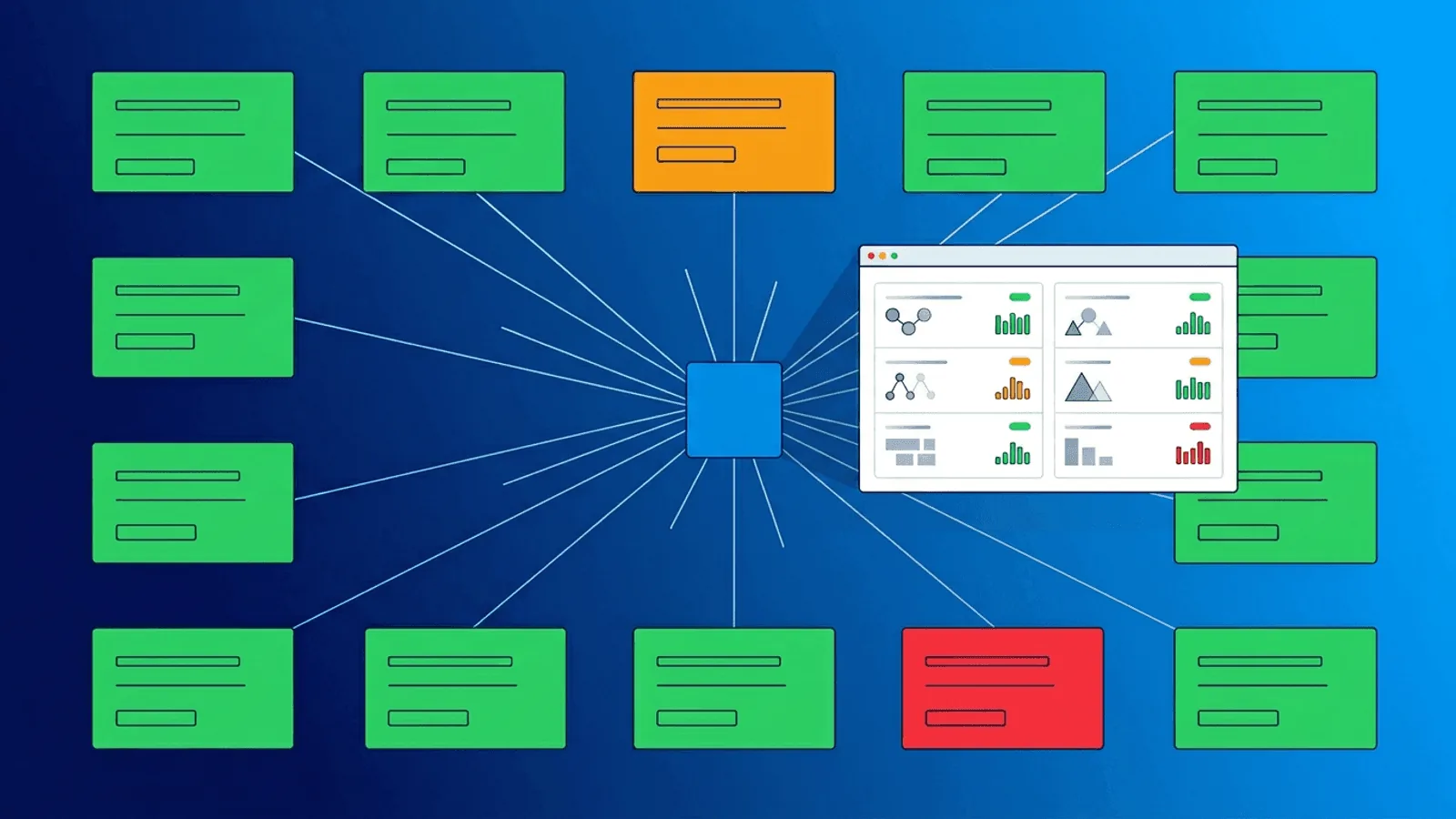
A global availability number can hide failures limited to one shard, region, plan, feature-flag cohort, identity configuration, or webhook destination. Multi-tenant monitoring needs enough dimensions to find that blast radius without turning every tenant ID into an unbounded metric or public probe.
This guide explains how to monitor multi-tenant SaaS platforms so you detect per-customer issues, isolate noisy neighbors, and deliver the uptime each tier expects.
Why Global Monitoring Is Not Enough for Multi-Tenant
Traditional monitoring answers: "Is the service up?"
Multi-tenant monitoring needs to answer: "Is the service working correctly for each customer segment?"
The difference matters because multi-tenant platforms share resources:
- Shared databases — One tenant's heavy query can degrade response times for others
- Shared compute — CPU or memory exhaustion by one tenant affects co-located tenants
- Shared queues — A burst of events from one customer can delay processing for everyone
- Shared network — Bandwidth saturation or connection pool exhaustion impacts all tenants
- Shared caches — One tenant's cache eviction pattern can thrash the cache for others
A global health check returns 200 OK while specific tenants experience timeouts, stale data, or failed operations.
Failure Modes Unique to Multi-Tenant Architectures
| Failure Mode | What Happens | Who Is Affected |
|---|---|---|
| Noisy neighbor (CPU/memory) | One tenant's workload consumes shared resources | Co-located tenants |
| Database connection exhaustion | Connection pool saturated by high-usage tenant | All tenants on same DB |
| Queue backlog | Burst of events from one tenant delays processing | All tenants sharing the queue |
| Cache thrashing | One tenant's access pattern evicts other tenants' cached data | Tenants with lower request volume |
| Migration/schema drift | Tenant-specific data migration fails or runs long | Individual tenant |
| Rate limit misconfiguration | Limits too generous for one tenant, too strict for another | Affected tenants |
| Feature flag per tenant | New feature enabled for specific tenant causes errors | Targeted tenants only |
| Regional routing | Tenant routed to degraded region or pod | Tenants in that region |
These failures share a common trait: global checks miss them.
What to Monitor in a Multi-Tenant Platform
1) Tenant-aware canaries
Do not expose GET /health/tenant/{tenant_id} publicly: it invites tenant enumeration and can bypass normal authorization paths. Use authenticated synthetic accounts in controlled canary tenants that represent each isolation boundary. Verify:
- Database connectivity for the tenant's data store
- Cache availability for the tenant's namespace
- Queue processing status for the tenant's events
- Representative feature-flag and entitlement behavior
Select canaries by shard, region, plan, identity mode, and major architecture path. Rotate or expand them when placement changes. Use production telemetry to detect the long tail between canaries.
2) Per-cohort synthetic checks
Plan is only one cohort dimension. Group checks by architecture and customer experience:
- Free tier — Basic read operations, rate-limited paths
- Pro tier — Full CRUD operations, API access, integrations
- Enterprise or custom topology — SSO login, dedicated resources, and contracted paths
Monitor each tier separately. An issue affecting only free-tier users still matters for conversion, and an enterprise-tier degradation directly risks revenue.
3) Isolation-boundary resource monitoring
Monitor the boundaries where tenant isolation can fail:
- Database connections — Track pool utilization per tenant or shard
- Memory and CPU — Attribute by namespace, workload class, shard, or sampled tenant where the platform supports it
- Queue delay — Track oldest-job age and processing latency by queue/shard, with tenant drill-down from traces or logs
- Rate limits — Monitor rate limit hits per tenant to detect misconfigurations
- Storage — Track per-tenant storage consumption against quotas
When isolation boundaries are stressed, alert before they break.
4) Noisy-neighbor detection
Detect when one tenant's behavior degrades service for others:
- Track latency and errors by isolation boundary and high-value cohort
- Use exemplars, traces, or sampled logs to recover tenant detail without permanently storing every tenant as a metric label
- Correlate one workload's demand with co-located tenants' latency, throttling, and saturation
Protect tenant IDs as sensitive operational data. Hash or map identifiers where dashboards do not need customer names, and enforce access controls.
5) Background jobs and webhooks
Many SaaS platforms process tenant events asynchronously:
- Data imports
- Report generation
- Webhook delivery
- Email notifications
- Billing calculations
Monitor queue delay by isolation boundary and completion outcomes by tenant in logs or traces. For webhooks, record destination-independent stages: queued, attempted, acknowledged, retried, dead-lettered, and end-to-end age. A global worker heartbeat misses failures such as:
- Tenant's webhook endpoint unreachable, causing retry backlog
- Tenant's data import stuck on malformed data
- Tenant's report generation exceeding timeout
SLOs by customer experience
Derive SLOs from product commitments and user expectations, not a generic plan table. Define the SLI numerator, denominator, exclusions, window, and source of truth for each contracted experience. Google's SLO guidance recommends a small number of representative indicators; too many dilute attention.
Use error-budget burn to route alerts: page when a fast or sustained burn threatens the objective, ticket slower degradation, and retain tenant/shard dimensions for diagnosis. A free-tier incident can still be broad and urgent, while one enterprise customization failure may need account-specific escalation rather than a global page.
Alerting Strategy for Multi-Tenant Platforms
Tier-based routing
Route alerts based on affected tenant tier:
- Enterprise: Page on-call immediately, notify account manager
- Pro: Alert engineering team, respond within SLA
- Free: Log and review in next business-hours triage
Scope-based escalation
Determine blast radius before escalating:
- Single tenant — Investigate tenant-specific cause first
- Multiple tenants on same shard/region — Likely infrastructure issue, escalate
- All tenants — Global incident, full response
Context in alerts
Include tenant context in every alert:
- Tenant ID and name
- Tier level
- Affected region/shard
- Current error rate and latency vs baseline
- Number of co-located tenants potentially affected
Without this context, responders waste time determining scope.
Tenant-aware incident communication
Options:
- Public global status page — Shows platform-wide incidents
- Tier-filtered status page — Shows incidents relevant to the customer's tier
- Per-customer status page — Shows only components the customer uses
- Private status page — Password-protected, shows customer-specific SLA metrics
Publish only the scope you can maintain accurately. Avoid revealing tenant names, placement, or incidents to other customers. When a tenant-specific channel is required, enforce authentication and use the same incident source of truth as internal response.
Implementation sequence
- Map tenant placement and failure boundaries: region, shard, queue, cache, feature cohort, and identity mode.
- Create controlled canary tenants for each materially different path.
- Add low-cardinality metrics by isolation boundary, then retain tenant detail in protected logs or traces.
- Track asynchronous age and outcomes, including webhook retries and dead letters.
- Define experience-based SLIs, objectives, and burn alerts.
- Route alerts with tenant, cohort, placement, release, and estimated blast radius.
- Build global and authenticated customer communication from the same incident data.
- Re-evaluate canary placement and label cardinality as tenants move or architecture changes.
How Webalert Helps
Webalert helps multi-tenant SaaS teams monitor per-customer reliability:
- HTTP/HTTPS checks using authenticated synthetic canary tenants from relevant regions
- Content validation to verify per-tenant response correctness
- Response time monitoring with per-endpoint latency tracking
- Heartbeat monitoring for tenant-specific background jobs and processors
- Multi-channel alerts — Email, SMS, Slack, Discord, Teams, webhooks
- On-call scheduling — Route enterprise-tier alerts to the right responder
- Status pages — Public and private status pages for customer communication
- Multiple monitors per service — Separate checks by region, architecture path, or customer cohort
See features and pricing for details.
Summary
- Global uptime checks hide tenant-specific failures in multi-tenant SaaS.
- Monitor per-tenant health, per-tier synthetic flows, and isolation boundaries.
- Detect noisy neighbors by correlating per-tenant latency with resource consumption.
- Define SLOs per tier and alert accordingly — enterprise gets immediate response, free tier gets batched review.
- Include tenant context (ID, tier, region, blast radius) in every alert.
- Offer status pages that match customer expectations by tier.
Multi-tenant reliability is not about one uptime number. It is about ensuring every customer segment gets the experience they are paying for.