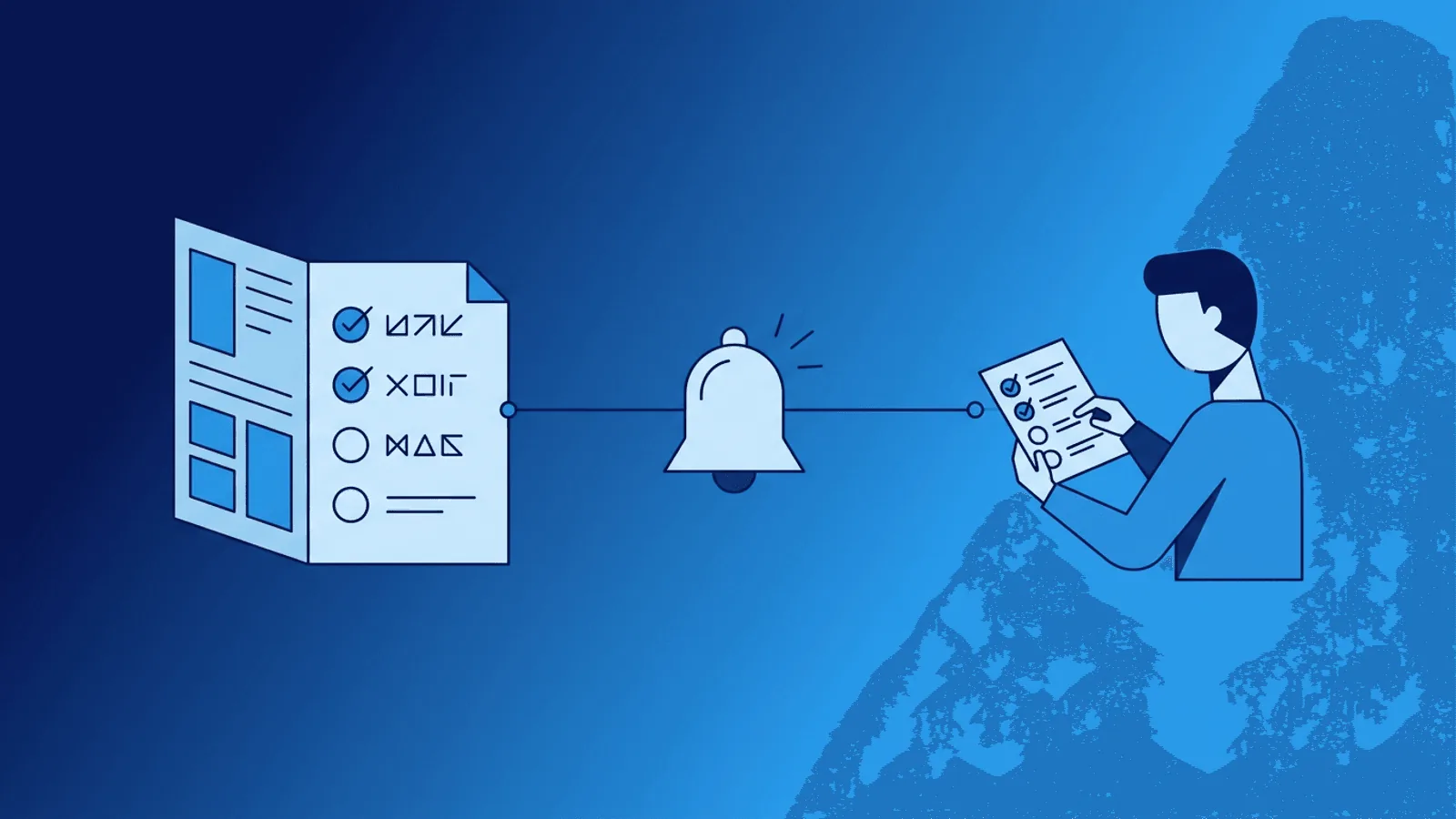
An incident runbook is a tested procedure for one alert or failure mode. It tells the responder how to confirm impact, gather evidence safely, mitigate, roll back, escalate, validate recovery, and preserve an audit trail.
This guide provides a copy-ready structure and three concrete examples. It complements the incident response process; it does not replace an incident commander or judgment during an unfamiliar failure.
What Is a Runbook?
A runbook is a documented procedure for handling a specific operational scenario. It answers: "When X happens, do Y."
Good runbooks are:
- Specific — One runbook per alert or failure mode, not a general troubleshooting guide
- Actionable — Step-by-step commands and decisions, not abstract advice
- Current — Updated after every incident that reveals gaps
- Accessible — Linked directly from alert notifications, not buried in a wiki
- Tested — Verified periodically so steps still work
A runbook is not a post-mortem, an architecture document, or a knowledge base article. It is a procedure to follow under pressure.
Runbook Structure Template
Every runbook should follow a consistent structure so engineers can navigate it quickly during incidents:
Header
- Title: Clear description of the scenario (e.g., "Database Connection Pool Exhausted")
- Severity: Expected incident severity
- Owner: Team or person responsible for maintaining this runbook
- Last verified: Date the runbook was last tested or confirmed accurate
- Related alerts: Which monitoring alerts trigger this runbook
Symptoms
What does this failure look like? List observable signals:
- Alert name and message
- User-visible symptoms (slow pages, error messages, failed transactions)
- Dashboard indicators (metric spikes, log patterns)
Impact Assessment
Quick questions to determine scope:
- How many users are affected?
- Which services or features are impacted?
- Is data at risk?
- What is the revenue impact per minute?
Diagnostic Steps
Ordered steps to confirm the root cause:
- Check specific dashboard or metric
- Run specific command or query
- Verify specific log pattern
- Confirm or rule out specific hypothesis
Each step should include the exact command, URL, or query — not "check the database."
Resolution Steps
Ordered steps to fix the issue:
- Immediate mitigation (stop the bleeding)
- Root cause fix (if safe to apply now)
- Verification (confirm the fix worked)
Include exact commands with placeholders for environment-specific values. Mark any destructive or irreversible steps with warnings.
For each mutating step, include prerequisites, expected result, rollback, and who is authorized to run it. Prefer reversible mitigation before permanent repair; Google SRE advises rolling back unexpected rollout behavior before diagnosis when that safely reduces recovery time.
Escalation
When and how to escalate:
- If diagnostic steps do not identify the cause within X minutes, escalate to [team/person]
- If the fix requires access you do not have, contact [person/team]
- If user impact exceeds [threshold], trigger the full incident response process
Post-Incident
- Link to post-mortem template
- Update this runbook if any steps were wrong or missing
- File follow-up tickets for permanent fixes
Runbook Examples by Scenario
Example 1: High Error Rate on API
Symptoms: Monitoring alert for >5% 5xx error rate on /api/v2/* endpoints.
Diagnostic steps:
- Open API dashboard — check which endpoints have elevated errors
- Check recent deployments — was anything deployed in the last 30 minutes?
- Check downstream dependencies — are database, cache, or third-party APIs healthy?
- Check application logs for the most common error type
Resolution:
- If caused by recent deployment: roll back to previous version
- If caused by dependency failure: check dependency status page, enable circuit breaker if available
- If caused by traffic spike: verify auto-scaling, consider temporary rate limiting
Example 2: SSL Certificate Expiring
Symptoms: Monitoring alert for SSL certificate expiring within 7 days.
Diagnostic steps:
- Confirm which domain and certificate are affected
- Check if auto-renewal is configured
- Check renewal logs for errors
Resolution:
- If auto-renewal failed: manually trigger renewal via certificate manager
- If certificate is managed externally: contact the certificate provider
- Verify renewed certificate is serving correctly from all regions
Example 3: Scheduled Job Missed
Symptoms: Heartbeat monitoring alert — expected signal not received.
Diagnostic steps:
- Check if the job scheduler is running
- Check job logs for errors or timeouts
- Check if the job completed but failed to send the heartbeat signal
- Check resource availability (disk space, memory, queue depth)
Resolution:
- If scheduler stopped: restart the scheduler service
- If job timed out: investigate data volume or resource constraints
- If heartbeat endpoint changed: update the job's heartbeat URL
- Manually trigger the missed job if safe and idempotent
Writing Tips for Better Runbooks
Use exact commands, not descriptions
Bad: "Check the database connection count."
Good: "Run SELECT count(*) FROM pg_stat_activity WHERE state = 'active'; on the primary database. If count exceeds 90, proceed to resolution step 1."
Include expected output
After each diagnostic command, note what "normal" and "abnormal" results look like. The person running the command at 3 AM may not know the baseline.
Mark dangerous steps clearly
If a step can cause data loss, downtime, or is irreversible, make it unmistakable:
WARNING: This command will restart the production database. All active connections will be dropped. Only proceed if resolution steps 1-3 have failed.
Keep the main path short and decisions explicit
Use a short linear triage path, then explicit if / then / else branches with observable conditions. Split a branch into another runbook when it has a different owner, safety profile, or long procedure; do not force responders to guess which linear step applies.
Link to everything
Every tool reference should include a direct URL. Every credential reference should link to the secrets manager. Every dashboard mention should include the exact dashboard URL with relevant filters pre-applied.
Write for the newest team member
The person using this runbook might be a new hire on their first on-call shift. Do not assume knowledge of internal systems, shortcuts, or tribal knowledge.
Connecting Runbooks to Monitoring Alerts
The highest-value runbooks are the ones linked directly from alert notifications. When an engineer receives an alert, the runbook link should be one click away.
How to implement this
- For each monitoring alert, write a corresponding runbook
- Include the runbook URL in the alert notification template
- When the alert fires, the notification contains a direct link to the procedure
This eliminates the "where do I find the runbook?" problem entirely.
Most monitoring tools support custom text in alert messages. Add the runbook URL there.
Which alerts need runbooks first?
Prioritize by frequency and impact:
- Alerts that fire most often
- Alerts that wake people up (critical/high severity)
- Alerts where the resolution is not obvious
- Alerts that new team members are likely to handle
You do not need a runbook for every alert on day one. Start with the top 5-10 and expand.
Maintaining Runbooks Over Time
A runbook that was accurate six months ago may be dangerously wrong today. Infrastructure changes, services migrate, credentials rotate, and dashboards move.
Review triggers
Update runbooks when:
- An incident reveals the runbook was incomplete or wrong
- Infrastructure or architecture changes
- A new team member follows the runbook and finds issues
- Quarterly review cycle
Ownership
Assign each runbook to a team, not a person. Individuals leave; teams persist. The owning team is responsible for keeping the runbook current.
Version and date
Always include a "last verified" date. If a runbook has not been verified in 6+ months, treat it as potentially outdated and verify before trusting it in an incident.
How Webalert Helps
Webalert provides the monitoring signals that trigger runbook execution:
- HTTP/HTTPS checks with configurable alert messages — include runbook URLs directly in notifications
- Response time alerts for latency-based runbook triggers
- Heartbeat monitoring for scheduled job runbooks
- SSL and DNS alerts for certificate and infrastructure runbooks
- Multi-channel notifications — deliver runbook links via Email, SMS, Slack, Discord, Teams, or webhooks
- On-call scheduling — route alerts (with runbook links) to the right responder
- Incident timelines — track whether runbook steps were followed and how long resolution took
Good monitoring fires the right alert. Good runbooks tell the responder exactly what to do next.
See features and pricing for details.
Summary
- Runbooks turn panicked debugging into calm, step-by-step execution.
- Structure every runbook consistently: symptoms, impact, diagnostics, resolution, escalation.
- Write exact commands with expected outputs, not vague descriptions.
- Link runbooks directly from alert notifications so they are one click away.
- Start with your top 5-10 most frequent or impactful alerts.
- Maintain runbooks after every incident and on a quarterly review cycle.
- Assign ownership to teams, not individuals.
The best on-call teams are not the ones that debug fastest. They are the ones that documented the fix last time.