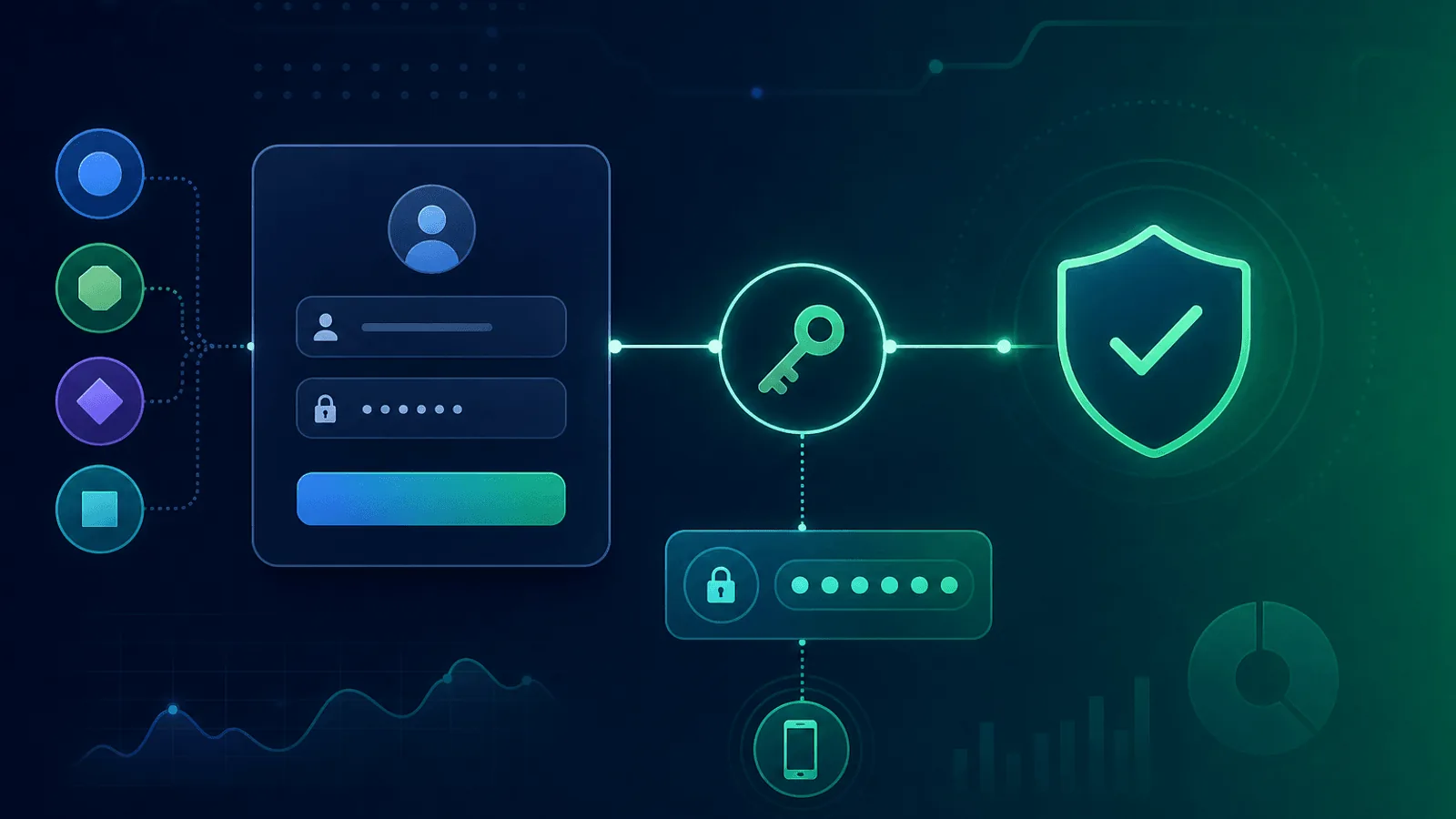
Authentication monitoring must prove that a new session can be created and used—not merely that /login returns 200 OK. A complete check starts unauthenticated, performs the supported login flow, accesses a protected resource, and signs out or cleans up.
Run that journey with isolated synthetic identities, tightly scoped secrets, and explicit safeguards against account lockout and analytics pollution. This guide covers credentials, OAuth/OIDC, SAML SSO, MFA, signup, and password reset.
Why Login Failures Are a Special Class of Outage
A broken login affects every user, immediately:
- New users cannot sign up — Top-of-funnel revenue stops
- Existing users cannot log in — Active users are locked out and may churn
- Existing sessions keep working until they expire — so the breakage is invisible to logged-in users (including you, the operator)
- Mobile and API clients often fail differently than browsers — you may not notice if you only test the web flow
That last point is critical: because logged-in sessions keep working, you can be in the middle of a login outage and not know it. Your dashboard works fine for you — your team is locked out without you realizing.
What Makes Auth Different from API Monitoring
Traditional API monitoring (covered in Monitor Authenticated APIs with Bearer Tokens and Custom Headers) verifies that endpoints accept a known good token. It does not verify that the process of obtaining a token works.
Login monitoring is end-to-end. It tests:
- The login page or API endpoint loads
- Submitting credentials returns a session or token
- The new session can actually access protected resources
- The whole flow completes within an acceptable time budget
That is a multi-step synthetic check, not a single HTTP probe.
What to Monitor
1) The Login Page Itself
Start with the basics — does the entry point load?
- HTTP check on
/login(or your equivalent) with content validation for the form fields ("Email", "Password", "Sign in" button) - SSL — Login pages must be HTTPS, period. Catch certificate issues before browsers block users
- Response time — A 5-second login page is a conversion killer; alert on regressions
2) The Credential Submission Endpoint
This is the actual auth API. A synthetic check should:
- POST a known test account's credentials to your login endpoint
- Receive a 2xx response with a session cookie or token
- Verify the response shape (e.g., contains
access_tokenorSet-Cookiefor the session) - Alert on 4xx or 5xx, or on response time > your SLO
Use a dedicated, isolated test account that is excluded from billing, analytics, and any user-impacting actions. Rotate its password regularly via your secret manager.
3) Session / Token Validity
Getting a token is half the battle. The other half: does it actually work?
After logging in, the synthetic check should:
- Use the returned token or session cookie
- Hit a known protected endpoint (e.g.,
/api/me,/dashboard) - Verify it returns 200 with the expected user data
This catches a class of bugs where login appears to succeed but the session is invalid — for example, a JWT signed with the wrong key, or a session cookie not getting set on the right domain.
4) OAuth and Social Login
OAuth flows have many failure points outside your control. Monitor each provider you support:
- Provider availability — Google, GitHub, Microsoft, Apple, etc., all have status pages and outages
- Redirect URI — Verify your OAuth client config matches the URL configured at the provider
- Callback endpoint —
/auth/callbackshould accept a real authorization code and exchange it for a session - Scopes / permissions — A scope change at the provider can silently break login for certain users
OAuth callback timeouts are one of the most common silent login failures. Treat each social provider as a third-party dependency and read Third-Party Dependency Monitoring.
5) SSO (SAML, OIDC, Enterprise IdP)
If you sell to enterprises, SSO is mission-critical for your highest-value customers.
- SAML metadata endpoint — Verify your metadata XML is reachable and valid
- Per-customer SSO health — If customers configure their own IdPs (Okta, Auth0, Azure AD, Google Workspace, OneLogin), monitor a representative sample
- Certificate expiry on SAML signing — Both sides have signing certs that expire; track them
- JIT provisioning — If your SSO creates users on first login, verify that path works
6) Multi-Factor Authentication
MFA adds steps that can each fail:
- TOTP — A static test account with a known TOTP secret (in your secret manager) can verify the verification step works
- WebAuthn / passkeys — Harder to synthetic-test, but you can monitor that the challenge endpoint returns valid responses
- SMS / email codes — Monitor delivery via Email and SMTP monitoring and SMS provider status
7) Password Reset Flow
Reset is often the only recovery path when something else breaks — so it must work even when login is degraded.
- Reset request — POST to your reset endpoint and verify it returns 2xx
- Reset email delivery — End-to-end via a synthetic mailbox you control (read the email programmatically and extract the token)
- Reset confirmation — Use the token to set a new password and verify login with it
This is the most thorough synthetic auth check you can run, and the one that catches the most subtle email-delivery and token-expiry bugs.
8) Sign-Up / Registration
If signup is broken, you have an invisible revenue leak:
- Registration endpoint — POST to
/signupwith a unique email and verify success - Confirmation email — Verify the verification email is sent and the verification link works
- First-login experience — Confirm the new account can immediately log in and reach the dashboard
Common Login Failure Modes
| Failure | User Impact | How to Detect |
|---|---|---|
| IdP rotated signing key, you didn't refresh | All logins fail with token verification errors | End-to-end synthetic login |
| OAuth redirect URI mismatch after deploy | Social login broken on one provider | Per-provider OAuth callback check |
| SAML cert expired | All enterprise SSO logins fail | SAML metadata + cert expiry monitoring |
| Reset email going to spam / not delivered | Users locked out, support tickets | Reset email delivery synthetic |
| Session cookie domain misconfigured | Login "works" but next request 401s | Login + protected-endpoint chained check |
| Rate limiter too aggressive | Real users blocked as bots | Sample real-region login checks |
| MFA service outage (Twilio, etc.) | Users can't get codes | Provider status + delivery synthetic |
| Database connection pool exhausted | Slow logins, intermittent failures | Login latency monitoring with p95 alert |
| Time skew between IdP and app | Token validation fails ("token used too early") | Synthetic OIDC login check |
| Cache returning stale auth response | Some users locked out, others fine | Multi-region authenticated checks |
Building a Login Monitoring Strategy
Quick start (15 minutes)
- HTTP check on
/loginwith content validation - Synthetic POST to login endpoint with a dedicated test account
- Chained check on a protected endpoint using the session
- SSL on your login domain
- Run all of the above on a 5-minute interval, from at least 2 regions
Comprehensive setup (1 hour)
Add to the quick start:
- Per OAuth provider — Synthetic callback test for each social login
- SSO metadata + cert expiry — Especially for enterprise customers
- MFA verification — Static TOTP test account
- Password reset full flow — Including email delivery validation
- Sign-up flow — End-to-end registration synthetic
- Multi-region — Confirm logins succeed from every region you serve
Test account hygiene
- Never use a real customer account for synthetic checks
- Tag the test account in analytics, billing, and feature flags so it does not skew metrics
- Rotate the test account password regularly via your secrets manager
- Log every synthetic check so you can correlate failures with deploys
- Exclude synthetic source addresses and identities from adaptive lockout rules without bypassing the authentication controls being tested
- Grant the minimum permissions needed to verify a protected page; never give a monitor account administrative access
- Make destructive actions and outbound messaging impossible for the synthetic identity
- Alert separately on provider errors, application callback errors, invalid sessions, and protected-resource failures
Minimum assertion set
Record each stage independently:
- Login entry point loads with the expected issuer and redirect target.
- Credential or authorization request completes without an unexpected redirect.
- Callback validates state and creates a session.
- A fresh session reaches
/api/meor another harmless protected resource. - Logout invalidates the session if logout is part of the monitored contract.
For OIDC, also monitor discovery and JSON Web Key Set retrieval as dependencies. The OpenID Foundation's conformance suite is useful for protocol conformance, while production synthetics verify your deployed integration.
What to Do When Login Monitoring Fires
Login endpoint returns 5xx:
- Check your auth service logs for the most recent error
- Look at recent deploys that touched authentication code
- Verify your IdP / OAuth provider's status page
- Check database / cache health for the auth subsystem
Login succeeds but protected endpoints return 401:
- Look for misconfigured cookie domain or SameSite settings
- Verify JWT signing key has not rotated unexpectedly
- Check session storage health (Redis, database)
OAuth callback fails:
- Verify redirect URI in your provider's developer console matches exactly
- Check that your client secret is current
- Look for recent SSL cert changes on the callback domain
SSO broken for a specific customer:
- Check the IdP cert expiry on their side (and yours)
- Verify metadata at both endpoints is current
- Look at SAML response logs for the affected customer
How Webalert Helps
Webalert's published feature and pricing pages do not list chained requests, browser journeys, or end-to-end login transactions. Use a browser or multi-step synthetic tool for the complete session-creation journey described above. Webalert can monitor the supporting endpoints independently:
- HTTP checks with custom headers and content validation — Check the login page, token endpoint, and a protected health endpoint as separate monitors
- SSL monitoring — Catch certificate issues on your login domain before users see warnings
- Multi-region checks — Check those endpoints from Webalert's US, EU, and APAC regions
- Response time tracking — Catch login slowdowns that hurt conversion before they become outages
Passing separate endpoint checks does not prove that a new browser session can log in and use the product; retain the end-to-end synthetic as a separate control.
- Webhook + heartbeat monitoring — Pair with your auth service's health metrics
- Multi-channel alerts — Email, SMS, Slack, Discord, Microsoft Teams, webhooks
- Status pages — Communicate auth incidents to users transparently
- 5-minute setup — Start with login page + endpoint checks today
See features and pricing for details.
Primary Sources
- OpenID Connect Core 1.0 — authentication requests, ID Tokens, UserInfo, sessions, and error responses.
- OpenID Foundation: Relying Party conformance testing — official protocol test plans for deployed clients.
- RFC 9700: OAuth 2.0 Security Best Current Practice — current OAuth threat mitigations.
- OWASP Authentication Cheat Sheet — account, credential, and authentication-control guidance.
Summary
- A broken login flow is a full product outage, even if every other endpoint is healthy.
- Logged-in sessions stay alive during outages, so you can miss the breakage entirely without synthetic monitoring.
- Monitor the login page, credential submission, session validity, OAuth callbacks, SSO, MFA, and password reset.
- Use a dedicated test account isolated from analytics, billing, and feature flags.
- Run from multiple regions and on tight intervals — login is too important for 15-minute checks.
- Have a clear playbook for the difference between IdP outages, your-app outages, and customer-side SSO config issues.
If your status page is green but nobody can log in, you don't have monitoring — you have wishful thinking.