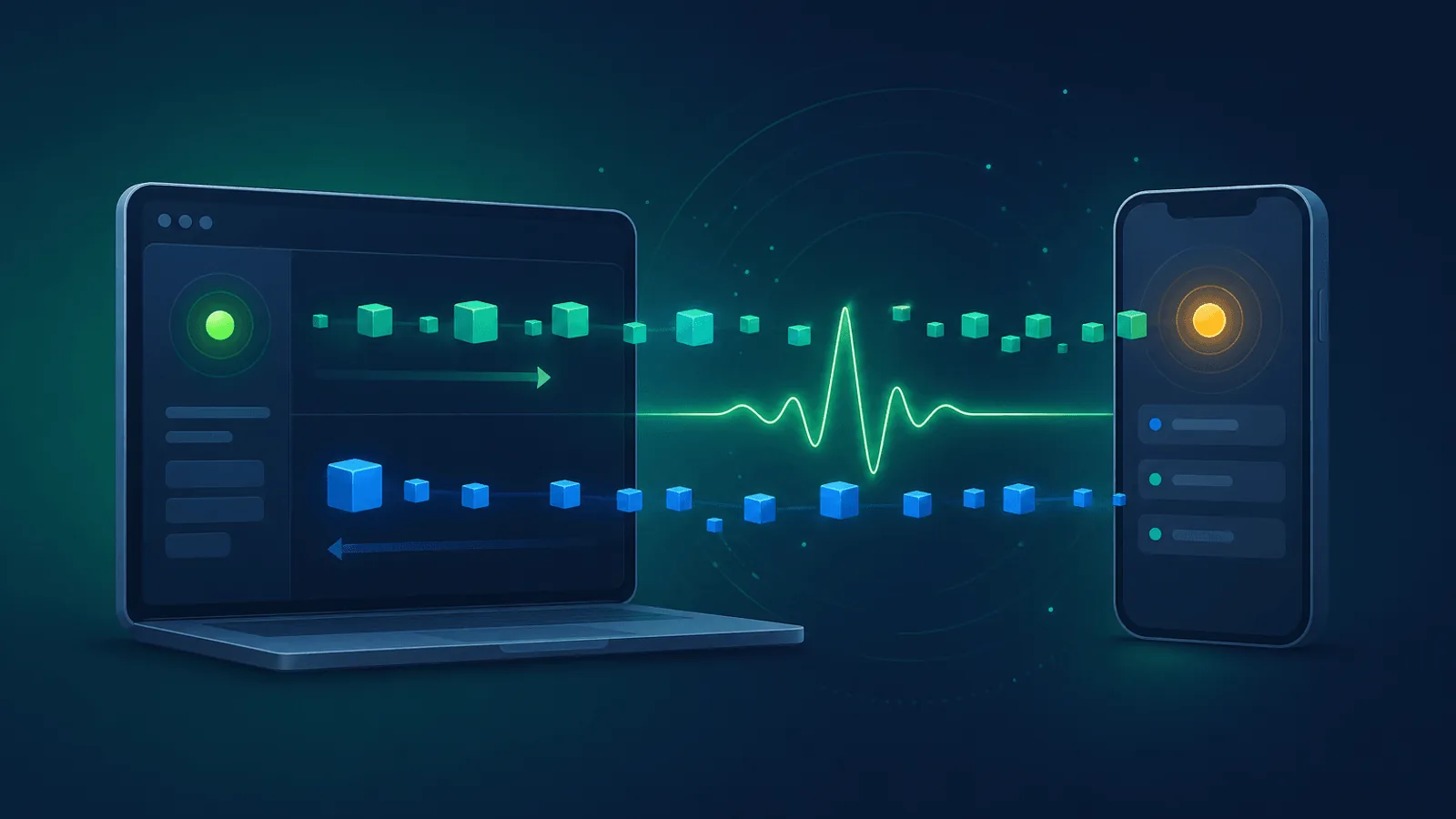
Your app's homepage loads fast. Your REST endpoints all return 200. Your status page is green.
But the chat sidebar isn't updating. Live notifications stopped firing. The collaborative editor is silently rolling back changes because the WebSocket dropped 40 minutes ago and never reconnected. Users are staring at a UI that looks live but isn't. They start refreshing. Then they leave.
WebSockets are uniquely treacherous to operate because the failure modes are invisible to traditional uptime monitoring. A standard HTTP check will happily report 100% uptime while the real-time layer of your app is dead.
This guide covers what to monitor for WebSocket-based features so you catch real-time failures before users do.
Why WebSocket Monitoring Is Different
A normal HTTP check is request-and-done: send GET, get response, close connection. Done in 200ms.
WebSockets are stateful, long-lived bidirectional connections. They can fail in ways that no HTTP check will catch:
- Handshake succeeds, but messages never flow — The TCP connection upgrades to WS but the application never finishes initializing
- Connection drops silently — A proxy, load balancer, or middlebox closes the socket without sending a close frame
- Auth token expires mid-session — The connection stays open but every message is rejected
- Backend disconnects from the message broker — Your server is up but cannot deliver pub/sub messages
- One region routes to a stale server — Some users connect; others get rejected
- Reconnect storm — All clients reconnect at once after a brief outage and overwhelm the server
A 200 response on /health does not catch any of these.
What to Monitor
1) The WebSocket Handshake
WebSockets over HTTP/1.1 use an Upgrade request and a 101 Switching Protocols response. HTTP/2 and HTTP/3 use Extended CONNECT instead, so a protocol-aware monitor must validate the handshake appropriate to the negotiated HTTP version.
- Verify the handshake succeeds — Expect HTTP 101 for HTTP/1.1, or successful Extended CONNECT semantics for HTTP/2 or HTTP/3
- Check across regions — Some load balancer configs only break in specific regions
- Watch the latency — If the handshake takes 5 seconds instead of 200ms, your users feel it
If your check does not actually complete the WebSocket upgrade, you're not monitoring WebSockets — you're monitoring an HTTP endpoint that happens to also support upgrades.
2) Connection Lifetime and Stability
A handshake that succeeds and then drops 3 seconds later is just as broken as one that fails outright.
- Hold the connection open for at least 30–60 seconds during the check
- Watch close outcomes such as 1011 (server error) and 1013 (try again later). Code 1006 is a local API sentinel for an abnormal close and is never sent in a WebSocket close frame.
- Detect silent drops — If the socket stops responding without sending a close frame, that's often a proxy or load balancer issue
3) Round-Trip Message Latency
A live socket that takes 5 seconds to deliver a message is functionally broken for chat, notifications, and live cursors.
Use an application echo message or protocol ping/pong where your client library exposes control frames. The browser WebSocket API does not expose protocol ping/pong directly:
- Open the connection
- Send a known application payload
- Measure the time until the server echoes it back
- Alert if latency exceeds your SLO (often 200–500ms for end-user features)
This is the WebSocket equivalent of TTFB monitoring — it tells you whether the useful work is happening, not just that the connection exists.
4) Authentication and Authorization
Most WebSocket connections carry an auth token (JWT, API key, signed cookie). Token expiry is one of the most common silent failure modes.
- Authenticated check — Connect with a valid token and confirm you receive expected messages
- Reject check — Connect with an invalid token and confirm the server rejects you cleanly (this catches misconfigurations that accidentally allow anonymous connections)
- Renewal flow — If your tokens expire and refresh, monitor that the refresh path works
For inspiration, see Monitor Authenticated APIs with Bearer Tokens and Custom Headers.
5) Subscription / Channel Health
Most WebSocket use cases involve subscribing to a channel or room: chat rooms, document IDs, ticker symbols, user feeds.
- Subscribe and verify — After connecting, subscribe to a known test channel and verify the server confirms the subscription
- Receive expected events — Have a backend job push a heartbeat message to that channel and confirm the monitor receives it within X seconds
- Per-channel isolation — If you have hundreds of thousands of channels, monitor a representative sample to catch sharding or routing bugs
6) Reconnect and Backoff Logic
Real-world WebSocket clients spend a non-trivial fraction of their lives reconnecting. If reconnect logic is broken, users see permanent dead connections.
- Force a transport interruption in a test client and confirm its reconnect state machine recovers. A clean client-initiated close often intentionally disables reconnect and is not an equivalent test.
- Verify exponential backoff — Aggressive reconnect storms can take down your own backend after a brief outage
- Confirm session resumption — After reconnecting, does the client get back into the right channels with the right state?
7) Server-Side Capacity Signals
WebSocket servers fail differently than stateless HTTP servers — they have memory pressure from the connection count itself.
- Open connection count — Track this as a metric and alert on sudden drops (mass disconnect) or runaway growth
- Memory usage per process — Spikes here often precede crashes
- Message broker health — Redis, NATS, RabbitMQ, or Kafka backing your pub/sub layer
Common WebSocket Failure Modes
| Failure | User Impact | How to Detect |
|---|---|---|
| Load balancer kills idle connections after 30s | Connections constantly dropping | Long-lived connection check |
| TLS termination misconfig | Handshake succeeds via HTTP, fails via HTTPS | Upgrade check on the public URL |
| Token expired but socket stays open | Messages silently rejected | Authenticated message round-trip check |
| Sticky session lost after deploy | Users disconnected during deploys | Increased close-1006 rate during deploys |
| Message broker disconnected | Server up, no messages flow | Subscribe + heartbeat message check |
| Reconnect storm | Backend overwhelmed for minutes | Connection count graph + latency |
| Region routing broken | Some users cannot connect at all | Multi-region monitoring |
| Frame size limit exceeded | Specific message types fail | Verify large-payload echo works |
Origin header check too strict |
Browser clients rejected, native clients work | Check from a browser-like origin |
| Heartbeat / ping interval mismatch | Mobile clients drop in tunnels | Long-lived check from a constrained network |
Setting Up Monitoring for WebSockets
Quick start (10 minutes)
- Handshake check — Open a WebSocket to your endpoint and verify HTTP 101 + immediate ready state
- Round-trip echo check — Send a known message, expect a response within your latency SLO
- Multi-region — Run both checks from at least 2–3 geographic regions
- SSL — Monitor your
wss://certificate (often the same as your main domain, but worth confirming)
Comprehensive setup (30 minutes)
Add to the quick start:
- Authenticated subscribe-and-receive flow — Connect with a real token, subscribe to a test channel, receive a backend-pushed heartbeat
- Long-lived connection check — Hold the connection for 60–120 seconds and confirm no abnormal closes
- Reject-on-invalid-token check — Verify your auth boundary actually rejects bad tokens
- Server-side metrics — Connection count, message rate, broker health, memory per process
- Synthetic traffic during deploys — Detect connection churn that exceeds normal deploy patterns
What to Do When Monitoring Detects an Issue
Handshake fails:
- Check whether HTTP
/healthis up — if so, the issue is at the WebSocket layer - Check load balancer / reverse proxy config for WebSocket support (Nginx requires explicit
proxy_set_header Upgrade $http_upgrade) - Verify TLS certificate and SNI config
- Look for recent infrastructure changes (load balancer, CDN, security group)
Handshake succeeds but no messages:
- Check your message broker (Redis, NATS, RabbitMQ, Kafka)
- Verify the WebSocket server can still publish/subscribe to the broker
- Look for recent deploys that changed serialization or channel naming
High latency on messages:
- Check the message broker's queue depth and processing rate
- Look for Garbage Collection pauses on the WebSocket server
- Check open connection count vs. server capacity
- Verify CPU and network on the host
Frequent disconnects:
- Look at close outcomes—locally reported 1006 suggests an abnormal transport close, 1011 suggests server error, and 1013 suggests temporary overload
- Check for idle timeout settings on your load balancer (often 30–60s by default)
- Verify ping/pong heartbeats are configured and firing
- Look for sticky session issues if you have multiple WebSocket nodes
Why Standard Uptime Monitoring Misses This
Synthetic vs real-user monitoring covers the gap, but for WebSockets specifically: a generic HTTP uptime monitor confirms only the HTTP endpoint. WebSocket monitoring requires a protocol-aware client that completes the appropriate handshake, holds the connection open, and validates application message delivery. See RFC 6455, RFC 8441, and RFC 9220.
How Webalert Helps
Webalert provides monitoring designed for modern apps, including WebSocket-backed features:
- HTTP and TCP checks — Verify the underlying transport and handshake endpoint
- Content validation — Combine with API checks to validate health endpoints reporting WebSocket server status
- Multi-region checks — Catch regional routing problems that only affect some users
- Webhook + heartbeat monitoring — Pair with your backend's own WebSocket health metrics
- SSL monitoring — Catch certificate issues on your
wss://endpoint - Multi-channel alerts — Email, SMS, Slack, Discord, Microsoft Teams, webhooks
- Status pages — Communicate real-time feature incidents to users transparently
- 5-minute setup — Start with handshake + endpoint checks today
See features and pricing for details.
Summary
- WebSocket failures are invisible to standard HTTP uptime checks.
- Monitor the handshake, connection stability, message round-trip latency, authentication, and subscription delivery.
- Watch for proxy / load balancer idle timeouts that silently drop long-lived connections.
- Run checks from multiple regions and with valid authentication tokens.
- Track server-side metrics: open connections, message broker health, memory.
- Have a clear playbook for the difference between handshake failures, message-flow failures, and capacity issues.
A WebSocket connection that "looks open" can still be totally broken. Monitoring proves it's actually delivering.