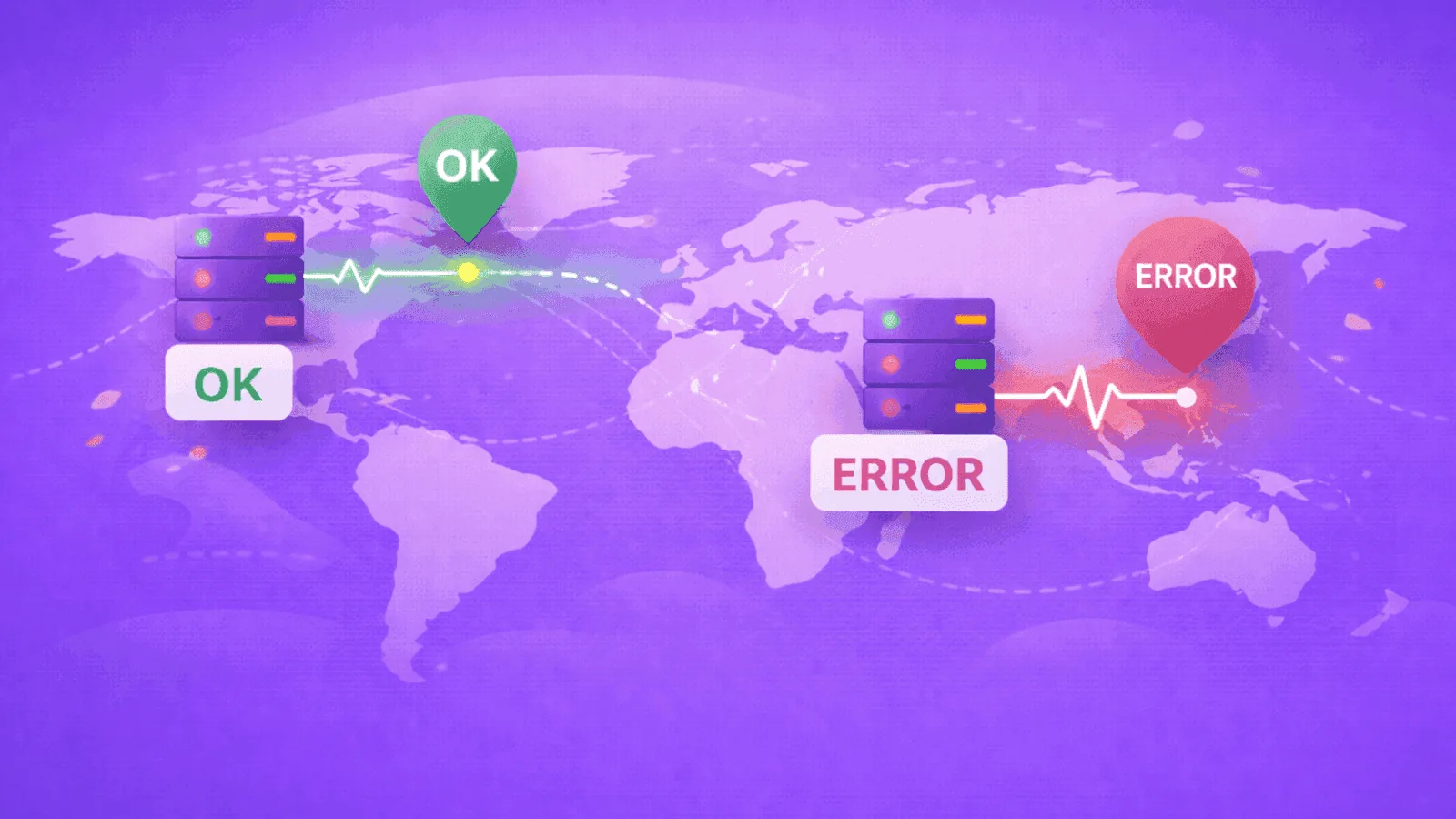
Your monitoring dashboard shows everything green.
Meanwhile, your Australian customers can't load your checkout page. Your European users are experiencing 10-second load times. And your CDN is silently failing for half the world.
You won't know until the support tickets pile up.
This is the single-location monitoring trap — and it's one of the most common blind spots in website monitoring setups.
When you monitor from only one geographic location, you see only one version of reality. The internet isn't uniform. A site can be perfectly healthy in Virginia while completely unreachable in Singapore.
In this guide, we'll cover why multi-region monitoring matters, what problems single-location checks miss, and how to implement global monitoring that actually protects your users.
The Internet Isn't Flat
When a user in London visits your website, their request doesn't teleport directly to your server. It travels through:
- Their local ISP — which might have routing issues
- Internet exchange points — which can be congested or misconfigured
- Undersea cables — yes, physical infrastructure that can fail
- Your CDN edge nodes — which might be cached incorrectly
- Your cloud provider's regional infrastructure — which can have localized outages
- Your actual server — the only part most people monitor
Each hop is a potential failure point. And these failures are often regional.
When AWS us-east-1 has problems, US-West and Europe might be fine. When a CDN edge node in Asia fails, American users never notice. When a major ISP in Germany has routing issues, everyone else thinks your site is perfect.
Single-location monitoring sees none of this.
Real-World Regional Failures
These aren't hypothetical scenarios. Regional outages happen constantly:
AWS Regional Outages (2021-2023)
Amazon Web Services has experienced multiple region-specific outages:
- December 2021: us-east-1 outage took down thousands of sites for hours. Sites with us-west-2 backups were fine.
- June 2023: us-east-1 experienced elevated error rates affecting only that region.
- Multiple incidents: ap-southeast-1, eu-west-1, and other regions have had isolated issues.
If your monitoring runs from the same region as your infrastructure, you'll often go down with it — including your monitoring.
Cloudflare Edge Failures
CDN edge nodes fail regionally. In 2022, a Cloudflare outage primarily affected users in specific geographic areas while others experienced normal service. Users checking from the "healthy" regions saw no problem.
Submarine Cable Cuts
In 2024, damage to undersea cables near the Red Sea degraded internet connectivity for parts of Asia, the Middle East, and Africa. Sites hosted in the US appeared fine when checked from North America — but were slow or unreachable for a quarter of the world's population.
BGP Routing Incidents
Border Gateway Protocol (BGP) — the internet's routing system — regularly experiences misconfigurations that affect specific paths. A BGP issue in 2022 caused Facebook to be unreachable from certain networks while perfectly accessible from others.
The pattern is clear: internet failures are usually regional, not global.
What Single-Location Monitoring Misses
When you monitor from only one location, here's what you don't see:
1. CDN failures at specific edge nodes
Your CDN might be serving stale content, SSL errors, or complete failures from specific edge locations. A user in Sydney gets a 502 error; your monitoring in Virginia sees a perfect 200.
2. DNS propagation issues
After a DNS change, some regions resolve the new record while others still have the old one cached. Your monitoring location might see the update while millions of users can't reach you.
3. Regional cloud provider degradation
Cloud regions have independent infrastructure. A storage latency issue in eu-central-1 won't affect your us-east-1 monitoring check.
4. Geofencing and geo-blocking accidents
Misconfigured geo-restrictions might accidentally block entire countries. If your monitoring IP is in an allowed region, you'll never notice.
5. International routing problems
Peering agreements and routing paths vary by geography. A route from US-to-US might be fast while US-to-Asia is congested or broken.
6. Content delivery optimization issues
Your site might load instantly from nearby servers but crawl when crossing continents due to poor optimization for international traffic.
7. Performance variations
Even when the site is "up," response times can vary dramatically by region. Your monitoring shows 200ms; users in Africa experience 4,000ms.
The Multi-Region Difference
Multi-region monitoring checks your site from multiple geographic locations simultaneously. When configured properly, you get:
Geographic coverage
Real checks from actual data centers in different continents — typically US, Europe, and Asia-Pacific at minimum.
Comparative data
See how performance varies across regions. If Europe is consistently slower than the US, you've got an optimization opportunity.
Faster detection
When something breaks regionally, at least one monitoring location catches it immediately — even if others see everything as fine.
False positive reduction
A single failed check might be a network blip. When checks from multiple regions all fail? That's a real problem.
Complete visibility
The only way to know what users in different regions experience is to actually check from those regions.
How Multi-Region Monitoring Works
The concept is simple, but the implementation matters:
Check execution
Instead of one server pinging your site, multiple servers in different locations perform the same check simultaneously (or in rapid succession).
Result aggregation
The monitoring system collects results from all regions and determines overall status:
- All regions healthy: Site is up
- Some regions failing: Regional issue detected
- All regions failing: Global outage
Alerting logic
Smart multi-region monitoring doesn't alert on a single failed check. It considers:
- How many regions are affected?
- Are multiple consecutive checks failing?
- Is this a performance issue or a complete outage?
Historical data
Track performance trends per region. Identify chronic issues that affect specific user populations.
Where Should You Monitor From?
At minimum, monitor from three locations that cover your primary user bases:
Choose locations from evidence
| Region | Coverage | Typical Location |
|---|---|---|
| User markets | Customer-visible routes | Locations near material traffic cohorts |
| Infrastructure regions | Regional ingress and failover | Each active and standby region |
| Independent networks | Transit/provider diversity | Probes outside your primary cloud/CDN |
Three continental probes are not a universal minimum. A regional B2B product may need two ISP-diverse probes in one country; a global consumer app may need many more, weighted by traffic and revenue.
Expanding coverage
For businesses with concentrated user bases, add locations near those users:
- Heavy UK traffic? Add a London check.
- Large Australian user base? Add Sydney.
- Targeting Latin America? Consider São Paulo.
- Indian users? Add Mumbai or Chennai.
Match your infrastructure
Monitor from locations that include:
- Where your servers are hosted
- Where your CDN has edge nodes
- Where your users are concentrated
If all three are in the US, single-location US monitoring might be acceptable. But if you serve global traffic from global infrastructure, you need global monitoring.
Performance Monitoring by Region
Multi-region monitoring isn't just about up/down status. Response times tell a crucial story.
Baseline expectations
Set realistic expectations for each region based on network distance:
| User Location | Server Location | Minimum Expected Latency |
|---|---|---|
| US East | US East | 20-50ms |
| US West | US East | 70-100ms |
| Europe | US East | 100-150ms |
| Asia | US East | 200-300ms |
| Australia | US East | 250-350ms |
These are network-only estimates. Add server processing time on top.
Detecting regional degradation
If European checks suddenly jump from 150ms to 800ms while US checks stay at 50ms, you've got a regional issue — probably routing, CDN, or a provider problem in that path.
Without multi-region monitoring, you'd only see "site is up" and wonder why European users are complaining.
Performance thresholds by region
Consider setting region-specific alert thresholds:
- Build a baseline for each region and critical journey
- Alert on SLO breach, deviation from baseline, and divergence from peer regions
- Keep network RTT separate from server processing and full transaction time
This accounts for expected geographic latency while still catching anomalies.
CDN Monitoring: The Multi-Region Imperative
If you use a CDN (Cloudflare, CloudFront, Fastly, etc.), multi-region monitoring is essential — not optional.
How CDNs work
CDNs serve content from edge nodes geographically close to users. A user in Tokyo hits a Tokyo edge node. A user in Paris hits a Paris edge node.
Your origin server might be fine, but if the Paris edge node is misconfigured, all your French users have a broken experience.
What to check
For CDN-delivered content:
- Origin server — Direct check bypassing CDN
- Multiple CDN edge regions — Via multi-region checks
- SSL configuration — Certificates must be valid at all edges
- Cache behavior — Correct content being served
Common CDN issues caught by multi-region monitoring
- Cache poisoning: Bad content cached at specific edge nodes
- SSL failures: Certificate not deployed to all edges
- Configuration propagation delays: New rules not active everywhere
- Edge node outages: Specific nodes failing while others work
DNS and Multi-Region Monitoring
DNS has its own geographic complexity that single-location monitoring misses.
Anycast DNS
Major DNS providers use anycast, routing queries to the nearest server. A DNS check from Virginia might hit a different server than one from Frankfurt.
If one anycast node is returning wrong records, you'll only catch it by checking from that region.
TTL and propagation
DNS changes propagate at different speeds globally. After updating a record:
- Your local resolver might update in minutes
- Your monitoring location might see it in an hour
- Some regions might take 24-48 hours
Multi-region monitoring shows you the actual propagation state across the globe.
GeoDNS configurations
Many sites use GeoDNS to return different IPs based on user location (routing Europeans to European servers, etc.). Multi-region monitoring verifies this is working correctly from each region.
Implementing Multi-Region Monitoring Right
Here's how to set up effective multi-region monitoring:
Start with your critical paths
Don't try to monitor everything from everywhere. Prioritize:
- Primary website — homepage, key landing pages
- Checkout/payment flows — revenue-critical paths
- API endpoints — especially those used by mobile apps or third parties
- Authentication — login, signup, SSO
Configure sensible alerting
Multi-region monitoring generates more data. Don't alert on every regional hiccup:
- Define quorum by topology: Two probes behind one provider are not independent votes
- Alert on sustained regional failure: Use duration and error-budget policy appropriate to the service
- Separate performance alerts: Regional slowdowns might be warning-level, not critical
Review regional reports
Regularly review performance data by region:
- Which region has the worst average response time?
- Are there specific times when certain regions degrade?
- Do incidents correlate with regional infrastructure maintenance?
Test your failover
If you have multi-region infrastructure or CDN failover:
- Simulate a regional failure
- Verify monitoring detects it
- Confirm failover works
- Check monitoring shows recovery
The Cost of Single-Location Monitoring
What does regional blindness actually cost you?
Lost revenue
An e-commerce site down for European users during European business hours loses 8+ hours of sales from an entire continent — while US-based monitoring shows 100% uptime.
SEO penalties
Google measures site performance from multiple locations. If your site is slow for Googlebot crawlers in certain regions, your rankings suffer — even if it's fast where you're monitoring.
User trust
Users don't know (or care) that your site is up in Virginia. If it's broken for them, it's broken. Enough bad experiences, and they don't come back.
Extended outages
Regional issues take longer to detect, diagnose, and fix when you can't see them. What could be a 10-minute fix becomes a multi-hour outage.
Wasted debugging time
"The site works fine for me" is the most frustrating phrase in troubleshooting. Multi-region monitoring eliminates this by showing you exactly what different users experience.
How Webalert Handles Multi-Region Monitoring
Webalert includes multi-region monitoring on all plans:
Explore the complete feature set and check pricing for plan details.
Global check locations
Every monitor runs from multiple geographic regions — US, Europe, and Asia-Pacific. You get global visibility without complex configuration.
Smart alert logic
Webalert's alerting considers multi-region data. A single failed check from one region doesn't trigger an alert. Sustained failures across regions do.
Regional performance tracking
See response time data broken down by check location. Identify regions where your site underperforms.
Simple setup
No need to configure multiple monitors for each URL. Add one monitor, and Webalert checks it globally.
Multi-Region Monitoring Checklist
Use this to evaluate your current setup:
Coverage questions
- Do you monitor from at least three geographic regions?
- Are your monitoring locations distributed across continents?
- Do your check locations match where your users are?
- Are you checking from locations outside your infrastructure provider?
Configuration questions
- Is alerting configured to handle regional vs. global failures?
- Do you have region-specific performance thresholds?
- Can you view performance data broken down by region?
- Are critical paths (checkout, API) monitored from all regions?
Process questions
- Do you review regional performance reports regularly?
- Can you quickly identify which regions are affected during an incident?
- Is your team aware that regional outages are possible?
Final Thoughts
The internet is a global network, but it fails locally.
Regional outages, CDN edge failures, DNS propagation delays, and routing issues happen constantly. They affect some users while leaving others untouched. Single-location monitoring gives you a false sense of security — everything looks green while a chunk of your users can't access your site.
Multi-region synthetics sample important network vantage points; they do not reproduce every ISP, device, resolver, or user session. Combine them with real-user monitoring and provider telemetry for broader coverage.
It's not about being paranoid. It's about being realistic:
- Your CDN can fail in specific regions
- Your cloud provider can have localized issues
- DNS changes don't propagate uniformly
- The internet routes differently depending on where you are
You serve users around the world. Your monitoring should check from around the world too.
Because "works on my machine" is frustrating in development. "Works from our monitoring location" is dangerous in production.
Ready for true global visibility?
Start monitoring from multiple regions free with Webalert →
Explore features or see pricing.
US. Europe. Asia. One dashboard. Real global coverage.