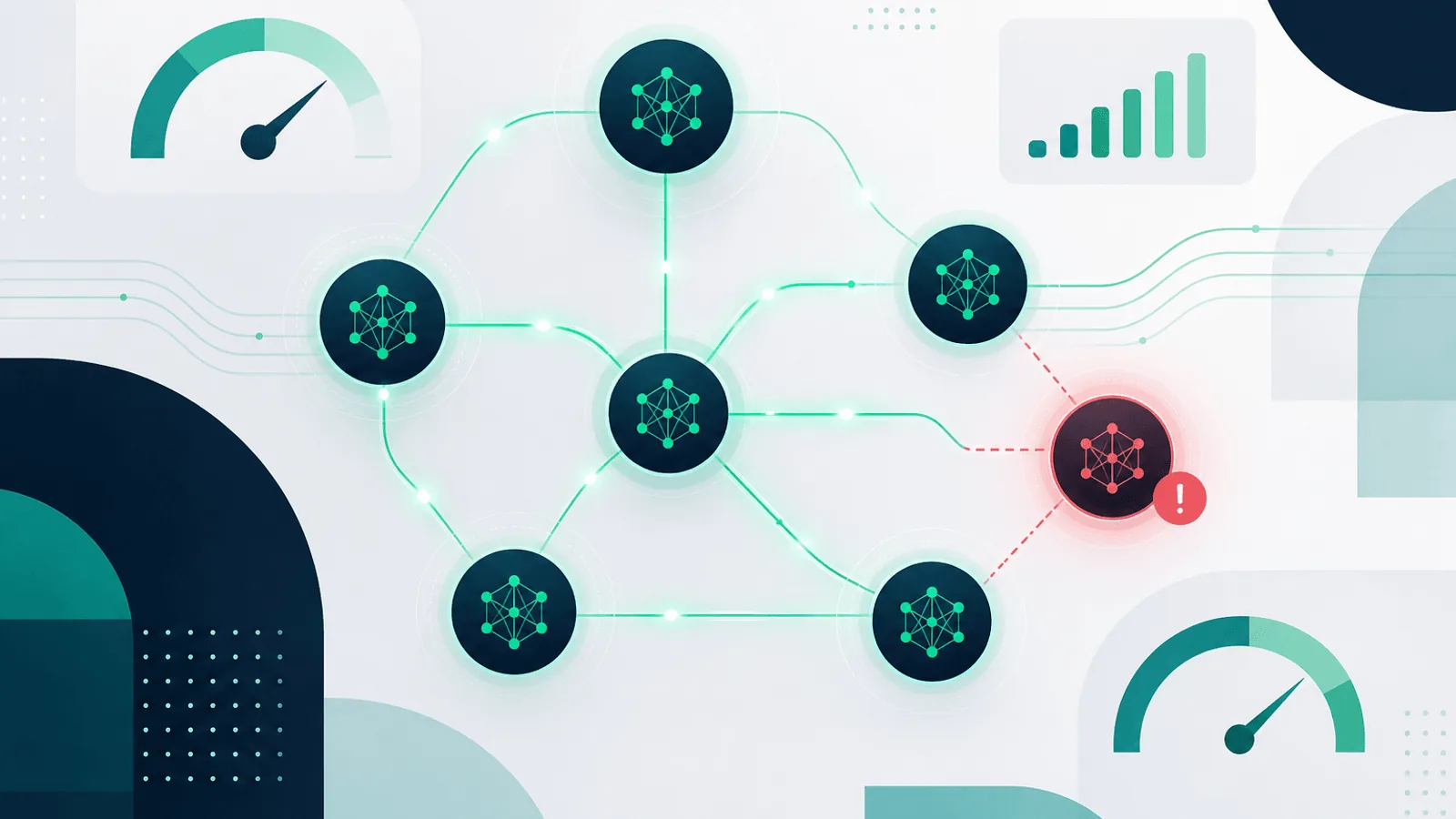
LLM API monitoring verifies both provider transport and your feature's usable outcome. Run a low-cost canary against the exact provider, region, model alias, authentication path, and response mode you depend on; then pair it with production telemetry for latency, rate-limit headroom, token usage, schema validity, refusals, and task success.
Suppose your primary provider begins returning 5xx responses. The support queue stops being summarized and the "draft reply" button throws an error. Customers experience your product as broken regardless of which dependency failed.
Or it's worse: there's no outage at all. Latency just creeps from 1.2 seconds to 14 seconds. Your AI calls don't fail; they just hang behind your request timeouts. Your dashboards show "no errors" — but every page that calls the LLM is unusable.
LLM APIs have become critical infrastructure for thousands of products. Most teams treat them like any other third-party API. They aren't. They fail in unique ways — rate limits, content policy rejections, model deprecations, regional outages, multi-minute latency spikes — and the standard "is it 200?" health check misses almost all of them.
This guide covers what to monitor when your product depends on an LLM API, how to track uptime across OpenAI, Anthropic, Gemini, and others, and how to build a failover strategy that keeps AI features working when one provider goes dark.
Why LLM APIs Need Their Own Monitoring Approach
A traditional REST API has a small set of failure modes: it returns 5xx, it times out, it gets slow. LLM APIs add a much larger surface:
- Stochastic latency — A completion that normally takes 1.5 seconds can suddenly take 30 seconds with no apparent cause and no error. The provider is processing it; you just don't know when it'll finish.
- Token-based rate limits — Most providers rate-limit by tokens per minute (TPM) and requests per minute (RPM). You can hit the limit even with low request volume if your prompts are long.
- Model deprecations — Models get retired on a published schedule. The day a model is deprecated, every call referencing it returns an error. If your code hardcodes
gpt-4-0613, your feature breaks. - Content filter rejections — A user's input triggers a content policy filter and the API returns a 400 instead of a completion. Your code probably doesn't handle this gracefully.
- Streaming connection drops — If you use streaming responses, the connection can drop mid-stream, returning a partial response. Standard "did it return 200?" monitoring won't catch this.
- Deployment-specific availability — Azure OpenAI, Vertex AI, Bedrock, and other hosted surfaces can differ by region, deployment, account, model, or quota. Monitor the exact surface your application calls.
- Cost spikes from changed behavior — A model update can change the average completion length, doubling your token cost overnight without any code change on your end.
Standard uptime monitoring tells you "the API responded with 200." For LLM APIs, that's barely the tip of the iceberg.
What to Monitor on Every LLM API
1) Uptime of the Completion Endpoint
The first layer is straightforward: is the API answering at all? Set up an HTTP check that calls the provider's completion or chat-completion endpoint with a tiny prompt:
- OpenAI: call the current Responses or Chat Completions endpoint and model used by your feature
- Anthropic: call
/v1/messageswith the current model identifier used in production - Google Gemini: call the current
generateContentendpoint and model used by your application - Azure OpenAI: Your own deployment endpoint (separate from OpenAI direct)
- AWS Bedrock:
POST https://bedrock-runtime.{region}.amazonaws.com/model/{model}/invoke
Use the same authentication your production code uses, so an expired or revoked API key is also caught (see Monitor Authenticated APIs With Bearer Tokens and Custom Headers).
Choose cadence from the feature SLO, provider cost, quota, and incident-detection target. Use a dedicated least-privilege key and keep canary traffic distinguishable from customer traffic.
2) Latency at p50, p95, and p99
A single check time doesn't capture LLM latency behavior. The distribution matters more than the average:
- p50 latency — Your typical user's experience
- p95 latency — The slow tail; this is where users start complaining
- p99 latency — The pathological cases; if p99 is 60 seconds, some users are giving up entirely
Watch for changes in distribution shape. A model update on the provider's side can leave p50 unchanged but blow out p95. Your average looks fine; your worst-affected users are timing out.
For chat completions, also separate time to first token (latency before the response starts streaming) from total completion time. A long total time is fine for batch work but unusable for interactive UI.
3) Error Rate by Status Code
Don't lump all errors together. The breakdown matters:
Keep status handling aligned with current provider references, including OpenAI rate-limit guidance, Anthropic API errors, and Gemini API troubleshooting. Model names, headers, quotas, and retry advice change independently.
- 400 (bad request) — Probably content filter, invalid model name, or malformed payload. Often deserves a separate alert because it's usually a code or data problem, not a provider issue.
- 401 (unauthorized) — Your API key is bad, expired, or revoked. Monitor specifically for this — a 401 alert at 3am is very different from a 5xx alert.
- 429 (rate limit) — You've hit a token or request rate cap. Watch the rate of 429s and the
retry-afterheader value. A small rate is normal; a sustained rate means you need a higher limit or smarter request shaping. - 500 / 502 / 503 (server error) — The provider is having an incident. This is the classic "is the API up?" check.
- 529 (Anthropic overloaded) — Anthropic-specific; the API is up but the model is overloaded. Behave differently than a 500 — back off and retry or fall back.
4) Rate Limit Headroom
Don't wait until you're being rate-limited to know you're close. Track headroom:
- OpenAI returns
x-ratelimit-remaining-requestsandx-ratelimit-remaining-tokensheaders - Anthropic returns
anthropic-ratelimit-requests-remainingandanthropic-ratelimit-tokens-remaining - Gemini rate limits are per-project and per-model; track them via Cloud Monitoring
Alert when headroom drops below 20% — that's your buffer for traffic spikes.
5) Token Usage and Cost
A subtle failure mode: nothing breaks, but your spend doubles overnight.
- Track tokens-per-request average — A model update can change this without warning
- Track total daily tokens by model, by feature
- Alert on spend anomalies — If today's spend is 2× the rolling average, something has changed (model update, prompt regression, runaway loop)
A "cost monitor" is also a quality monitor: a sudden increase in completion length usually means the model is generating worse, more verbose responses.
6) Output Validity
The hardest signal. The API returns 200 with a completion — but the completion is garbage, refuses to answer, or is in the wrong format.
For features that expect structured output (JSON, classifications, function calls):
- Validate the JSON parses — Track the parse-failure rate
- Validate the schema matches — Required fields present, enums in range
- Track refusal rate — How often does the model refuse to answer? A spike usually means the provider tightened content policy
For free-form text, you can't fully automate quality monitoring, but you can track:
- Empty completions — Should be near zero; a spike means something's wrong
- Completions truncated by
max_tokens— A rising rate means your limit is too low or prompts are growing - Completions matching known refusal patterns ("I'm sorry, but I can't…") — Spikes mean policy changes
Per-Provider Specifics
OpenAI
- Status page: status.openai.com — treat it as provider context, not a guaranteed real-time reflection of your tenant, model, or region.
- Segment by model and surface: an aggregate provider status can hide a model-, region-, or endpoint-specific failure.
- Watch model deprecations: OpenAI publishes deprecation information. Monitor documented retirement dates and classify model-not-found or unsupported-model errors from the actual API response instead of assuming every 404 has one cause.
- Azure OpenAI is a separate service: different endpoints, different status, different rate limits, often different incidents. If you use both, monitor both independently.
Anthropic
- Status page: status.anthropic.com
- Specific status code: 529 means "model overloaded" — back off, don't keep retrying
- Segment by model, region, and response mode rather than attributing latency to an undocumented time-of-day pattern.
- Streaming: connections occasionally drop mid-completion; track partial responses
Google Gemini
- Status page: Google Cloud status dashboard (filter by Generative Language API and Vertex AI)
- Two surfaces: the public Generative Language API and Vertex AI; they have independent uptimes
- Common failure mode: regional issues — your region may be degraded while another is fine
- Free tier vs paid tier have different rate limit behavior; if you're on free for testing, expect more 429s
AWS Bedrock
- Status page: AWS Health Dashboard
- Per-region availability: each region is independent; failover requires changing the region in your client
- Multiple model providers: a Bedrock outage might affect Claude on Bedrock but not Anthropic direct, or vice versa
Open-source / self-hosted (Llama, Mistral)
- You own the uptime: monitor your inference server like any other API
- GPU-specific failures: out-of-memory errors at high concurrency, model load failures after restart, KV cache exhaustion
- Throughput floor: track tokens/second; a drop means GPU contention or thermal throttling
Failover and Multi-Provider Strategies
If LLM calls are critical to your product, single-provider dependence is single-provider risk. The most resilient setups use one of these patterns:
Active failover
- Primary provider for normal traffic
- On 5xx, 529, or sustained latency, fall back to a secondary provider
- Requires abstracting your prompt format so the same prompt works across providers (or maintaining provider-specific variants)
Multi-provider routing
- Spread load across multiple providers based on cost, latency, or capability
- Route low-risk traffic to cheaper models, high-risk to better ones
- Tools like LiteLLM, OpenRouter, and Portkey provide a unified abstraction
Cached fallback responses
- For non-critical features, cache reasonable default responses
- If the LLM call fails, serve the cached response with a "this answer is approximate" notice
- Better than an error, especially in customer-facing UIs
Graceful degradation
- The LLM enhances the experience but isn't the only path
- If the AI summary fails, show the raw email; if the AI classification fails, route to a human queue
Whichever pattern you choose, monitor it. A failover system that has never been tested is one that won't work when you need it.
Setting Up an LLM Uptime Check
Here's a minimal but useful uptime check for OpenAI's completion endpoint, replicable across providers:
POST https://api.openai.com/v1/chat/completions
Authorization: Bearer <production-key>
Content-Type: application/json

{
  "model": "gpt-4o-mini",
  "messages": [{"role": "user", "content": "Reply with the word OK"}],
  "max_tokens": 5
}
Configure your monitor to:
- Run every 60 seconds from at least two regions
- Alert against a feature-specific SLO and rolling baseline, with separate time-to-first-token and completion-time budgets
- Validate response body contains expected content — confirm the response includes
choices[0].message.content. A 200 with empty content is a failure mode. - Use a separate monitoring API key with low rate limits scoped to this single check, so a leak doesn't compromise production
- Run from multiple regions — see Multi-Region Monitoring: Why Location Matters for the rationale
Repeat for every provider you depend on. If you have failover, monitor each leg independently — your "primary" being down is a different incident than your "fallback" being down.
Alerting Thresholds That Actually Work
LLM APIs are noisy. Bad alerting will drown the on-call rotation in pages for transient blips. Tune thresholds for signal:
- Confirm transient failures across consecutive checks or regions before paging.
- Page when the user-facing error budget is burning, the canary fails across probes, or failover cannot restore the feature.
- Route 401/403, 429, overload, 5xx, timeout, and output-validation failures separately because their owners and remediation differ.
- Detect latency and spend anomalies against seasonality-aware baselines, then enforce explicit product budgets as hard safeguards.
See Alert Fatigue: Notifications That Get Acted On for the principles behind these thresholds.
Connecting LLM Monitoring to Product Health
LLM uptime is rarely the only signal that matters. Your AI feature also depends on:
- Your application servers being up — see REST API Monitoring: Endpoints, Errors, and Performance
- Your authentication working — see Monitor Authenticated APIs With Bearer Tokens and Custom Headers
- Your background queue processing — many LLM calls are async; if the queue is stuck, the AI feature feels broken even if the LLM API is fine
- Your third-party dependencies in general — see Third-Party Dependency Monitoring: What You Don't Control
The user doesn't care which dependency failed. From their seat, "the AI broke." Monitor the whole stack, alert on user-visible symptoms first, and use individual provider monitoring to root-cause faster.
LLM Monitoring Checklist
For every LLM API your product depends on:
- Uptime check on the completion endpoint, every 60 seconds, from 2+ regions
- Response time alerts at 2× and 4× your latency baseline
- Status code breakdown: separate alerts for 401, 429, 500, and provider-specific overload codes
- Rate limit headroom tracked from response headers
- Token usage and cost monitoring with anomaly alerts
- Output validity checks — JSON parse rate, refusal rate, empty completion rate
- Model deprecation calendar tracked; alerts ahead of deprecation dates
- Failover path exercised at least once a month
- Provider status page subscribed (and treated as a lagging indicator, not the source of truth)
- Separate monitoring for Azure OpenAI, AWS Bedrock, or other re-hosted models if you use them
How Webalert Helps Monitor LLM APIs
Webalert can monitor a lightweight provider endpoint or your own LLM health endpoint:
- HTTP monitoring with custom headers — Authenticate a safe GET endpoint or your own canary summary; use an API-synthetic tool when the provider check requires POST bodies or chained calls
- Response time alerts — Catch checks that breach a configured millisecond threshold; calculate p50/p95/p99 from provider or application telemetry
- Content validation — Require a stable expected token from the selected endpoint, not just a 200
- Multi-region checks — Confirm availability from your real user regions
- 1-minute check intervals — Detect provider incidents within a minute of occurrence
- Multi-channel alerts — Email and Slack on all plans; SMS, webhooks, Discord, and Microsoft Teams on paid plans
- Status page — Communicate to your customers when an upstream LLM provider has an incident
- 5-minute setup — Add the endpoint, paste your monitoring key, set thresholds, and you're live
See features and pricing for details.
Summary
- LLM APIs fail in ways traditional uptime monitoring misses: stochastic latency, content filter rejections, model deprecations, token rate limits, and per-provider regional outages.
- Monitor uptime, latency distribution (not just averages), error rate by status code, rate limit headroom, token spend, and output validity for every provider you depend on.
- Each provider and hosting surface has distinct error contracts, quotas, deployment scopes, and status reporting; keep the monitor aligned with current vendor documentation.
- Build a failover strategy and exercise it; an untested fallback is a non-existent fallback.
- Tune alert thresholds against LLM noise: single-check failures rarely warrant a page, but 3–5 consecutive failures or sustained latency degradation do.
The companies winning with AI in production are the ones treating LLM APIs as critical infrastructure — monitored, alerted on, and built with the same rigor as any other dependency that affects user experience.