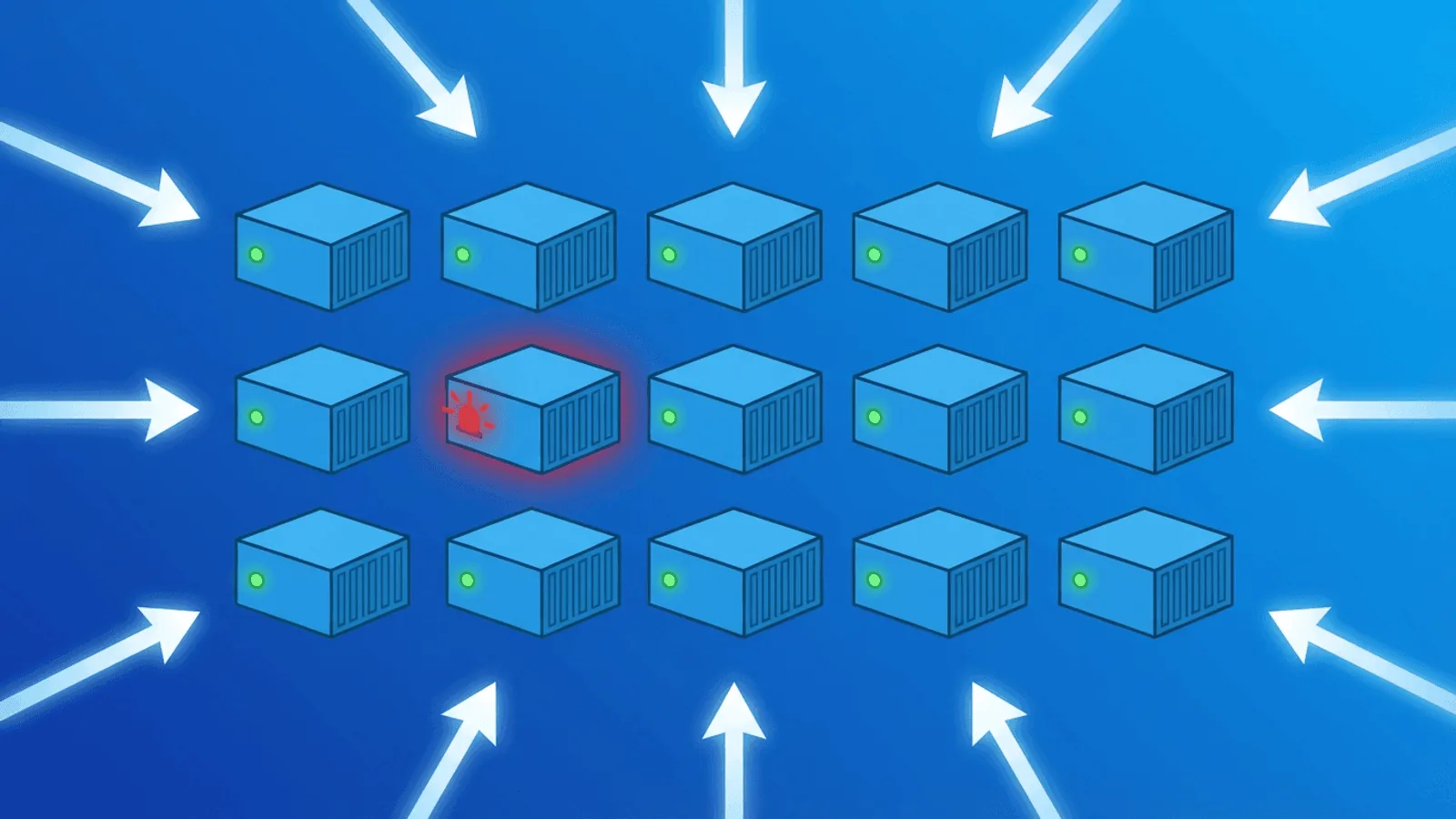
Docker makes it easy to package and run applications. It also makes it easy to convince yourself everything is fine when it isn't.
A container can show "healthy" status in docker ps while the application inside is returning 500 errors. A container can be "running" while it's in the middle of a crash-restart loop. A Docker Compose service can be "up" while one of its dependencies silently failed during startup.
Effective Docker monitoring means watching your containerized services from the outside — the same way your users experience them — not just from the Docker daemon's perspective. This guide covers Docker's internal health check tooling, where it falls short, and how to build monitoring that gives you the full picture.
Docker's Built-In Health Checks
Docker supports a HEALTHCHECK instruction that lets you define how the daemon should periodically test whether a container is working correctly.
Adding a HEALTHCHECK to a Dockerfile
FROM node:20-alpine

WORKDIR /app
COPY . .
RUN npm ci --omit=dev

EXPOSE 3000

HEALTHCHECK --interval=30s --timeout=5s --start-period=15s --start-interval=5s --retries=3 \
  CMD ["node", "-e", "fetch('http://localhost:3000/health').then(r=>{if(!r.ok)process.exit(1)}).catch(()=>process.exit(1))"]

CMD ["node", "server.js"]
Parameters:
--interval=30s— How often to run the check (default: 30s)--timeout=10s— How long to wait for the check to return (default: 30s)--start-period=15s— Grace period before failures count during startup (default: 0s)--start-interval=5s— Probe cadence during the start period on current Docker releases--retries=3— How many consecutive failures before marking unhealthy (default: 3)
Health check states
Once a HEALTHCHECK is defined, containers report one of three states:
- starting — Container has started but hasn't passed a health check yet (within
--start-period) - healthy — The most recent completed check passed
- unhealthy — Check has failed
--retriesconsecutive times
You can see the current state with:
docker inspect --format='{{.State.Health.Status}}' <container_name>
Or in a human-readable summary:
docker ps --format "table {{.Names}}\t{{.Status}}"
Health checks in Docker Compose
services:
  api:
    image: your-api:latest
    ports:
      - "3000:3000"
    healthcheck:
      test: ["CMD", "curl", "-f", "http://localhost:3000/health"]
      interval: 30s
      timeout: 10s
      start_period: 20s
      retries: 3
    depends_on:
      db:
        condition: service_healthy

  db:
    image: postgres:16
    environment:
      POSTGRES_PASSWORD: password
    healthcheck:
      test: ["CMD-SHELL", "pg_isready -U postgres"]
      interval: 10s
      timeout: 5s
      retries: 5
Using condition: service_healthy makes Compose wait for the dependency to report healthy before creating the dependent service. It is startup ordering, not ongoing dependency supervision; the application still needs retry and reconnect logic if the database later restarts.
Health check commands by service type
| Service | Recommended health check |
|---|---|
| HTTP API | curl -f http://localhost:<port>/health |
| PostgreSQL | pg_isready -U <user> |
| MySQL/MariaDB | mysqladmin ping -h localhost |
| Redis | redis-cli ping |
| MongoDB | mongosh --eval 'db.runCommand("ping")' |
| Nginx | curl -f http://localhost/ |
What Docker Health Checks Can't Tell You
Docker's HEALTHCHECK is valuable, but it only checks from inside the container to another location inside the same container (or local network). It cannot tell you:
- Whether your service is reachable from outside the host — Port binding issues, firewall rules, and reverse proxy misconfigurations are invisible to Docker health checks.
- Whether your SSL certificate is valid — A container can be healthy while HTTPS is broken at the load balancer.
- Whether DNS resolves to the correct host — DNS changes or misconfigurations aren't visible to
HEALTHCHECK. - Whether response content is correct — A health check that only tests
/healthwon't catch issues on/api/v1/users. - Whether response time is acceptable — Health checks pass or fail, they don't measure performance.
- Whether background jobs are completing — Cron containers can fail silently.
For all of this, you need external monitoring.
Common Docker Failure Modes
OOMKilled (Out of Memory)
What happens: A container exceeds its memory limit and is killed by the Linux OOM killer. Docker restarts it (if restart: always or unless-stopped is set).
How to detect it:
docker inspect <container> | grep -i oom
# "OOMKilled": true
External symptom: Intermittent 503s or connection resets as containers restart. Users may see errors for 10-30 seconds during each restart cycle.
External monitoring: HTTP checks with 1-minute intervals will catch these as check failures or elevated error rates.
Crash-restart loop (CrashLoopBackOff equivalent)
What happens: A container starts, crashes, gets restarted by Docker, crashes again. With Docker's default exponential backoff, restart delays grow from 100ms up to 5 minutes between attempts.
How to detect it:
docker ps
# STATUS: Restarting (1) 3 seconds ago
External symptom: The service is repeatedly unavailable during the restart window. External HTTP checks return connection refused or timeout.
External monitoring: HTTP checks will detect the service going down. Alert on 2+ consecutive failures.
Image pull failure on restart
What happens: A deploy or explicit pull needs an image, but the registry is unreachable, credentials expired, or the tag no longer exists. A normal container restart or host reboot reuses the local image and does not pull merely because the container restarted.
External symptom: The service doesn't come back up after a planned restart.
External monitoring: HTTP checks detect the service staying down after the expected restart window.
Port binding failure
What happens: A container tries to bind to a port that's already in use. The container exits immediately. Common after incomplete cleanup of previous deployments.
How to detect it:
docker logs <container>
# Error: bind: address already in use
External symptom: New container never starts. Service remains unavailable.
External monitoring: HTTP checks detect the outage immediately. (See how to check if a website is down for the broader troubleshooting flow when external checks fail.)
Volume mount permission errors
What happens: A container can't write to a mounted volume due to permission mismatches between the container's user and the host filesystem. Common with NFS mounts or after OS updates.
External symptom: The application starts (container is "running") but fails when attempting any file operation. May return 500 errors for specific operations.
External monitoring: Content validation — checking that responses contain expected data — catches these where a simple 200 check wouldn't.
Dependency startup race
What happens: Your application container starts before its database or cache is ready. The app fails to establish connections and crashes.
Prevention: Use depends_on with condition: service_healthy in Docker Compose, and implement retry logic in your application for database connections.
External monitoring: HTTP checks during deployment catch this immediately if retry logic isn't sufficient.
Monitoring Docker Deployments
The external check layer
Regardless of what Docker's health checks report, set up external HTTP checks on every public-facing endpoint your containers serve:
- Application endpoints:
https://yourapp.com,https://api.yourapp.com/health - Check interval: 1 minute — you want to catch container restart loops fast
- Content validation: Verify responses contain expected data, not just a 200 status
- Multi-region: Check from multiple geographic locations to catch network-level issues
SSL monitoring for containerized apps
If you're terminating SSL inside a container (e.g., Nginx + Let's Encrypt inside Docker), monitor certificate validity and expiry. Containerized cert renewal can fail after deployments if the renewal hook wasn't configured correctly.
TCP port monitoring
Check that your container's exposed ports are reachable from outside the host:
TCP check: yourhost.com:3000
TCP check: yourhost.com:5432  (if DB is accessible)
This catches port binding failures and firewall changes that HTTP checks might not.
Heartbeat monitoring for Docker Compose cron containers
If you run cron jobs or scheduled tasks as Docker containers (e.g., a container that runs daily backups), use heartbeat monitoring to verify they complete:
# Add to your cron container script
#!/bin/bash
python backup.py && curl -s https://app.web-alert.io/api/heartbeat/YOUR_ID
If the heartbeat isn't received within the expected window, you get an alert — catching both "the container didn't start" and "the job ran but failed."
Monitoring after deployments
Deployments are the highest-risk moment for Docker-based services. When you docker compose pull && docker compose up -d, containers restart in sequence. External HTTP monitoring gives you immediate feedback:
- If a check fails within 2 minutes of deployment → likely a startup issue → roll back immediately
- If checks pass → deployment confirmed successful
This works for any deployment method: docker compose, docker run, CI/CD pipelines, or automated rollouts.
Docker Monitoring at Different Scales
Single host with Docker Compose
The simplest setup. Monitor your public-facing services externally:
- HTTP check on each service's public URL
- SSL certificate check
- TCP check on exposed ports
- Heartbeat for any scheduled containers
Multiple hosts
Add DNS monitoring to catch routing issues. If you're running the same service on multiple hosts behind a load balancer, multi-region checks help confirm all locations are routing correctly.
Docker Swarm
Swarm adds service replication and scheduling across hosts. External HTTP checks through the Swarm's routing mesh confirm that requests are being served correctly, regardless of which node handles them. Monitor the Swarm load balancer endpoint, not individual node IPs.
Useful Docker Commands for Troubleshooting
When your external monitoring alerts fire, these commands help diagnose the issue:
# See all container statuses including health
docker ps --format "table {{.Names}}\t{{.Status}}\t{{.Ports}}"

# Check restart count and OOM status
docker inspect <container> --format='Restarts: {{.RestartCount}}, OOM: {{.State.OOMKilled}}'

# View recent logs (last 50 lines)
docker logs --tail 50 <container>

# Follow logs in real time
docker logs -f <container>

# Check health check history
docker inspect --format='{{json .State.Health}}' <container> | jq

# See resource usage
docker stats --no-stream

# Check events (shows container starts, stops, OOM kills)
docker events --since 1h
How Webalert Monitors Docker Infrastructure
Webalert provides the external monitoring layer that complements Docker's internal health checks:
- HTTP/HTTPS monitoring — 1-minute checks on your containerized services with content validation
- SSL monitoring — Certificate validity and expiry for containerized HTTPS services
- TCP port monitoring — Confirm exposed container ports are reachable through the host
- DNS monitoring — Verify domain resolution points correctly to your Docker host
- Response time tracking — Detect performance degradation from resource-constrained containers
- Heartbeat monitoring — Know when cron containers and scheduled tasks complete successfully
- Multi-region checks — Catch host-level network issues that affect some locations
- Alerting — Slack, Discord, SMS, email, and webhooks — fast alerts when containers fail
- On-call scheduling — Route critical container failures to the right person immediately
- Status pages — Keep users informed during deployment-related outages
Docker watches your containers. Webalert watches what your users see.
See features and pricing for the full details.
Summary
- Docker
HEALTHCHECKmonitors from inside the container. Essential, but only covers part of the picture. - External monitoring catches what
HEALTHCHECKmisses: port binding failures, SSL issues, DNS problems, content errors, and performance degradation. - Common Docker failures detected externally: OOMKilled restarts (intermittent errors), crash loops (sustained outage), image pull failures (service stays down), port binding issues (immediate outage), volume permission errors (500s on specific operations).
- Monitor the full chain: DNS → SSL → host port → container port → application → response body.
- Deployments are the highest risk moment. External checks provide immediate validation that
docker compose upsucceeded. - Heartbeat monitoring closes the gap for scheduled and batch containers that don't serve HTTP traffic.
Frequently Asked Questions
What's the difference between Docker HEALTHCHECK and external monitoring?
Docker HEALTHCHECK runs inside the container — it can verify your app responds to a local probe (e.g. curl localhost:8080/health), but it sees nothing about port-binding, networking, DNS, TLS, or whether external users can reach the service. External monitoring checks the public-facing endpoint the way users would. A container can report healthy while port 8080 isn't published to the host, the reverse proxy is misconfigured, or the SSL certificate has expired — and only external monitoring will catch it.
Why does my container show "healthy" but return 500 errors?
HEALTHCHECK typically pings a static endpoint like /health that returns 200 OK as long as the process is alive. It rarely exercises actual business logic, database connections, or downstream API calls. If your DB connection pool is exhausted or a critical dependency is down, /health may still return 200 while real requests fail with 500. Always combine container-level health checks with synthetic monitoring that exercises a real user journey.
How do you detect Docker container crash loops?
A crash loop is a container repeatedly starting, failing, and restarting (usually within seconds). External monitoring catches it indirectly via flapping availability — the service appears up briefly between restarts, then 5xx or connection-refused errors. From the Docker host, docker events and docker inspect <container> --format '{{.RestartCount}}' give the authoritative count. Alert when restart count increases by more than 3 in a 5-minute window.
How do you monitor a Docker Compose stack?
Treat the Compose stack as a service composed of multiple containers and dependencies. Combine three layers: (1) docker compose ps for service-level state on the host, (2) HEALTHCHECK directives in each service for in-container readiness, (3) external HTTP/TCP monitors hitting the public endpoints exposed by the proxy/load-balancer. The external monitor confirms the whole stack — including networking between services — is actually working end-to-end.
How do you monitor cron containers and one-off batch jobs?
HTTP checks do not fit containers that do not serve a port. Use the heartbeat pattern: at the end of every successful run, have the container call a unique URL. Set the expected interval from the job's own schedule and runtime envelope. This catches silent failures—the cron did not run, the script crashed before the heartbeat, or the schedule was misconfigured.