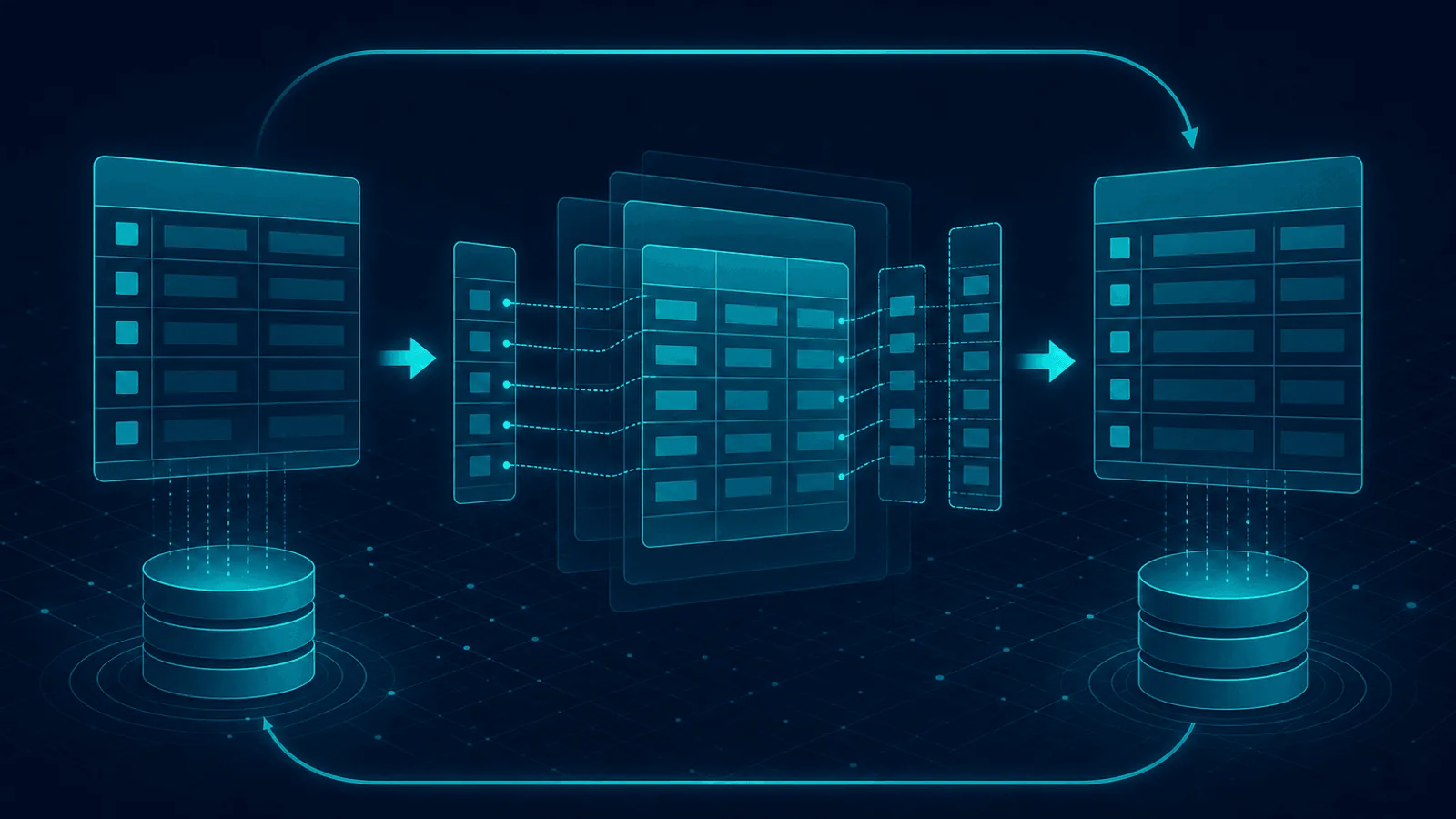
A zero-downtime schema migration is a compatibility rollout, not one DDL statement. First identify lock level, rewrite/copy behavior, disk and WAL/binlog cost, replica impact, and old/new code compatibility. Then use explicit database-version behavior, bounded lock waits, staged backfills, and a verified rollback or roll-forward path.
This guide explains what makes a migration safe or unsafe, how to run zero-downtime migrations, and how to monitor them so a bad DDL never takes you down.
Why Migrations Cause Outages
The database is the component with the most locking, the most state, and the most sensitivity to scale. Migrations break it in a few recurring ways:
- Locks that block writes. Many DDL operations take an exclusive lock on the table while they run. On a small table that's milliseconds; on a large table it can be minutes or hours — during which every
INSERT,UPDATE, andDELETEqueues up, connections saturate, and the app appears down. - Table rewrites. Some
ALTER TABLEoperations rebuild the entire table copy-by-copy. On a 100 GB table that's a long outage unless you use online DDL. - Schema/code mismatches. The migration and the code have to deploy in sync. Deploy the migration first and the old code errors on the new schema; deploy the code first and it errors on the old schema. The classic failure is renaming a column and deploying the rename before the code that uses the new name.
- Staging/prod scale mismatch. A migration that takes 200 ms on staging's 1,000-row table can take 30 minutes on production's 50 million rows. The lock duration isn't even proportional — it can be dramatically worse because of cache behavior, disk pressure, and lock contention.
- Long-running migrations blocking replicas. A migration that takes a long replication lag to ship to replicas can leave you with stale reads or — worse — a failover that loses the migration entirely.
The common thread: a migration is a change to the most shared, most locked, most stateful component, and that combination is what produces outages.
What Makes DDL Safe or Unsafe
Not all DDL is risky. The key distinction is whether the operation locks or rewrites:
- Often online, with caveats:
CREATE INDEX CONCURRENTLYin PostgreSQL; supported MySQLALTER TABLEoperations with explicitALGORITHM=INSTANTorINPLACEandLOCK=NONE; PostgreSQL constraints addedNOT VALIDthen validated; metadata-only column additions supported by the deployed version. - Potentially blocking or rewriting: incompatible type changes, table-copy algorithms, non-concurrent PostgreSQL index creation, operations that require an exclusive metadata lock, and any destructive change while old code still references the object.
Do not classify DDL from syntax alone. Behavior changes by database/version, table features, and operation. Ask the database to fail if the requested online algorithm or lock level is unavailable rather than silently falling back to a table copy.
The Pattern That Makes Migrations Safe: Expand and Contract
The reliable way to deploy schema changes without downtime is expand-and-contract (also called parallel-change). Instead of changing the schema in one step, you split it into phases that are each individually safe:
- Expand: Add the new structure without removing the old. Add the new column (nullable, no default that requires a rewrite). Create the new index concurrently. Both old and new schema work.
- Migrate: Backfill the new structure in the background (copy old values to the new column, populate the new table). Deploy code that writes to both old and new. This phase can take hours or days for large tables — that's fine, because nothing is locked.
- Switch: Deploy code that reads from the new structure. Verify it works.
- Contract: Remove the old structure — drop the old column, drop the old index. By now nothing uses it.
Each step is independently safe and reversible. The total cost is more steps and more code, but the payoff is that no single step can lock the database or break the app. This is the only reliable way to do non-trivial schema changes on a live production database.
How to Run Migrations Safely
Beyond expand-and-contract, a few operational disciplines:
- Use
CONCURRENTLYfor PostgreSQL indexes when writes must continue. Remember it takes longer, cannot run inside a transaction block, and can leave an invalid index after failure. - Specify MySQL
ALGORITHMandLOCKrequirements. PreferINSTANTwhen supported; useINPLACE, LOCK=NONEwhere appropriate so the statement fails instead of silently choosingCOPY. - Use online schema-change tools for unsafe alters on large tables —
gh-ost/pt-online-schema-changefor MySQL,pg-oscorpg_repackfor PostgreSQL. - Run migrations during low-traffic windows, not because the migration is dangerous, but because if it goes wrong the blast radius is smaller.
- Set lock timeout and statement timeout on the migration session. A
SET lock_timeout = '3s'makes a migration that can't acquire its lock fail fast instead of hanging the app. Better a failed migration you retry than a stuck one that holds locks for an hour. - Test on a production-sized dataset, not just staging. A copy of production (scrubbed) is the only way to know how long the migration will actually take.
- Never deploy code and schema in the same step. Decouple them so you can roll back the code without rolling back the schema, and vice versa.
- Have a rollback plan for every migration. Some are reversible (
DROP INDEX); some aren't (DROP COLUMN). For irreversible ones, the rollback is "deploy forward" — make sure you can do that quickly.
How to Monitor Migrations
A migration in progress is a moment of elevated risk. What to watch:
- Lock waits during the migration. A spike in lock waits means the migration is blocking the app.
lock_timeoutshould fail it before this gets bad, but monitor so you know. - Replication lag during and after. A long-running DDL ships to replicas as a single (or few) operations, but the apply work is large. Watch replication lag spike and recover.
- Query latency on the affected table. Even "online" DDL can slow concurrent queries. Watch p95/p99 latency on the table's queries during the migration.
- Migration job completion. For background backfills, monitor the backfill job's progress and completion — a stalled backfill is a migration that never finishes.
- User-visible errors and latency from the outside. The real question is whether the migration is affecting users. Only outside-in monitoring answers that.
Treat a migration as an incident-in-waiting: monitor actively while it runs, and confirm recovery when it's done.
Preflight Checklist
- Confirm exact PostgreSQL/MySQL version and operation behavior in official docs.
- Measure table/index size, row churn, free disk, WAL/binlog rate, and replica headroom.
- Find long-running and idle transactions that could hold metadata locks.
- Set session-level lock and statement/execution time budgets.
- Verify old and new application versions can run concurrently.
- Make backfills resumable, rate-limited, observable, and idempotent.
- Define abort signals for lock wait, latency, errors, replica lag, or disk growth.
- Rehearse rollback/roll-forward and verify the application from outside after every phase.
How Webalert Helps
Migrations are an internal database operation, but their symptoms are user-visible — and outside-in monitoring catches them:
- Outside-in latency and error monitoring that catches the slow responses and 5xx errors a locking migration causes — so you find out in seconds that your
CREATE INDEXis locking the users table. - Database and dependency monitoring that catches the connection-pool exhaustion, replication lag, and lock waits that accompany a bad migration.
- Confirmation of recovery — once the migration finishes or you kill it, monitoring verifies real requests succeed on time again.
- Independent uptime evidence — if a migration goes wrong, Webalert confirms whether the user-visible impact has recovered once you've rolled back or completed the change.
Webalert won't run your migration, but it tells you the moment a DDL change has crossed from a database operation into a user-facing problem — and confirms when it's over.
Primary Documentation
- PostgreSQL
CREATE INDEX— concurrent-build phases, limitations, and invalid-index recovery. - PostgreSQL
ALTER TABLE— lock levels and operation-specific behavior. - PostgreSQL
lock_timeout— bounding lock acquisition waits per migration session. - MySQL InnoDB online DDL —
INSTANT,INPLACE,COPY, andLOCKsemantics. - MySQL online DDL operations — operation-by-operation capability matrix.
Summary
Schema migrations cause outages because they change the most shared, most locked, most stateful component under constraints that vary wildly between staging and production. The recurring failures are locks that block writes, full table rewrites, schema/code mismatches, staging/prod scale mismatches, and migrations that lag to replicas. The safety distinction is whether the DDL locks or rewrites — CONCURRENTLY / online DDL / nullable columns are safe; default CREATE INDEX, column renames, type changes, and column drops while code reads them are unsafe.
The reliable pattern is expand-and-contract: add the new structure without removing the old, backfill in the background, switch the code, then contract by removing the old. Run migrations with CONCURRENTLY / online DDL tools, lock and statement timeouts, production-sized test data, decoupled code and schema deploys, and a rollback plan. Monitor lock waits, replication lag, query latency, and migration completion during the change — and pair internal database metrics with outside-in monitoring so a bad migration never silently degrades your product.