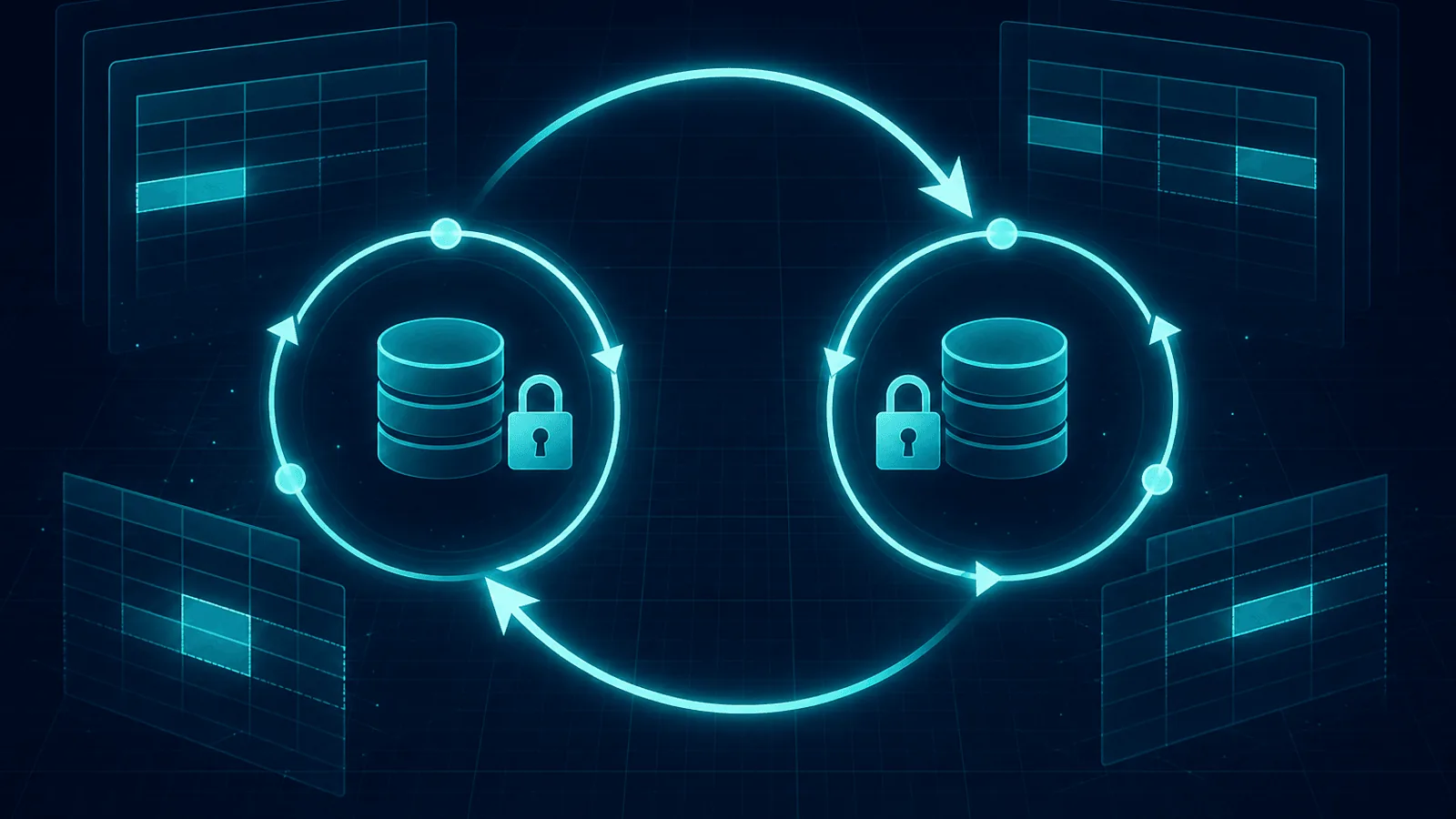
A database deadlock is a cycle of lock dependencies: transaction A waits for a lock held by B while B waits, directly or indirectly, for A. PostgreSQL and InnoDB detect the cycle and abort one transaction so the others can continue. The application still sees a real error—such as PostgreSQL 40P01 or MySQL error 1213—and must decide whether the whole transaction is safe to retry.
This guide explains what deadlocks are, why they happen, how to detect them, and how to write code that doesn't deadlock in the first place.
What a Deadlock Is
When a transaction updates a row, the database takes a lock on that row to prevent other transactions from modifying it simultaneously. Locks are released when the transaction commits or rolls back. This is what makes transactions safe — without locks, two transactions could both read a balance, both subtract from it, and both write back a wrong result.
A deadlock happens when:
- Transaction A locks row 1, then tries to lock row 2.
- Transaction B locks row 2, then tries to lock row 1.
- A is waiting for B to release row 2. B is waiting for A to release row 1.
- Neither will ever proceed. The database detects the cycle and kills one transaction (the "victim") with a deadlock error.
The crucial point: each transaction's individual actions are perfectly reasonable. The deadlock emerges from the interaction — specifically, the inconsistent order in which the two transactions acquired locks. That's why deadlocks are so hard to reproduce in testing and so common in production: they require specific concurrent timing that only appears under real load.
Why Deadlocks Happen
The most common causes, in order of frequency:
- Inconsistent lock ordering. The classic cause. Transaction A updates
usersthenorders; Transaction B updatesordersthenusers. Run them concurrently and sooner or later they deadlock. If both transactions always lockedusersfirst, thenorders, the deadlock couldn't happen. - Long-running transactions. The longer a transaction holds locks, the wider the window for another transaction to grab a conflicting lock and create a cycle. A transaction that opens, does work, and commits in 5 ms rarely deadlocks; one that holds locks for 5 seconds while making an external API call deadlocks constantly.
- Locks acquired implicitly by
SELECT ... FOR UPDATE, foreign-key checks, and unique-constraint checks. Not all locks come from explicitUPDATE— aSELECT ... FOR UPDATElocks rows too, and FK/unique checks take short-lived locks that can still participate in deadlocks. - Gap and next-key locks (MySQL InnoDB under REPEATABLE READ). MySQL's row locking also locks gaps between rows to prevent phantom reads, which dramatically increases the lock surface and the deadlock surface. Range updates and inserts into indexed ranges are frequent victims.
- Bulk operations without a deterministic order. A
DELETE FROM orders WHERE status = 'pending'that touches thousands of rows locks them in whatever order the query plan chose; another transaction doing the same in a different order deadlocks.
The unifying theme: deadlocks come from concurrent transactions acquiring overlapping locks in inconsistent orders, amplified by long-held locks and surprising implicit locks.
Detect Deadlocks in PostgreSQL and MySQL
The database almost always detects deadlocks for you — when it finds a wait-cycle, it aborts one transaction with a specific error. What you need to monitor:
- Deadlock error rate. Count
deadlock detected(PostgreSQL, inpg_stat_database'sdeadlockscounter) or MySQL'sInnodb_deadlocks/SHOW ENGINE INNODB STATUS. Any sustained rate is a problem — deadlocks should be rare, not routine. - Lock wait time and lock waits. A rising lock-wait rate is the leading indicator that deadlocks are about to increase. PostgreSQL exposes
pg_stat_activitywait events; MySQL exposesInnodb_lock_waitsandInnodb_row_lock_time_avg. - Transactions waiting on locks. A session stuck in
lock_waitfor more than a second or two is either about to deadlock or about to time out — watchpg_stat_activityorINNODB_TRX. - Slow query log with lock time. Queries that take a long time because of locks (not because of work) are deadlock precursors.
Alert on deadlock rate and user impact relative to the workload. A single deadlock on a payment path can matter more than several harmless, successfully retried maintenance conflicts.
How to Prevent Deadlocks
Deadlocks are preventable with a few disciplines:
- Always acquire locks in a consistent order. If every transaction that touches
usersandordersupdatesusersfirst, thenorders, you've eliminated the classic deadlock. Establish a project-wide convention (e.g., "lock parent before child," "lock by primary-key order") and stick to it. - Keep transactions short. The shorter the transaction, the smaller the window for a conflicting lock. Don't hold a transaction open across an external API call, a user input wait, or any slow operation — do the slow work first, then open the transaction, do the locked work, and commit immediately.
- Use the smallest lock scope possible.
SELECT ... FOR UPDATEonly the rows you need. Don'tSELECT ... FOR UPDATEan entire table when you need one row. UseLIMITand tightWHEREclauses. - Retry the entire transaction, not the failed statement. The database has rolled back the victim transaction. Start a new transaction after a small jittered delay, use a bounded attempt budget, and make external side effects idempotent.
- Lower the isolation level when you don't need the strongest guarantee. MySQL's REPEATABLE READ uses gap locks that are particularly deadlock-prone; READ COMMITTED avoids them. PostgreSQL's READ COMMITTED is the default and usually sufficient. Don't use SERIALIZABLE unless you actually need it.
- Order bulk operations deterministically. For bulk updates, sort the rows by primary key in the
WHEREor use a subquery withORDER BYso concurrent bulk operations lock rows in the same order. - Use
NOWAITorSKIP LOCKED(PostgreSQL, MySQL 8+) where appropriate —NOWAITfails that lock attempt immediately instead of waiting, whileSKIP LOCKEDis useful for queue-style workloads that can safely ignore rows another worker already holds. Neither replaces consistent lock ordering across the rest of the transaction.
The combination of consistent ordering + short transactions + retry-on-deadlock eliminates the vast majority of real-world deadlocks.
How Webalert Helps
Deadlocks are an internal database problem, but their symptoms are user-visible — and that's where outside-in monitoring closes the loop:
- Outside-in error and latency monitoring that catches the 5xx errors and slow responses a wave of deadlocks causes, so a deadlock spike reaches you in seconds, not after users complain.
- Database and dependency monitoring that catches the slow queries, connection-pool exhaustion, and replication lag that often accompany or amplify deadlock problems.
- Independent uptime evidence — if your database is failing under deadlock pressure, Webalert confirms whether the user-visible impact has recovered once you've fixed the cause.
- Confirmation of recovery — after you've added consistent lock ordering or a retry loop, monitoring verifies real requests succeed on time again.
Webalert won't reorder your locks, but it tells you the moment deadlocks have crossed from a database metric into a user-facing problem — and confirms when your fixes worked.
Primary Documentation
- PostgreSQL explicit locking and deadlocks — detection, abort behavior, and consistent lock ordering.
- PostgreSQL
pg_locks— current lockable objects and wait state. - MySQL InnoDB deadlock example —
SHOW ENGINE INNODB STATUS,data_locks, and deadlock logging. - MySQL
data_lock_waits— requesting-to-blocking lock relationships.
Summary
A database deadlock happens when two transactions each hold a lock the other needs, creating a wait cycle the database can only break by killing one of them. They emerge from concurrent transactions acquiring overlapping locks in inconsistent orders — amplified by long-running transactions, implicit locks from FOR UPDATE/FK/unique checks, MySQL's gap locks, and unordered bulk operations. They're hard to reproduce in testing and common in production because they require specific concurrent timing.
Detect them by monitoring deadlock counts (PostgreSQL pg_stat_database.deadlocks, MySQL Innodb_deadlocks), lock-wait rates, and lock-wait time — alert on any sustained rate. Prevent them by acquiring locks in a consistent order, keeping transactions short, using the smallest lock scope, retrying on deadlock errors with jitter, lowering isolation when you can, ordering bulk operations by primary key, and using NOWAIT/SKIP LOCKED for queue workloads. Pair internal deadlock metrics with outside-in monitoring so a deadlock spike never silently degrades your product.