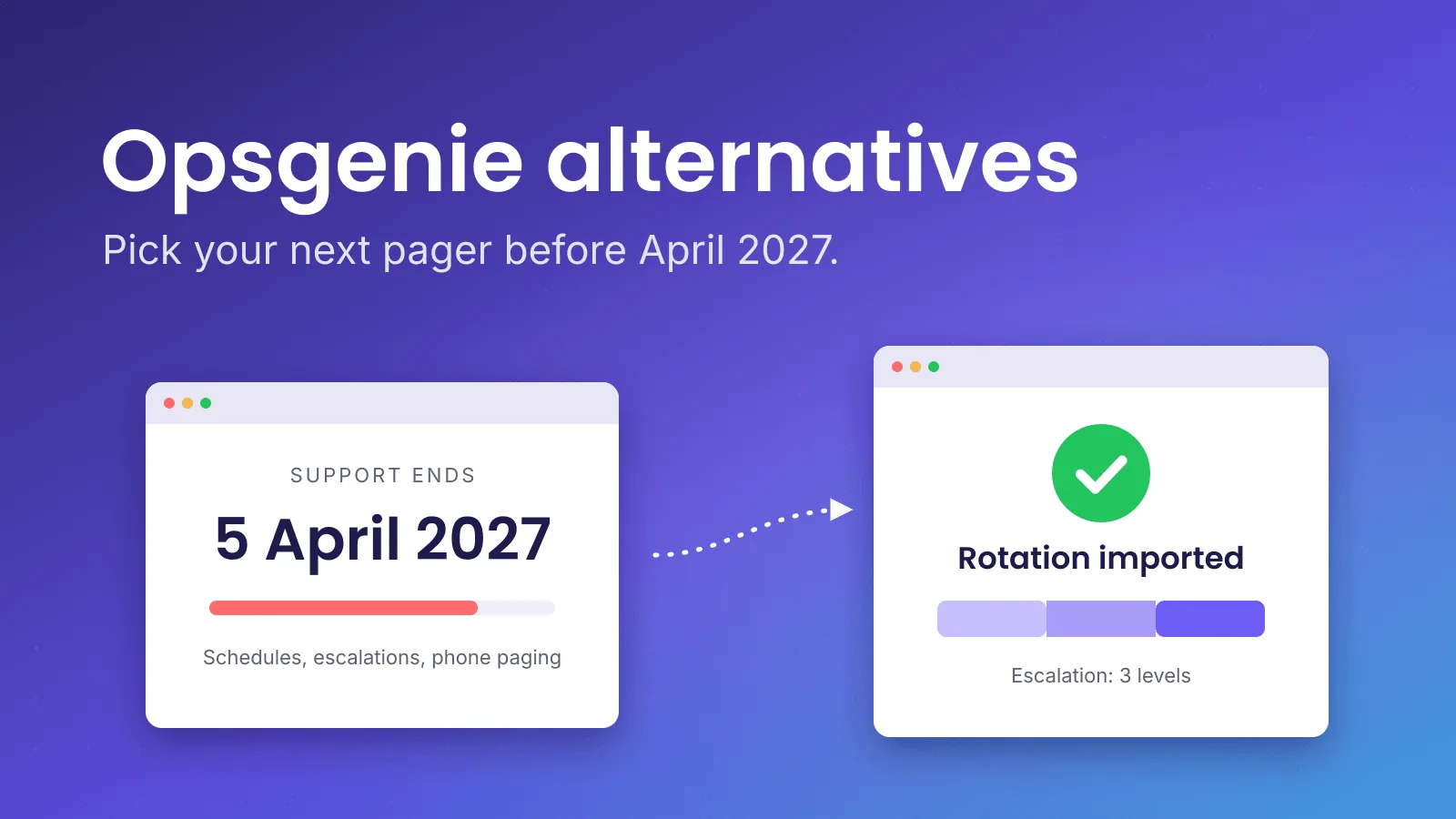
Atlassian stopped selling Opsgenie on 4 June 2025 and ends it on 5 April 2027. After that date Opsgenie stops working and the remaining data is deleted. If your team of three to ten people uses it to run a rotation, escalate to a second person and ring a phone at 3 a.m., you have to pick a replacement in the next few months.
This post compares the options for that kind of team on three things: what a responder costs, how phone and SMS paging work, and how much work the move is. We build Webalert, one of the options, so read our section with that in mind. Competitor prices come from each vendor's own pricing page, checked on 26 November 2026, and are in US dollars. Webalert prices are in euros.
Short answer
- You already run a service desk in Jira: Jira Service Management is Atlassian's own path and the least new software to adopt. Voice notifications need the Premium plan.
- You are a larger org with several teams and a heavy incident process: PagerDuty or incident.io go deeper than the smaller tools here.
- You run Grafana and have three or fewer people on call: Grafana Cloud IRM's free tier is hard to beat on price.
- You want rotations, escalation, phone and SMS, an import of your Opsgenie schedules, and uptime monitoring in the same account: that is what Webalert on-call is built for.
The options at a glance
| Tool | On-call price (Nov 2026) | Phone and SMS | Free option |
|---|---|---|---|
| Jira Service Management | Per-agent price comes from a calculator; check their pricing page | Standard: SMS, no voice. Premium: voice | Free plan: 3 agents, 200 SMS a month, no on-call management |
| PagerDuty | Professional $25/user/month, or $21 billed annually | Listed as included on Professional, no cap shown | Free: up to 5 users, 1 schedule, 1 escalation policy, 100 SMS or phone notifications a month |
| incident.io | Team $19/user/month plus $10/user/month for on-call | Not listed on the pricing page | Basic: 1 schedule |
| Better Stack | $34/responder/month, or $29 billed yearly | Unlimited calls and SMS | Free tier does not list on-call |
| Grafana Cloud IRM | Pro: $19/month platform fee with 3 active users, then $20 per active user | No extra cost for calls or SMS | Free: 3 active users |
| Zenduty | Starter $6/user/month (up to 5 users), Growth $16, both on yearly billing | Starter: 25 calls/SMS per user a month outside the US, Canada and India. Growth: unlimited | 14-day trial |
| Webalert | Starter €9/month plus €12/responder/month (€9.60 billed yearly) | 30 SMS and 15 calls per responder, shared by the team; then €0.10 per SMS, €0.40 per call | 7-day trial with on-call for up to 5 responders, no card |
For a worked total at 3, 5 and 10 people, see what on-call paging costs a 5-person team.
Jira Service Management
JSM is where Atlassian points Opsgenie customers. If you already handle tickets in JSM, on-call there keeps one vendor and one login.
Better choice when: you already pay for JSM agents, or you want on-call tied to a service desk and change management.
Watch out for: the Free plan has no on-call management. Standard has on-call with email and SMS but no voice calls; voice is Premium and Enterprise only. The per-agent price comes from a calculator we could not confirm, so get a quote on their pricing page.
PagerDuty
PagerDuty is the long-standing default. Its schedules, escalation policies, event routing and integrations are mature, and it handles many teams well.
Better choice when: you have multiple teams, high alert volume that needs rules and orchestration, or governance requirements a small tool will not meet.
Watch out for: the free plan is real, but it allows one schedule, one escalation policy and 100 SMS or phone notifications a month for the whole account. Once you outgrow that, Professional is $25 per user per month. We cover the trade-offs in more depth in our PagerDuty alternative guide.
incident.io
incident.io is built around running incidents in Slack or Microsoft Teams, with on-call on top.
Better choice when: the incident process itself matters as much as the page, and the team lives in Slack or Teams.
Watch out for: on-call is priced on top of the base seat. On Team that is $19 plus $10 per user. The pricing page does not say whether the on-call add-on price is monthly or annual, and it does not list SMS or voice limits, so check with them.
Better Stack
Better Stack combines uptime monitoring, logs, status pages and on-call. A responder license is $34 a month, or $29 billed yearly, and includes unlimited phone calls and SMS.
Better choice when: you also want their log and telemetry products, or you expect a lot of phone pages and want no usage line on the bill.
Watch out for: the per-responder price is higher than the other per-seat prices in the table above. We compared it in more detail in our Better Stack alternative post.
Grafana Cloud IRM
Grafana Cloud IRM is Grafana's on-call product. The free tier covers 3 active users a month, and Grafana's docs say calls and SMS cost nothing extra. The free tier covers fewer countries than paid plans, but it includes Denmark, Germany, the Netherlands and France. Pro has a $19 monthly platform fee with 3 active users included, then $20 per active user.
Better choice when: your alerts already come from Grafana and you have three or fewer people on call. For that team it is free.
Watch out for: "active user" is broad. It includes anyone who is in a schedule or escalation chain that month, receives a page, changes an alert's status or edits the on-call configuration. Plan on everyone who touches on-call counting.
Zenduty
Zenduty is a smaller on-call tool with low per-user prices. Starter is $6 per user per month for up to 5 users, and Growth is $16 per user for up to 50, both shown with yearly billing. There is no free plan, only a 14-day trial.
Better choice when: the lowest sticker price for a team of five or fewer is what matters most.
Watch out for: on Starter, calls and SMS are limited to 25 per user a month outside the US, Canada and India. The pricing page does not show monthly-billing prices.
Webalert
Webalert is an EU uptime monitoring product with on-call: rotations with layers and overrides, escalation policies, phone calls and SMS you acknowledge by pressing or replying 1, per-person notification rules, and alerts from Grafana, Prometheus Alertmanager, Datadog, New Relic, Sentry, CloudWatch, email and webhooks. Uptime monitors and status pages are in the same account.
On-call costs €12 per responder a month (€9.60 billed yearly) on top of Starter at €9 or Business at €29. A team of five on Starter pays €69 a month. Each responder adds 30 SMS and 15 calls to a pool the whole team shares, and paging never stops at the allowance: extra SMS are €0.10 and extra calls €0.40. Teammates who only look at dashboards and incidents do not need a responder seat.
Watch out for: Starter includes 3 inbound integrations; if more than three tools page you, you need Business. The Free plan has no on-call and no inbound integrations. Webalert is not a full incident management suite, and it does not do team-based routing the way Opsgenie does.
How much work is the move?
This is where the tools differ most, and it is the part people underestimate.
Webalert has a built-in Opsgenie import. You add an Opsgenie API key with Read and Configuration access, pick the US or EU region, and see a preview before anything is created. The key is used for the import and not stored.
What comes across:
- Schedules, with one layer per Opsgenie rotation, including daily and weekly rotations, every N days or weeks, and time-of-day restrictions.
- Each schedule's time zone.
- Escalation policies with their levels and delays.
- Who is in each rotation and level, matched by email. Anyone it can't match is listed with an invite button.
What does not come across, or works differently:
- Alert history, routing rules and integrations are not imported. Export any history you need before April 2027.
- Hourly rotations and restrictions that span several days are flagged for you to recreate by hand.
- Escalation levels that page an Opsgenie team are left out; people and schedules come across.
- Escalation stops when someone acknowledges, not when the alert is closed, and the first level is paged right away.
After the import you repoint each alert source at its new Webalert URL and have each person verify their phone and set notification rules. The full walkthrough is on the Opsgenie migration page.
For the other tools, we did not verify what each one imports from Opsgenie. Ask the vendor whether they import schedules and escalation policies, and what happens to overrides, restrictions and team-based routing.
Whatever you choose, the same four steps apply:
- Export the Opsgenie alert history and configuration you want to keep.
- Rebuild or import schedules and escalation policies. Check them against next week's real rota.
- Point one alert rule at the new tool and let both page for a few days.
- Move the remaining sources, confirm every phone has had a test page, then switch Opsgenie off.
Our escalation policy guide and rotation setup guide are useful checklists for step 2.
Frequently asked questions
Which Opsgenie alternative is cheapest for a small team?
It depends on headcount. For three or fewer people on Grafana, Grafana Cloud IRM Free costs nothing. PagerDuty Free works for up to five people if one schedule and 100 notifications a month are enough. Among the paid plans compared here, Zenduty Starter has the lowest per-user price for up to five users. Webalert costs €69 a month for five responders on Starter and includes uptime monitoring and status pages.
Does any tool import Opsgenie schedules directly?
Webalert imports Opsgenie schedules and escalation policies through the Opsgenie API, with a preview first. We did not verify the import options of the other tools, so ask each vendor.
How long does an Opsgenie migration take?
The import itself takes minutes. Repointing alert sources takes longer the more of them you have. Plan for a few extra days of running both tools in parallel before you switch Opsgenie off.
Should we wait until early 2027 to move?
No. Renewals only run to the shutdown date, and moving in the last weeks leaves no time to run both tools side by side. Moving early also gives you time to export alert history before Atlassian deletes it.
Official sources checked
Competitor prices were checked on 26 November 2026 and are in USD. They change, so confirm on each page before you buy.
- Jira Service Management pricing
- PagerDuty Incident Management pricing
- incident.io pricing
- Better Stack pricing
- Grafana Cloud pricing
- Grafana IRM phone and SMS notifications
- Zenduty pricing
Webalert details: on-call, pricing and the Opsgenie migration guide.