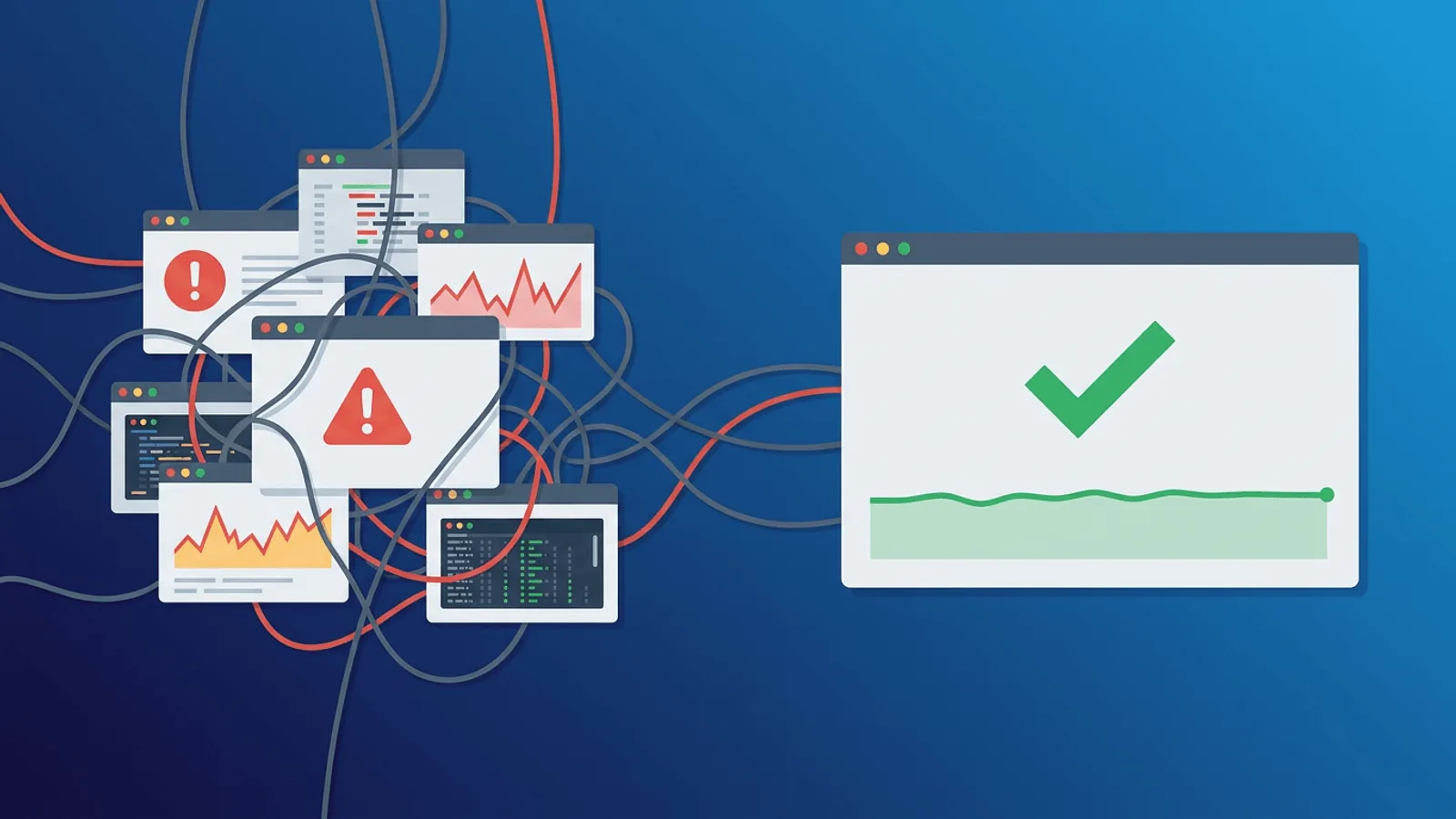
This guide is for small engineering teams paying for a separate monitor and pager who want to know whether a combined product is enough. It is not a claim that PagerDuty is broadly inferior. The useful question is whether its strongest capabilities match the work your team actually needs.
As of August 10, 2026, PagerDuty is an incident-response platform, not a primary uptime monitor. Its official pricing shows a free incident-management plan for up to five users and paid annual pricing from $21 per user/month. AIOps and public status pages are separate paid capabilities. Prices and packaging can change, so use the linked official sources for a final quote.
Short answer
Keep PagerDuty for complex multi-team incident operations. A combined monitoring and on-call alternative can reduce tooling for smaller teams, but it should be proven against escalation and ownership requirements—not just compared on price.
Where PagerDuty is still the better fit
- Mature on-call schedules, escalation policies, event orchestration, incident workflows, and integrations
- Designed for complex service ownership and high-volume event routing
- Enterprise governance, automation, stakeholder, and customer-service operations options
Why teams consider an alternative
- You still need monitoring systems to emit events into PagerDuty
- Advanced AIOps, automation, and status capabilities add separate cost and complexity
- A smaller combined tool will not match PagerDuty’s event orchestration, enterprise integrations, or large-organization governance
Comparison criteria that matter for PagerDuty users
- Number of responders and teams.
- Event volume and orchestration rules.
- Incident workflow and automation depth.
- Whether integrated uptime detection covers the actual monitoring estate.
Where Webalert fits—and where it does not
Against PagerDuty, Webalert’s relevant scope is managed HTTP/HTTPS, TCP, DNS, ping, and heartbeat monitoring with multi-region confirmation, SSL alerts, status pages, and incident alerting. Check current pricing and features for plan boundaries.
Webalert is a possible fit when the migration scope is straightforward public availability and customer communication. It is not a promise of parity with every PagerDuty capability. In particular, respect the limitations above and keep specialist tooling where it remains useful.
PagerDuty vs Webalert
PagerDuty Incident Management has a free plan for up to five users and published annual pricing from $21 per user/month; AIOps and status pages are separate capabilities. Webalert packages monitor counts and offers on-call through its published plan and add-on structure. Price the responder team, event sources, status communication, and monitoring estate together.
Choose PagerDuty when events arrive from many observability or security systems and require mature orchestration, automation, schedules, and multi-team governance. Choose Webalert when the main need is website and API uptime plus straightforward escalation in the same product. PagerDuty is not the primary outside-in detector, while Webalert does not replace PagerDuty's enterprise event orchestration.
Migration advice
Inventory services, integrations, routing keys, schedules, escalation policies, overrides, users, runbooks, webhooks, and acknowledgement targets. Recreate one low-risk service first and run dual paging. Test acknowledgement, escalation, recovery, and override behavior before moving critical services.
Decision
Keep PagerDuty for complex multi-team incident operations. A combined monitoring and on-call alternative can reduce tooling for smaller teams, but it should be proven against escalation and ownership requirements—not just compared on price. Avoid an all-at-once cutover: move the checks that clearly fit, preserve specialist coverage, and let parallel evidence decide the rest.
Detector vs orchestrator (do not swap the nouns)
| Job | PagerDuty | Webalert |
|---|---|---|
| Ingest events from many tools | Yes — that is the product | No |
| Escalation policies / schedules | Mature, per-user priced | Simple alert routing |
| AIOps / noise reduction | Separate SKU | Not offered |
| Create the failing HTTP check | You still need a monitor somewhere | Uptime monitoring |
| Customer status page | Add-on / separate | Included |
| Price unit | Users + add-ons | Monitors |
A PagerDuty alternative that cannot page from Datadog, AWS, and a security tool is not a PagerDuty replacement. It may still replace “we bought PagerDuty to get email when the homepage is down.”
Frequently asked questions
Can Webalert replace PagerDuty for a 30-person SRE org?
Unlikely. Keep PagerDuty (or Opsgenie) for multi-team orchestration. Use Webalert as a source of uptime events, not the orchestration layer.
When is a combined monitor + alert tool enough?
When the only events you escalate are “this URL/port/DNS/heartbeat failed,” and one rotation owns them.
Do I migrate schedules or monitors first?
Monitors first, into a new destination, dual-paged. Schedules last. A wrong schedule with no detector is quieter than a detector with no humans.