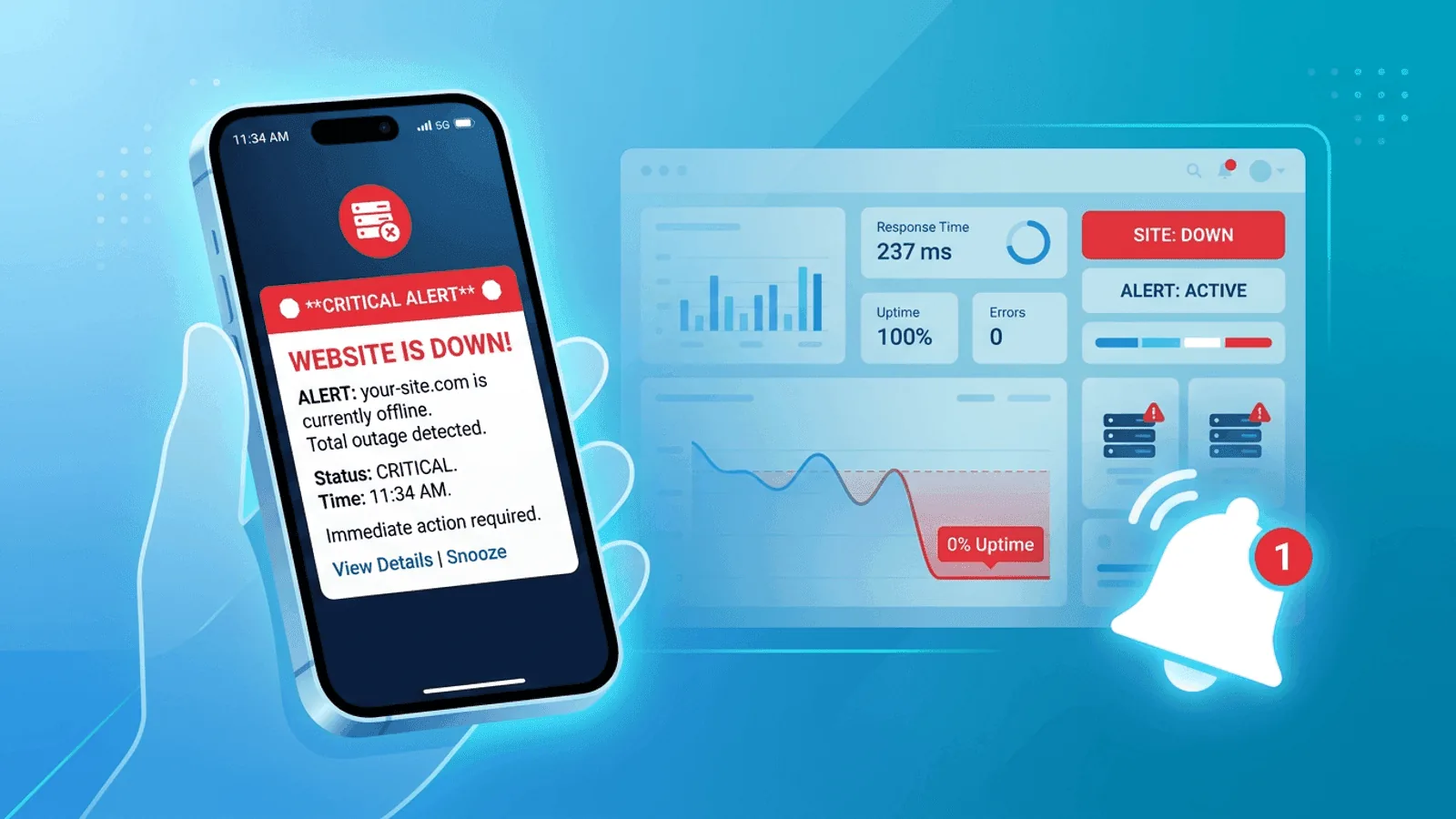
SMS is an escalation channel for a small set of urgent, actionable failures—not a destination for every monitoring event. It reaches ordinary phone numbers without requiring a chat app, but delivery can still be delayed, filtered, or missed and does not equal acknowledgment.
This guide focuses on on-call operation: which incidents deserve a text, what the message must contain, how schedules and fallback responders work, and how to test the full path. Use Slack, Discord, or Microsoft Teams for shared investigation context.
Use SMS for Escalation, Not Awareness
SMS uses a separate delivery path
People mute chat and email gets buried. SMS offers a separate path:
- It arrives on nearly every mobile phone
- It can be configured for prominent notifications on many phones
- It works without asking someone to install or stay logged into another tool
- It is simple enough that nobody needs training to understand it
If the goal is to reach the scheduled on-call person quickly, SMS can be a useful layer—but pair it with acknowledgment and escalation rather than assuming receipt.
Reserve SMS for high-severity incidents
Not every alert deserves a text message. But some absolutely do:
- Your website is completely down
- Your API is returning 5xx errors for all users
- Checkout is unavailable
- SSL has broken and customers cannot connect securely
- DNS misconfiguration has made the product unreachable
These are the kinds of failures where every minute matters.
SMS is a delivery channel, not your entire process
SMS should be part of a layered alerting setup:
- Team awareness in Slack, Discord, or Microsoft Teams
- Audit trail in email
- Immediate wake-up channel via SMS
- Escalation or backup channel if the first responder doesn't acknowledge
Used this way, SMS becomes the fastest path from outage detection to human response.
What an SMS Alert Should Include
SMS is short by nature, so every character matters. A good SMS alert should answer four questions immediately:
- What broke?
- How severe is it?
- When was it detected?
- Where do I go next?
Example of a strong SMS alert
CRITICAL: api.yoursite.com is DOWN (HTTP 503). Detected 14:32 UTC from 2 regions. View: https://app.web-alert.io/m/abc123
That message is short, clear, and actionable.
Example of a weak SMS alert
Alert from monitor 24. Please check your dashboard.
This creates extra work at the worst possible time. The responder has to first figure out what failed before they can even start investigating.
When to Use SMS vs Other Channels
SMS is powerful, but it should be reserved for the alerts that matter most.
| Channel | Best use | Weakness |
|---|---|---|
| SMS | Critical outages, after-hours incidents, on-call paging | Higher cost, limited detail |
| Reports, lower-priority alerts, audit trail | Easy to miss | |
| Slack / Teams / Discord | Team awareness, coordination, recovery notices | Can be muted or missed |
| Phone call | P1 incidents when SMS is not acknowledged | Too disruptive for routine use |
A practical severity model
Use SMS for:
- Site fully down
- Core API down
- Payment or checkout outage
- Authentication outage
Do not use SMS for:
- Single failed check that recovered immediately
- Slightly elevated response time
- SSL certificate expiring in 30 days
- A non-critical status page component issue
This keeps SMS meaningful and prevents alert fatigue.
How SMS Downtime Alerts Work
The flow is simple:
- A monitor checks your site, API, or server on a schedule
- The monitor detects consecutive failures
- The monitoring tool evaluates alert rules and severity
- An SMS message is sent to the on-call person or incident group
- A recovery SMS can be sent when the service comes back
What matters is not just that the tool can send SMS, but that it sends it at the right time, with the right message, to the right person.
Build a Reliable SMS Paging Policy
Require consecutive failures
A single failed check can be a transient network issue. If you send an SMS for every one-off failure, the channel becomes noise.
A useful policy combines a check cadence, failure confirmation, and escalation delay that meet the service's detection objective. Critical APIs may need a different rule from a brochure site. Validate the rule against incident history instead of copying one fixed count.
Use multi-region validation
If one monitoring location has a network issue, you don't want a false SMS wake-up. Multi-region checks reduce this risk.
A strong setup is:
- Run checks from several regions
- Only trigger the SMS when multiple locations confirm the failure
This improves confidence that the outage is real.
Send SMS only for critical monitors
Not every monitor should page somebody by text. For example:
- Homepage and API health: SMS enabled
- Internal admin page: no SMS
- Certificate expiry at 30 days: email only
- Performance degradation: Slack or Teams first
Separate your monitors into critical and non-critical groups before enabling SMS.
Include a short, authenticated destination
The person receiving the SMS should be able to tap once and land in the right place. Use your own trusted domain or a recognizable service URL; generic URL shorteners make phishing harder to distinguish. Include:
- The monitor details page
- Incident dashboard
- Runbook or status page if appropriate
That turns an SMS into an actionable page, not just a scary notification.
Send recovery notifications carefully
Recovery alerts are useful, but not every team wants them over SMS. Many teams prefer:
- SMS for the outage
- Slack/Teams for the recovery
Others want both by SMS for critical monitors. Pick the setup that matches your team's workflow.
Example SMS Alert Policies
Policy 1: Small startup
- Homepage down: SMS + Slack
- API down: SMS + Slack
- All other issues: Slack only
This keeps the setup simple while ensuring real outages get immediate attention.
Policy 2: SaaS product with on-call rotation
- Critical outage: SMS primary on-call
- Not acknowledged in 5 minutes: SMS secondary on-call
- Not acknowledged in 10 minutes: phone call escalation
- Team channel gets alert immediately for visibility
This is a stronger production setup because it assumes the first person may be unavailable.
Policy 3: E-commerce business
- Checkout down: SMS + phone call
- Homepage down: SMS
- Product search slow: Slack only
- SSL expiring soon: email only
This aligns channel urgency with business impact.
Common SMS Alert Mistakes
Sending too many texts
If every warning goes to SMS, people stop respecting the channel. Reserve it for true incidents.
Not testing the message content
If you haven't seen your own alert arrive on a real phone, you don't know whether it's readable under pressure. Always send test SMS alerts before relying on them.
No escalation path
An SMS alert that reaches one person and nowhere else is fragile. People sleep through texts. Phones die. Coverage fails. Add backup contacts or escalation rules.
No timezone awareness
If your team is distributed, make sure the right person receives the SMS based on schedule and timezone. Otherwise the alert goes to someone who cannot act.
No distinction between down and degraded
A full outage and a mild slowdown should not look identical. Use severity labels and message wording that reflect real impact.
SMS vs Push Notifications
Push notifications from a mobile app can be good, but they are not a full substitute for SMS:
- They depend on the user having the app installed
- They can be disabled without anyone realizing
- Some mobile operating systems aggressively group or suppress them
- Delivery behavior can vary depending on battery mode and app settings
Neither channel is universally more reliable. Test delivery on the carriers, devices, focus modes, and countries your rotation actually uses, then keep an independent fallback for missed acknowledgments.
How Webalert Handles SMS Alerts
Webalert supports SMS as part of a layered alerting workflow:
- Fast incident delivery for critical downtime events
- 1-minute monitoring intervals so issues are detected quickly
- Consecutive failure thresholds to reduce false positives
- Multi-region checks for more reliable validation
- On-call scheduling so the right person gets paged
- Escalation policies so incidents do not stall with one unreachable responder
- Slack, Discord, Teams, email, and webhooks alongside SMS for team coordination
- Recovery notifications so responders know when the incident is resolved
This means SMS becomes the wake-up channel, while the rest of the stack handles collaboration and follow-up.
See features and pricing for the full details.
Quick Setup Checklist
- Create monitors for your most critical URLs and services
- Set a check interval that supports the service's detection objective
- Define confirmation using consecutive failures, locations, or corroborating signals
- Enable multi-region validation where possible
- Add SMS as a notification channel
- Route SMS only to critical monitors
- Add escalation rules or backup responders
- Send a test alert to verify formatting and delivery
Run a live delivery and escalation test before treating the setup as operational.
Summary
- SMS can provide an independent escalation path for critical downtime alerts
- Use it selectively for high-severity incidents, not every warning
- Require consecutive failures and multi-region confirmation to reduce false positives
- Pair SMS with team channels like Slack, Teams, or Discord for coordination
- Add escalation rules so one missed message doesn't become a longer outage
If your team is still finding out about major outages from customers, SMS alerts are one of the simplest fixes you can make.