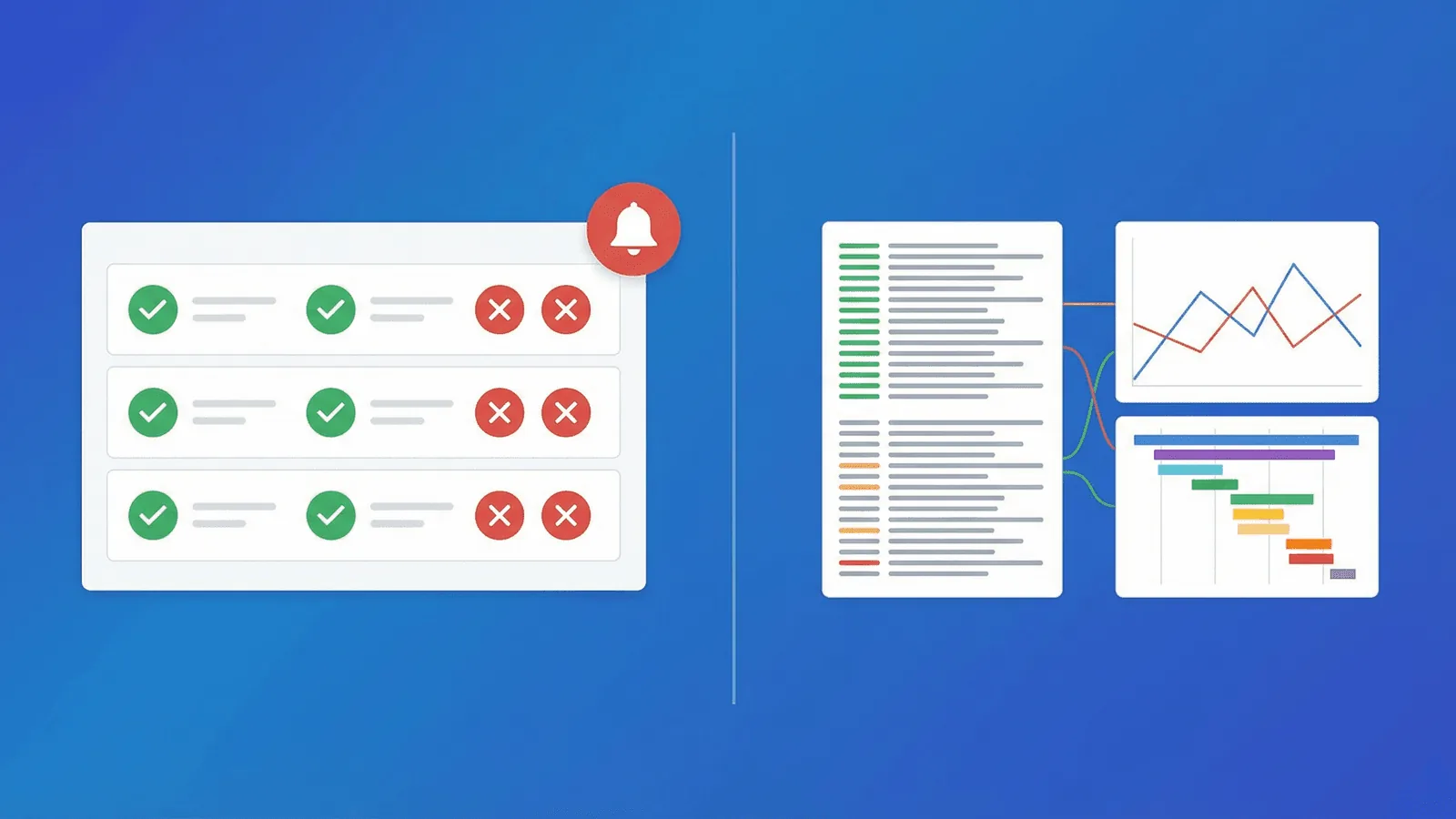
Short answer: Monitoring evaluates known conditions and alerts when service behavior crosses them; observability is the capability to investigate system state from emitted telemetry, including unfamiliar failures. Observability does not replace monitors or SLO alerts—instrumentation makes systems explorable, while monitoring turns selected signals into action. See the OpenTelemetry observability primer, APM guide, and OpenTelemetry guide.
"You need observability" has become one of the most common pieces of advice in DevOps. But when your site is down at 3 AM, what you actually need is something that tells you it's down, what's broken, and how to fix it.
The terms "monitoring" and "observability" get thrown around interchangeably, used to sell the same products, and debated endlessly. But they're not the same thing, and understanding the difference helps you spend your time and budget on what actually improves your reliability.
This guide explains what each term really means, where they overlap, and how to decide what your team needs right now.
Monitoring: Know When Something Breaks
Monitoring is the practice of collecting data about your systems and alerting you when something goes wrong. It answers a specific question: "Is the thing I care about working?"
What monitoring does
- Checks endpoints on a schedule (every 1-5 minutes)
- Compares results against expected values (status code 200, response time under 500ms)
- Sends alerts when checks fail
- Tracks uptime percentages and response times over time
The monitoring mindset
Monitoring is about known failure modes. You decide in advance what to check and what "broken" means. Then you set up automated checks and alerts for those conditions.
Examples of monitoring:
- Is my homepage returning 200?
- Is my API responding in under 2 seconds?
- Is my SSL certificate going to expire in the next 14 days?
- Is my database port accepting connections?
- Did my cron job run on schedule?
Each of these is a specific, predefined check with a clear pass/fail threshold.
Monitoring strengths
- Simple to set up — Add a URL, set thresholds, choose alert channels. Done in minutes.
- Actionable alerts — You know exactly what failed and can act immediately.
- Low overhead — External checks don't require agents, SDKs, or instrumentation in your code.
- Covers the fundamentals — Uptime, response time, SSL, DNS, ports. The checks that prevent the most common outages.
Monitoring limitations
- Only checks what you told it to check — If a failure mode you didn't anticipate occurs, monitoring won't catch it.
- Tells you what is broken, not always why — "The API is returning 500s" is useful. But why? Monitoring alone might not tell you.
- Black-box by nature — External checks see the system from the outside. They can't see internal state, memory usage, or queue depths.
Observability: Understand Why Things Break
Observability is the ability to understand a system's internal state by examining its outputs. It answers a different question: "Why is the thing I care about broken?"
The three pillars of observability
Observability is built on three types of telemetry data:
1. Logs — Timestamped records of discrete events. "User 1234 failed to authenticate at 14:32:05 because token was expired."
2. Metrics — Numerical measurements over time. CPU usage, request rate, error count, queue depth. Aggregated and graphed to show trends.
3. Traces — Records of a request's journey through your system. "This API call took 3.2 seconds: 50ms in the gateway, 200ms in the auth service, 2,950ms waiting for the database."
Together, these three signals let you explore your system's behavior in real time, diagnose unfamiliar problems, and understand complex interactions.
The observability mindset
Observability is about unknown failure modes. Instead of predefining what to check, you instrument your system to emit enough data that you can investigate any question after the fact.
Examples of observability questions:
- Why are 5% of requests to the checkout endpoint failing?
- Which database query is causing the latency spike?
- Why is this specific user seeing errors when most users are fine?
- What changed between yesterday (when it worked) and today (when it doesn't)?
These are exploratory questions you couldn't have anticipated when setting up your monitoring.
Observability strengths
- Handles unknown unknowns — You can investigate failure modes you never predicted.
- Deep root cause analysis — Traces show exactly where time is spent. Logs show exactly what happened. Metrics show exactly when it started.
- Powerful for complex systems — Microservices, distributed architectures, and event-driven systems have too many interaction patterns to monitor with predefined checks alone.
Observability limitations
- Complex to set up — Requires instrumenting your code with logging, metrics libraries, and tracing SDKs.
- Expensive to run — Storing and querying logs, metrics, and traces at scale costs real money. Enterprise observability platforms can run $50-500k/year.
- Requires expertise — Having data is not the same as being able to use it. Observability tools have steep learning curves.
- Reactive by default — Observability helps you investigate after you know something is wrong. It doesn't alert you proactively unless you add monitoring on top.
Observability vs Monitoring: The Practical Difference
| Monitoring | Observability | |
|---|---|---|
| Core question | "Is it working?" | "Why isn't it working?" |
| Approach | Predefined checks and thresholds | Exploratory analysis of telemetry data |
| Data model | Pass/fail, status codes, response times | Logs, metrics, traces |
| Setup effort | Minutes (external checks, no code changes) | Hours to weeks (instrumentation, pipelines, storage) |
| Cost | Low ($0-100/month for most teams) | High ($500-50k+/month at scale) |
| Best for | Detecting known problems fast | Diagnosing unknown problems deeply |
| Alert quality | "X is down" — immediately actionable | "X metrics are anomalous" — requires investigation |
| Skill required | Any developer or ops person | SRE or experienced DevOps engineers |
The simplest distinction: monitoring tells you something is broken. Observability helps you figure out why.
You Need Both — But Not at the Same Time
Here's the part most articles get wrong: monitoring and observability are not competing approaches. They're complementary layers that solve different problems. But you don't need both on day one.
Start with monitoring
If you don't have monitoring yet, that's your first priority. You need to know when your site is down before you can investigate why.
Monitoring covers the highest-impact failure modes:
- Site unreachable (uptime check)
- SSL certificate expired (cert monitoring)
- DNS misconfigured (DNS check)
- Database unreachable (TCP port check)
- Cron jobs stopped running (heartbeat check)
These account for the vast majority of outages. You can set them up in 10 minutes with zero code changes.
Add observability when monitoring isn't enough
You need observability when:
- Your monitoring says "the API is returning 500s" but you can't figure out why from the alert alone.
- You have a complex distributed system where failures cascade across services.
- Your team spends more time diagnosing incidents than resolving them.
- You're dealing with intermittent issues that are hard to reproduce.
For most teams, this transition happens when you reach 5-10+ services, a dedicated engineering team, and enough traffic that edge cases become regular occurrences.
The maturity path
Stage 1: No monitoring → You find out about outages from user complaints. Fix this first.
Stage 2: External monitoring → HTTP checks, SSL monitoring, DNS checks. You know within minutes when something is down. This is where most small-to-mid teams should be.
Stage 3: Monitoring + basic logging → Centralized logs give you more context when investigating alerts. Application-level logging helps answer "why" after monitoring says "what."
Stage 4: Monitoring + full observability → Structured logging, metrics pipelines, distributed tracing. You can investigate any question about system behavior. This is the level that larger engineering teams operate at.
Each stage builds on the previous one. Skipping to Stage 4 without Stage 2 is like buying a debugger before writing any tests.
Common Misconceptions
"Observability replaces monitoring"
No. Observability complements monitoring. You still need something to wake you up at 3 AM when your site is down. Observability helps you figure out why during the incident.
"If I have enough dashboards, I have observability"
Dashboards are a monitoring tool. They show predefined metrics on predefined charts. Observability is the ability to ask new questions about your system — questions you didn't think to put on a dashboard.
"Monitoring is outdated"
Monitoring is the foundation. The largest, most sophisticated engineering organizations in the world still run uptime checks, SSL monitoring, and health endpoint checks. They've added observability on top, not instead.
"You need a full observability platform before production"
For many startups and small teams, external monitoring covers the first requirement: detecting user-visible failure. Add logs, metrics, and traces incrementally as system complexity and diagnostic needs grow; the right balance depends on architecture and operational risk.
Choosing the Right Tools
For monitoring
Look for:
- HTTP/HTTPS uptime checks
- SSL certificate monitoring
- DNS and TCP port checks
- Multi-region checks
- Response time tracking
- Alerting via Slack, SMS, email, Discord, webhooks
- Status pages
- On-call scheduling
This covers detection and notification — the first two phases of incident response.
For observability
Look for:
- Log aggregation and search (ELK, Loki, Datadog Logs)
- Metrics collection and dashboards (Prometheus + Grafana, Datadog, New Relic)
- Distributed tracing (Jaeger, Zipkin, Datadog APM)
- Error tracking (Sentry, Bugsnag)
This covers investigation and root cause analysis — the diagnostic phase of incident response.
The practical stack for most teams
Small team (1-5 engineers):
- Monitoring tool (external checks, alerts, status page)
- Centralized logging (even basic CloudWatch or Papertrail)
- Error tracker (Sentry free tier)
Medium team (5-20 engineers):
- All of the above, plus:
- Metrics and dashboards (Prometheus + Grafana or similar)
- Structured logging with correlation IDs
Large team (20+ engineers):
- All of the above, plus:
- Distributed tracing
- Custom metrics and SLO tracking
- Dedicated SRE or reliability team
Practical monitoring baseline
- Define user-facing SLIs and alerts first so the team knows when behavior matters.
- Correlate metrics, logs, and traces with service, environment, release, and trace context.
- Add independent synthetic checks so telemetry-pipeline or edge failures cannot hide an outage.
How Webalert Fits In
Webalert is a monitoring tool — and it's designed to be the strongest foundation your reliability stack can have:
- Uptime monitoring — HTTP, TCP, ping, and DNS checks from multiple global regions.
- SSL monitoring — Certificate expiry alerts before you have a problem.
- Response time tracking — Catch degradation before it becomes downtime.
- Content validation — Verify that responses contain expected data, not just a 200 status.
- Heartbeat monitoring — Know when cron jobs and background tasks stop running.
- Multi-channel alerting — Email, SMS, Slack, Discord, Microsoft Teams, and webhooks.
- On-call scheduling — Rotation and escalation so there's always someone responsible.
- Status pages — Keep users informed and reduce support load.
- Anomaly detection — Automatically detect unusual patterns that predefined thresholds might miss.
Monitoring is the layer that detects and alerts. Observability is the layer that investigates and diagnoses. Webalert handles detection and alerting so your observability tools can focus on the deep analysis.
See features and pricing for the full details.
Summary
- Monitoring answers "Is it working?" — predefined checks, clear alerts, fast detection.
- Observability answers "Why isn't it working?" — logs, metrics, traces, exploratory analysis.
- You need monitoring first. It catches the failures that matter most and requires no code changes.
- Add observability when complexity demands it — when monitoring alerts fire but diagnosis takes too long.
- They're complementary, not competing. The best reliability stacks have both: monitoring for detection, observability for investigation.
Start with the layer that has the highest impact per minute invested. For most teams, that's monitoring.