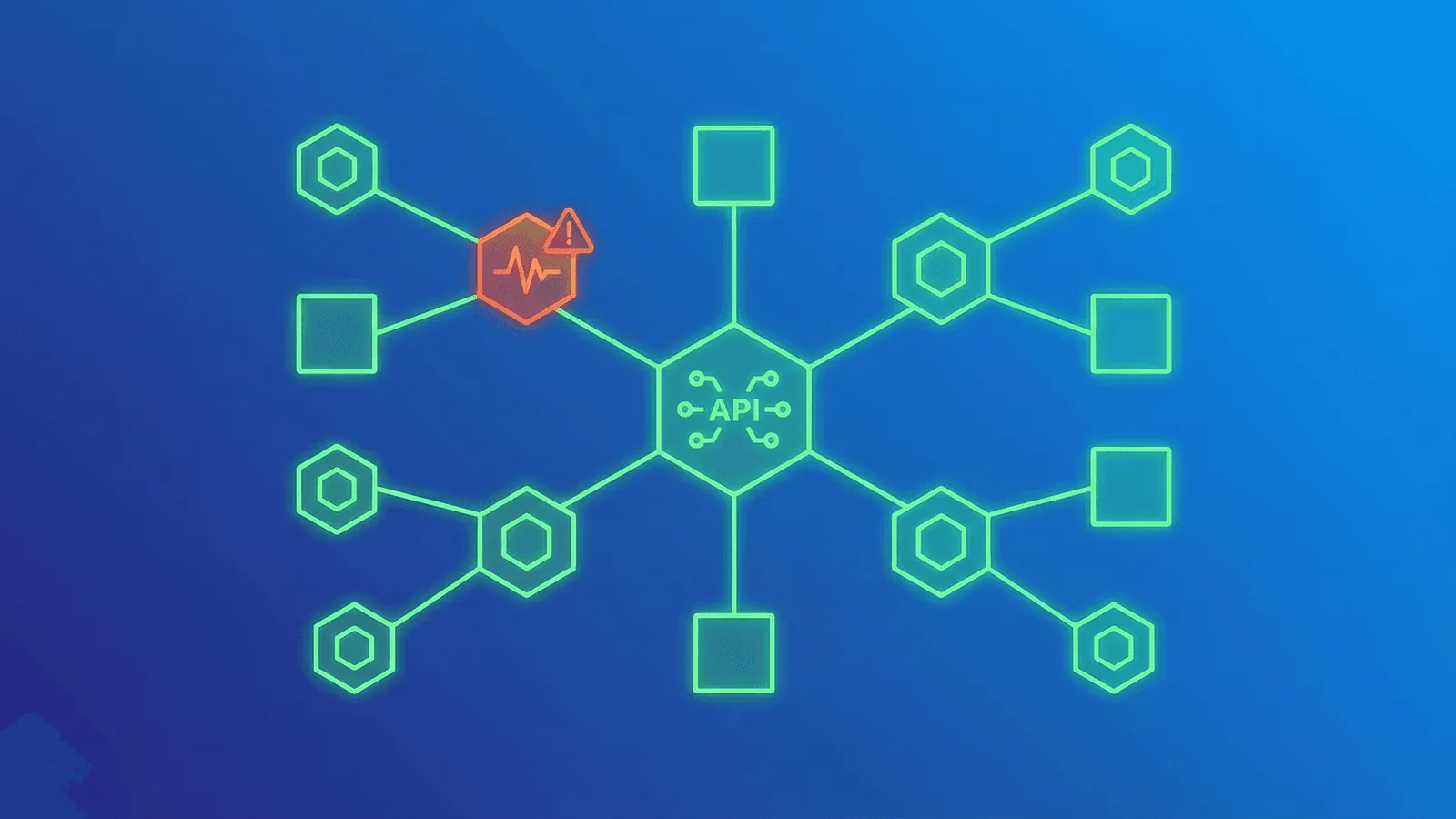
Microservices monitoring must answer three separate questions: is each service alive, can it serve traffic, and can the complete user journey succeed across its dependencies? A homepage 200 OK cannot answer all three.
Use shallow liveness checks for process failure, readiness checks for traffic eligibility, service-level metrics and traces for diagnosis, and end-to-end synthetic checks for user-visible outcomes. This guide turns that layered model into a rollout plan for distributed systems.
Why Microservices Monitoring Is Different
More things can break independently
A monolith has one deployment, one process, one database. If it's up, it's (mostly) up. Microservices might have 10, 50, or 200 independently deployed services, each with their own database, dependencies, and failure modes. Any one of them can fail without the others noticing.
Failures cascade in unexpected ways
Service A calls Service B, which calls Service C. If C is slow, B's requests back up, which causes A to time out. From the user's perspective, feature X is broken — but the actual problem is three layers deep.
"Up" is no longer binary
In a monolith, the site works or it doesn't. In microservices, the login might work while checkout is broken, the API might respond while notifications are delayed, and the dashboard might load while the data it shows is 10 minutes stale.
Network is now a failure mode
Services communicate over the network — HTTP, gRPC, message queues. Network latency, DNS failures, and connection timeouts are now part of your application's failure surface, not just your infrastructure's.
What to Monitor in a Microservices Architecture
1. Individual service health
Every service needs a health check endpoint. This is the most fundamental monitor and the foundation everything else builds on.
What a good health endpoint checks:
- The service process is running (the endpoint itself responding proves this)
- The service can reach its own database
- Critical internal dependencies are connected (cache, queue, etc.)
What it should NOT check:
- Other services it calls (that's their health check's job)
- Non-critical dependencies that would cause false failures
- Expensive operations that slow down the health check itself
Pattern:
GET /health
{
  "status": "ok",
  "database": "connected",
  "cache": "connected",
  "uptime_seconds": 84210
}
Return 200 when the endpoint's contract passes and a non-2xx response when it does not. Keep liveness checks cheap and local; dependency-heavy checks belong in readiness, diagnostic, or external endpoints so a shared dependency cannot trigger a restart cascade. Kubernetes documents the distinct behavior of liveness, readiness, and startup probes.
2. API gateway / entry points
Your API gateway or load balancer is the front door. Monitor it with HTTP checks that validate the full request cycle — status code, response time, and optionally response body content.
What to check:
- Each public API endpoint or route that users interact with
- Authentication endpoints (login, token refresh)
- Critical business endpoints (checkout, payment, core features)
3. Inter-service communication
Services call each other. Monitor the communication paths, not just the individual services.
What to watch:
- Latency between services — If Service A's calls to Service B suddenly take 5x longer, something is wrong with B (or the network between them).
- Error rates on service-to-service calls — A spike in 5xx responses from an internal service is an early warning.
- Queue depths — If a message queue between services is growing instead of draining, consumers are falling behind.
4. Shared dependencies
Microservices often share infrastructure: databases, caches, message brokers, service meshes. A failure in shared infrastructure takes down multiple services simultaneously.
Monitor shared data stores directly with the database monitoring guide and track asynchronous saturation using queue-depth monitoring.
Monitor:
- Database connectivity (TCP checks on port 5432, 3306, etc.)
- Cache availability (Redis on port 6379, Memcached on 11211)
- Message broker health (RabbitMQ, Kafka)
- DNS resolution (if using service discovery via DNS)
5. End-to-end user flows
Individual services can all report healthy while the user experience is broken — because the integration between them has a bug, a misconfiguration, or a data inconsistency.
Monitor critical user flows end-to-end:
- Can a user sign up? (Hits auth service, user service, email service)
- Can a user complete a purchase? (Hits cart service, payment service, notification service)
- Can a user load their dashboard? (Hits API gateway, data service, aggregation service)
These synthetic checks validate that the system works as a whole, not just that individual pieces are alive.
For flows that span authentication, APIs, and state changes, use the transaction monitoring guide.
Health Check Patterns for Microservices
The shallow health check
Checks only the service itself — is the process running and can it handle requests?
GET /health
{ "status": "ok" }
Use for: Kubernetes liveness probes, load balancer health checks. Fast, low overhead, rarely causes false positives.
The deep health check
Checks the service and its direct dependencies — database, cache, critical services it depends on.
GET /health/detailed
{
  "status": "degraded",
  "checks": {
    "database": { "status": "ok", "latency_ms": 3 },
    "cache": { "status": "ok", "latency_ms": 1 },
    "payment_api": { "status": "error", "message": "timeout after 5000ms" }
  }
}
Use for: External monitoring, debugging during incidents. More informative but slower and can create cascading false failures if a dependency is flaky.
The readiness check
Reports whether the service is ready to accept traffic — different from whether it's alive. A service might be alive but still initializing, warming caches, or waiting for a database migration.
GET /ready
{ "ready": true }
Use for: Kubernetes readiness probes, deploy verification. Prevents routing traffic to a service that's still starting up.
Best practice: separate endpoints for each purpose
| Endpoint | Purpose | What it checks | Who calls it |
|---|---|---|---|
/health |
Liveness | Process running | Load balancer, orchestrator |
/health/detailed |
Deep health | Dependencies | External monitoring tool |
/ready |
Readiness | Initialization complete | Orchestrator, deploy pipeline |
Common Failure Patterns in Microservices
Understanding how microservices fail helps you monitor the right things.
Cascading failures
One slow service causes all its callers to slow down, which causes their callers to slow down, until the entire system is degraded.
How to detect: Monitor response times between services. A sudden latency spike in one service that correlates with rising latency in its callers is a cascade in progress.
How to prevent: Implement timeouts and circuit breakers. If Service B doesn't respond within 2 seconds, fail fast instead of waiting.
Partial failures
Some instances of a service are healthy while others are broken. The load balancer routes some requests to healthy instances (which succeed) and some to broken ones (which fail).
How to detect: Monitor error rates, not just up/down status. A 20% error rate with 100% uptime means some instances are unhealthy. Multi-region checks also help catch instance-specific failures.
Silent data issues
The service responds with 200, but the data it returns is stale, incomplete, or wrong. This happens when a database replica is lagging, a cache is serving old data, or a data pipeline is delayed.
How to detect: Content validation — check that responses contain expected values, not just expected status codes. Monitor data freshness timestamps if your API exposes them.
Dependency timeout storms
A third-party API or shared database becomes slow. Every service that calls it starts timing out simultaneously, exhausting thread pools and connection pools across the system.
How to detect: Monitor shared dependencies separately. If your payment processor's response time spikes from 200 ms to 5 seconds, you want to know before every service that calls it starts failing.
Monitoring Strategy by Architecture Size
Small (3–10 services)
- HTTP health checks on each service's
/healthendpoint - HTTP checks on your API gateway / main entry point
- TCP checks on shared database and cache
- SSL monitoring on all public domains
- 1-2 end-to-end flow checks (signup, core feature)
- Alerts via Slack + SMS
This is manageable with a standard monitoring tool. You don't need distributed tracing or custom metrics yet.
Medium (10–30 services)
Add to the above:
- Deep health checks (
/health/detailed) for critical services - Response time monitoring on all inter-service communication
- Queue depth monitoring for async communication
- Status page with per-service component status
- On-call rotation with escalation
- Post-incident reviews that specifically examine monitoring gaps
Large (30+ services)
Add to the above:
- Distributed tracing to follow requests across services
- Custom metrics for business-critical operations (orders/min, signups/min)
- Automated anomaly detection for response times and error rates
- Service dependency mapping
- SLA tracking per service and per customer-facing feature
- Dedicated reliability or SRE team
Alerting for Microservices
Don't alert on every service independently
If a shared database goes down and 15 services start failing, you don't want 15 alerts. You want one alert that says "the database is down" and a clear view of which services are affected.
Strategies:
- Monitor shared dependencies directly — the database alert fires first and is the actionable one.
- Use alert grouping or correlation to bundle related alerts.
- Prioritize alerts on user-facing entry points over internal services.
Alert on symptoms, not just causes
Users don't care which internal service is broken. They care that checkout doesn't work. Alert on the user-facing symptoms (checkout endpoint returning errors) and use deep health checks to diagnose the cause.
Set different thresholds per service
Your payment service needs tighter alerting (alert after 1 failure) than your analytics service (alert after 5 minutes of failures). Not all services are equally critical.
Include service context in alerts
An alert that says "Service X is down" is less useful than "Service X is down — it handles user authentication. 100% of login attempts will fail until resolved." Include impact context so the on-call engineer can prioritize correctly.
How Webalert Monitors Microservices
Webalert provides the external monitoring layer that catches what internal monitoring misses:
- HTTP health checks per service — Monitor every service's
/healthendpoint with configurable intervals and expected response validation. - TCP port monitoring — Check that databases, caches, and message brokers are accepting connections.
- Multi-region checks — Verify services are reachable from all locations your users are in.
- Response time tracking — Detect latency degradation across services before it cascades.
- Content validation — Verify response bodies contain expected data, catching silent failures that return 200 with wrong content.
- Status page with components — Show per-service or per-feature status on a public page so users know exactly what's affected.
- Smart alerting — Consecutive failure confirmation, multiple channels, and escalation rules to reduce noise during multi-service incidents.
- SSL and DNS monitoring — Catch infrastructure-level failures that affect all services at once.
See features and pricing for the full details.
Primary Sources
- Kubernetes: Pod lifecycle and container probes — authoritative behavior for liveness, readiness, and startup probes.
- Kubernetes: Configure liveness, readiness, and startup probes — probe configuration and failure semantics.
- OpenTelemetry: Traces — the standard model for following requests across service boundaries.
- Google SRE: Monitoring Distributed Systems — symptom-based monitoring and the four golden signals.
Summary
Microservices need monitoring that matches their complexity:
- Monitor individual service health with dedicated
/healthendpoints that check direct dependencies. - Monitor shared infrastructure (databases, caches, queues) with TCP checks — one failure here breaks many services.
- Monitor end-to-end user flows to catch integration failures that per-service checks miss.
- Watch for cascading failures by tracking inter-service latency and error rates.
- Scale your monitoring with your architecture — start simple with health checks and TCP monitors, add depth as you grow.
- Alert on user impact first, then use deep health checks to diagnose the cause.
The whole point of microservices is independent deployment and scaling. But independence doesn't mean isolation — services depend on each other, and monitoring those dependencies is what keeps the system reliable.