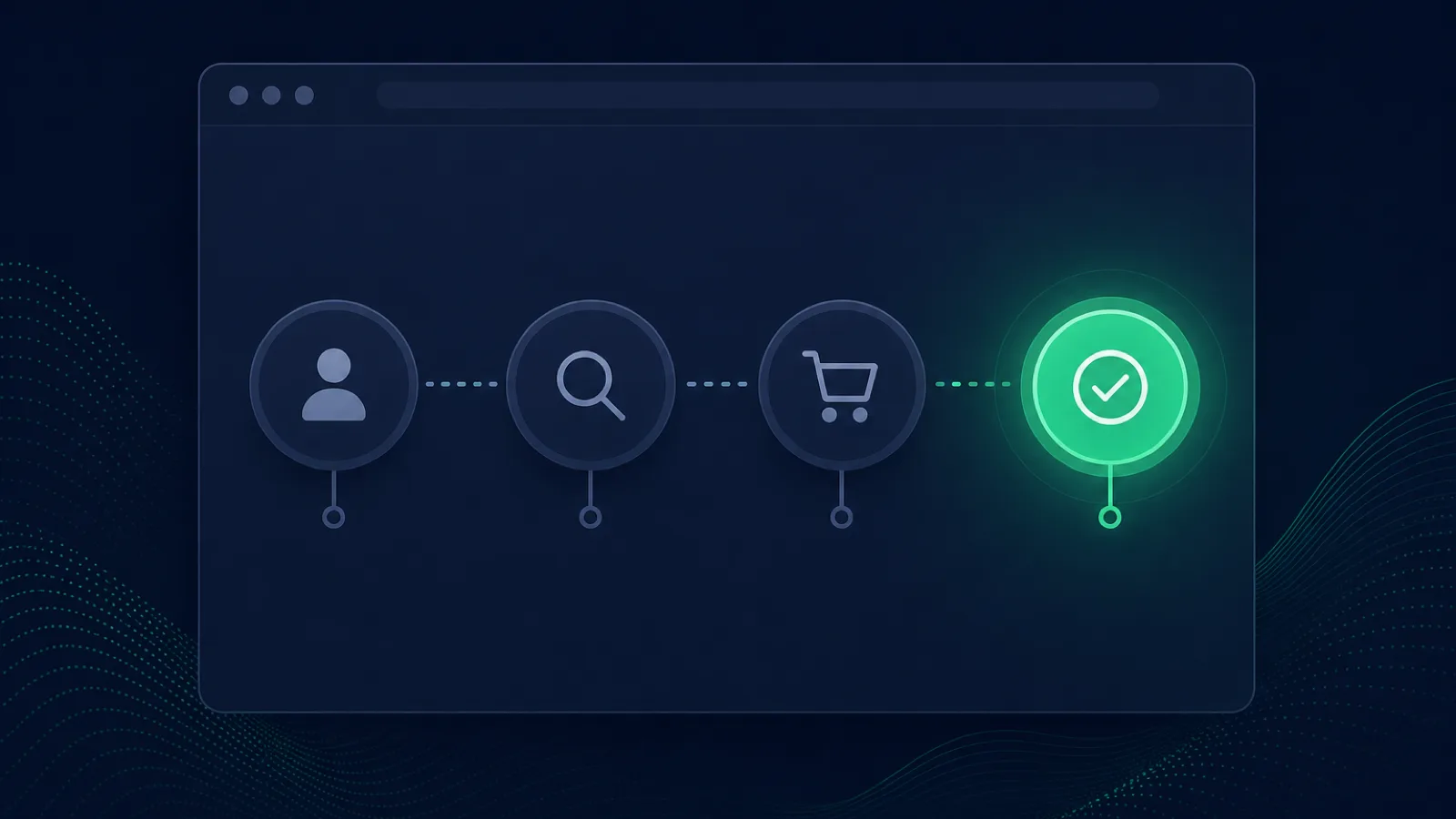
Short answer: Transaction monitoring repeatedly executes a critical multi-step user journey—such as login, search, checkout, or account update—and verifies each state transition. It catches “up but unusable” failures that endpoint checks miss, but requires stable selectors, isolated test data, secret handling, and cleanup. Compare synthetic vs RUM, authenticated API monitoring, and Playwright's official guidance on browser actions, assertions, and test isolation.
The most expensive outages are the ones your dashboard calls green. A homepage returns 200 in 280 ms, SSL is A+, every endpoint reports up — and checkout has been broken for six hours because a JavaScript bundle change broke the "Place order" button. No 500 fired. No error tracker recorded an exception. The only signal is the revenue that stopped arriving. Transaction monitoring (also called synthetic transaction monitoring or multi-step monitoring) is the technique that catches this class of failure: it scripts a real browser to re-walk a critical user flow — log in, search, add to cart, check out — on a schedule and alerts the moment any step fails.
This is the deepest layer of outside-in monitoring. A ping tells you the host is up; an HTTP check tells you the page returns 200; a keyword check tells you the right string is on a single page; a transaction monitor tells you a user can actually get through the flow that makes you money. This guide explains what transaction monitoring is, how it differs from uptime and keyword monitoring, which flows to monitor first, and the maintenance tradeoff that decides whether your team needs it.
What transaction monitoring actually is
Transaction monitoring is a form of synthetic monitoring focused on multi-step flows. The monitor runs a real headless browser (Chromium), executes a script you wrote, and validates that each step of a user journey completes: navigate to the login page, fill the email field, click "Sign in", assert the dashboard URL loads, click "Add to cart", click "Checkout", assert the order-confirmation page renders. If any step fails — the selector is gone, the click does nothing, the page navigates to an error — the check fails and an alert fires with the step that broke and a screenshot.
The defining trait is that it executes a flow, not a request. That distinction is the whole point:
- An uptime check asks: "Does the server respond?" and stops at HTTP 200.
- A keyword check asks: "Does this page contain the right string?" and stops at one page's body.
- A transaction check asks: "Can a customer actually get through?" and walks every step.
A server can return HTTP 200 on every page while a JavaScript bundle is broken, a third-party payment script fails to load, a CSS change hides the submit button, or an API behind a button returns an error the page swallows. None of that produces a 5xx. Transaction monitoring catches all of it, because it clicks the button and waits for the result the way a user would.
The failure class transaction monitoring owns
Every monitoring layer owns a class of failure it catches that the others can't. Transaction monitoring owns the "up but the flow is broken" class — the failures that live in the interaction between pages, in client-side JavaScript, and in third-party integrations that a single-page check can't see:
- Broken JavaScript on the critical path. A deploy broke the checkout button's event handler. The page renders, returns 200, and the button does nothing when clicked. No uptime or keyword check on the cart page catches this — only a monitor that actually clicks the button does.
- Third-party script failures. Stripe, reCAPTCHA, Google Maps, or an analytics script fails to load and the flow that depends on it silently breaks. The page is 200; the flow is dead.
- Authentication regressions. A login flow that returns 200 but never sets the session cookie, so every subsequent step redirects back to login. The login page looks healthy to a single-page check; only the multi-step flow reveals the loop.
- Selector drift after a deploy. A UI change renamed a
classoridthat the checkout flow depends on. The page renders fine for humans (the button still works visually) but the scripted flow can't find the element and fails — an early warning that your monitoring script needs updating, and often a sign the deploy changed more than intended. - Silent API failures inside a flow. The search API returns empty results for every query, the cart API drops items, the pricing API returns null. Each step returns 200; the flow produces a broken outcome. Only a transaction monitor that asserts the result of each step catches it.
These are the failures that cost the most money per minute, because they affect the exact flows that convert visitors into revenue, and they produce zero signal in any status-code-based monitor.
Transaction monitoring vs uptime vs keyword monitoring
The three outside-in layers are complements, not alternatives. Each catches what the one below it misses, and each costs more to run and maintain than the one below it.
| Layer | Question it answers | Catches | Cost | Maintenance |
|---|---|---|---|---|
| HTTP uptime | Is the URL returning 2xx? | Total outages, DNS, SSL, origin down | Near-free | Near-zero |
| Keyword / content match | Is the right string on the page? | Blank pages, error strings, soft 404s | Low | Low |
| Transaction / multi-step | Can a user get through the flow? | Broken JS, dead buttons, failed flows, third-party failures | Higher (real browser) | Real (script breaks on UI change) |
The right architecture is layered: cheap uptime checks on every page, keyword checks on the critical pages, and transaction monitors on the few flows that carry the business. Most sites need two or three transaction monitors at most — checkout, signup, and maybe search — not one per page. The cost and maintenance of a transaction monitor are high enough that you reserve them for flows whose breakage is expensive enough to justify it. For the broader comparison between the two outside-in layers above and below this one, see real user monitoring and our keyword monitoring guide.
Which flows to monitor first
You don't script every flow — you script the ones whose breakage costs the most per minute. The order, for almost every business:
- Checkout / payment. The flow that converts cart into revenue. A broken checkout button can lose a full day of sales before anyone notices. This is the first transaction monitor every e-commerce site should have, and it should run at a tight interval — every 1 to 5 minutes — because every minute of downtime is lost revenue.
- Signup / account creation. The flow that turns a visitor into a user. A broken signup is a silent leak at the top of the funnel; the visitor leaves and you never see the lost conversion in any error log.
- Login. Auth flows break in ways that return 200 (a broken captcha, a missing form action) and lock every existing user out silently. A login monitor catches this before your support inbox fills.
- Search. If search drives discovery or revenue (e-commerce, marketplaces, directories), a search flow that returns empty results for every query is a site-wide failure that no status code catches.
- Any flow that depends on a flaky third party. A booking flow that depends on a third-party availability API, a quote flow that depends on a pricing API, a form that depends on a captcha. The third party is the most likely point of failure, and the flow is the only place the failure is visible.
For each, run the monitor from multiple regions at the frequency that matches the cost of a silent break. A checkout flow on a high-traffic store justifies a 1-minute interval from three regions; a signup flow on a SaaS app may justify 5 minutes from two. Match the frequency to the cost of the failure, not to a default.
The maintenance tradeoff (and how to manage it)
The honest reason teams hesitate to adopt transaction monitoring is maintenance. A transaction script is code that interacts with your UI, and when your UI changes, the script breaks. A selector rename, a new confirmation modal, a reordered checkout step — any of them can break a script that was correct yesterday. Left unmanaged, this produces false alerts that erode trust in the monitor until the team ignores it.
The discipline that makes transaction monitoring worth it:
- Script the stable parts of the flow, not the brittle ones. Use
data-testidattributes or ARIA labels as selectors — they exist for testing and survive visual redesigns. Avoid selectors tied to layout (div:nth-child(3) > button) that break on every CSS change. - Assert outcomes, not intermediates. A good transaction monitor asserts "the order-confirmation page rendered with order #", not "the button was clicked". The outcome is what the user cares about and what survives refactors; the intermediate click is implementation detail.
- Treat script failures as a signal, not just noise. When a script breaks because a selector changed, that is often an early warning that a deploy changed more than intended. Investigate before silencing.
- Run the flow from multiple regions with two-check confirmation. A single-region failure is often a network blip; a multi-region failure with two consecutive failed runs is a real break. This eliminates the false-positive problem.
- Version your scripts alongside your deploys. When the UI changes, the script updates in the same change. Treating the monitor script as part of the codebase — not as a forgotten tooling artifact — is what separates teams whose transaction monitors catch real outages from teams whose monitors cry wolf.
Done well, a transaction monitor is the single highest-signal alert a revenue-critical flow can have. Done badly, it is the noisiest. The difference is whether the script is maintained as code or set-and-forget.
Practical monitoring baseline
- Choose the smallest journey that proves a business outcome and assign a clear owner and runbook.
- Use dedicated identities and disposable data; make setup and cleanup idempotent and observable.
- Capture step timing, screenshots or traces on failure, but redact tokens and personal data.
How Webalert Helps
Webalert's published feature and pricing pages do not list a real-browser or multi-step transaction engine. Use Playwright, a browser-synthetic platform, or another tool that explicitly supports the journey, secret handling, screenshots, and cleanup described above.
Webalert can provide the independent lower layer beneath that journey:
- HTTP/HTTPS and content checks. Monitor the public pages and APIs the transaction depends on, including authenticated endpoints that accept custom headers.
- US, EU, and APAC checks. Detect regional availability failures before the browser script begins.
- Incident and status communication. Route supported monitor failures into the status-page and on-call workflow, while the browser tool retains step evidence.
- Layered alerting. Correlate the transaction failure with URL, SSL, DNS, and response-time checks; apply flap controls in whichever tool owns the alert.
Start the supporting uptime layer — free, and keep the real-browser transaction in a tool that explicitly supports it.
Frequently Asked Questions
What is transaction monitoring?
Transaction monitoring (also called synthetic transaction monitoring or multi-step monitoring) is a synthetic check that scripts a real browser to re-walk a multi-step user flow — login, search, checkout — on a schedule and alerts the moment any step fails. It catches "up but broken" failures where every page returns 200 but the flow a user needs to complete is broken.
How is transaction monitoring different from uptime monitoring?
Uptime monitoring checks a single URL's status code — 200 means up. Transaction monitoring executes a multi-step flow in a real browser and asserts each step completes. Uptime catches the server being down; transaction monitoring catches the flow being broken while the server returns 200.
Which flows should I monitor?
The flows whose breakage costs the most per minute: checkout, signup, login, and search. Most sites need two or three transaction monitors, not one per page — the cost and maintenance of a real-browser check are high enough that you reserve them for revenue- and conversion-critical flows.
Why do transaction monitors break, and how do I stop false alerts?
Transaction scripts interact with your UI, so they break when the UI changes — a renamed selector, a new modal, a reordered step. Use stable selectors (data-testid, ARIA labels), assert on outcomes rather than intermediates, run from multiple regions with two-check confirmation, and version the script alongside your deploys. Badly maintained scripts cry wolf; well-maintained ones are your highest-signal alert.
Do I need transaction monitoring if I already have uptime and keyword monitoring?
If you have revenue-critical flows (checkout, signup), yes. Uptime and keyword monitoring catch the page being down or blank; only a transaction monitor catches the flow being broken while every page returns 200. The three layers are complements — run uptime on every page, keyword on critical pages, and transaction on the few flows that carry the business.