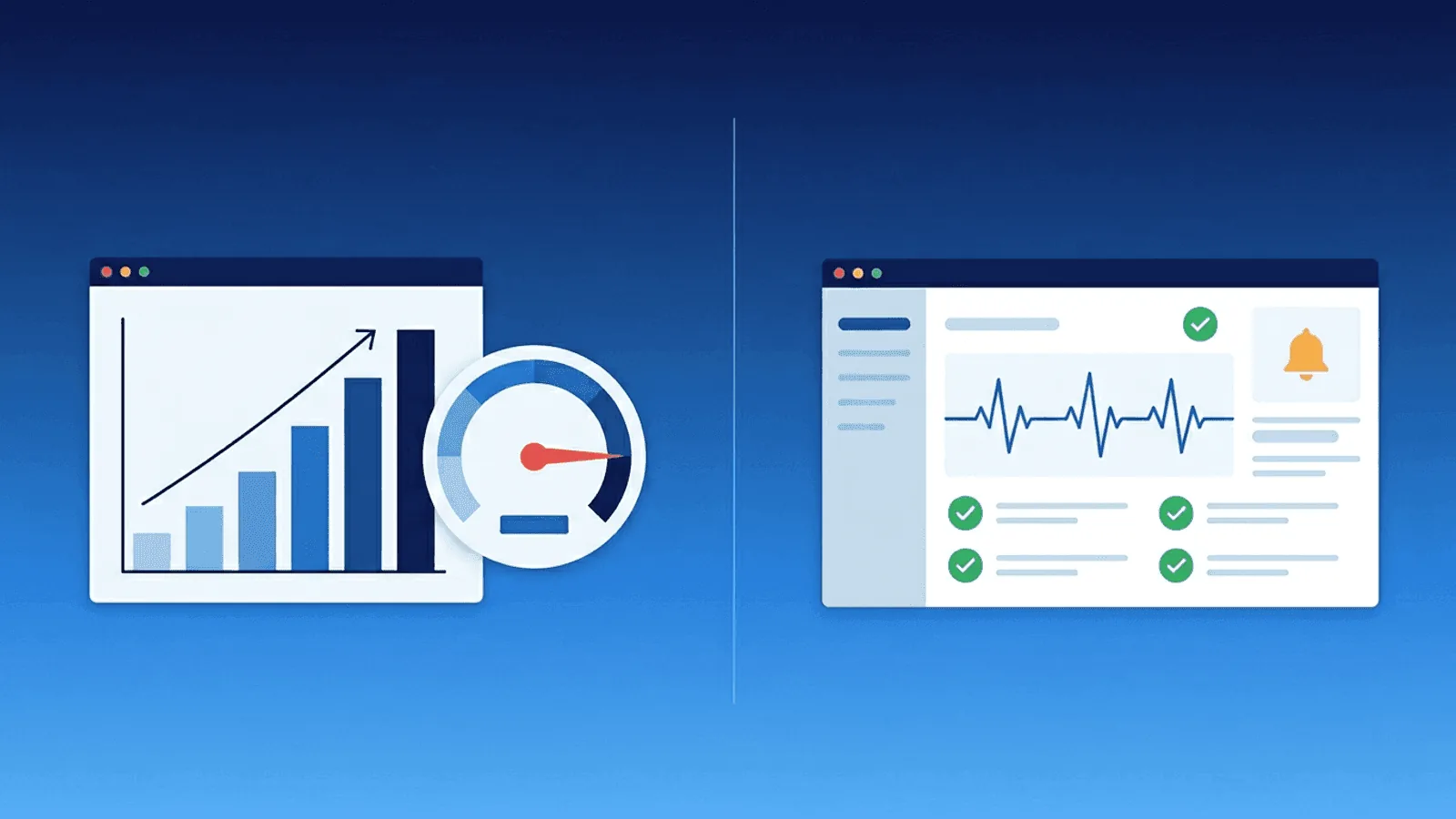
Short answer: Load testing applies controlled demand to discover capacity, bottlenecks, and failure behavior before or during a planned experiment; monitoring continuously observes real service health and user impact. A test cannot guarantee production reliability, and monitoring cannot safely discover every capacity limit, so use test results to set baselines and production alerts. See synthetic vs real-user monitoring and Google SRE’s monitoring principles.
"We already load test before releases — do we still need monitoring?"
Yes. And the opposite question is equally common: "We already monitor production — why would we also load test?"
Load testing and monitoring are both about reliability, but they solve fundamentally different problems at different times. Teams that only do one are exposed to the failures that only the other catches.
This guide explains what each does, when you need one vs the other, and how they work together in practice.
What Load Testing Does
Load testing simulates traffic against your application to answer the question: "How does my system behave under a specific volume of requests?"
You run a load test before a release, before a marketing campaign, or after a major infrastructure change. It's a controlled experiment — you generate synthetic traffic and measure what happens.
What load testing tells you
- Maximum throughput — How many requests per second can your system handle before response times degrade?
- Breaking point — At what load does the system start returning errors or timing out?
- Bottlenecks — Is the database the constraint? The application server? The CDN? The network?
- Scaling behavior — Does auto-scaling keep up with traffic ramps? How fast do new instances become ready?
- Resource requirements — How much CPU, memory, and connections does each traffic tier require?
When load testing happens
Load testing is an event — something you run before or after a change:
- Before a major release
- Before a planned marketing campaign or product launch
- After migrating infrastructure (new servers, new cloud region, new database)
- After changing caching layers, CDN, or load balancer configuration
- Quarterly or annually as a reliability practice
Common load testing tools
- k6 — Developer-friendly, scriptable in JavaScript
- JMeter — Java-based, enterprise-oriented, GUI and CLI modes
- Locust — Python-based, distributed load generation
- Artillery — Node.js-based, YAML-configured
- Gatling — Scala-based, high-performance
Load testing limitations
- It's a snapshot, not continuous — A load test tells you about today's infrastructure. Tomorrow, after a deployment or config change, the results may no longer be valid.
- Synthetic traffic, not real users — Load tests simulate patterns, but real traffic is unpredictable. A sudden viral link generates a traffic shape no load test anticipated.
- It can't catch production-only issues — Third-party dependency failures, DNS changes, SSL expirations, and real-world network conditions aren't reproducible in a load test.
- It requires intentional effort — Someone has to write the tests, run them, and analyze the results. If nobody runs the test, it doesn't help.
What Monitoring Does
Monitoring continuously checks your system in production to answer the question: "Is my system working right now?"
It runs 24/7, checking your endpoints, ports, certificates, and response times on a schedule — typically every 1 to 5 minutes — and alerting you when something fails.
What monitoring tells you
- Is the service reachable? — HTTP, TCP, ping, and DNS checks
- Is the service responding correctly? — Status codes, content validation
- Is SSL valid? — Certificate expiry and chain verification
- How fast is it responding? — Response time tracking and trends
- Are background jobs running? — Heartbeat/cron monitoring
- Where is it failing? — Multi-region checks pinpoint geographic failures
When monitoring happens
Monitoring is continuous — it never stops:
- Every minute, every hour, every day
- During deployments, migrations, and maintenance windows
- On weekends and holidays when nobody is watching manually
- At 3 AM when the team is asleep
What monitoring catches that load testing can't
- Unexpected production issues — A third-party API changes its response format. A DNS record expires. A certificate auto-renewal fails. None of these show up in a load test.
- Failures between releases — Infrastructure can degrade at any time, not just during deployments.
- Real-world traffic behavior — A sudden traffic spike from an unexpected source, a DDoS attack, or a slow memory leak that builds up over days.
- Configuration drift — Someone manually changes a firewall rule or database setting. Monitoring catches the impact even if no code was deployed.
The Real Difference
| Load Testing | Monitoring | |
|---|---|---|
| Core question | "How much can it handle?" | "Is it working right now?" |
| When it runs | Before/after specific events | Continuously, 24/7 |
| Traffic source | Synthetic, controlled | Real production traffic |
| Duration | Minutes to hours | Always on |
| What it catches | Capacity limits, bottlenecks, scaling issues | Outages, degradation, SSL/DNS issues, third-party failures |
| Requires | Test scripts, infrastructure, manual execution | Configuration, alert routing, on-call process |
| Alert mechanism | Test report (pass/fail) | Real-time alerts (SMS, Slack, email) |
| Cost | Load generation infrastructure + engineer time | Monitoring service subscription |
| Frequency | Quarterly, pre-release, or ad hoc | Every 1-5 minutes, forever |
The simplest way to think about it: load testing tells you what your system can handle. Monitoring tells you when your system can't handle what it's getting.
You Need Both — Here's Why
Load testing without monitoring
You run a load test and confirm your application handles 5,000 requests per second. You deploy with confidence.
Two weeks later, a database connection pool setting is changed, and your actual capacity drops to 500 requests per second. Nobody runs a load test to verify. A moderate traffic spike causes a 30-minute outage.
What's missing: Continuous monitoring that would have detected the performance change through response time degradation before the outage.
Monitoring without load testing
You monitor your site 24/7. Checks pass every minute. Everything looks green.
You launch a marketing campaign that drives 10x your normal traffic. The site collapses under load. Your monitoring correctly tells you it's down, but by then it's too late — users are already bouncing and the campaign is underperforming.
What's missing: Load testing that would have revealed the breaking point before the campaign, giving you time to scale up.
Both together
You load test before major changes to know your capacity limits. You monitor continuously to detect when real-world conditions push you toward those limits. Load testing tells you the ceiling. Monitoring tells you how close you are to hitting it.
How They Complement Each Other
Run monitoring during load tests
When you run a load test, your external monitoring should be active. This lets you see the test's impact from the outside — exactly as your users would experience it.
Your monitoring dashboard becomes a real-time view of the load test's effect on:
- Response time from multiple regions
- Error rate (5xx responses)
- Content integrity (are pages still rendering correctly under load?)
- SSL handshake time
If your monitoring starts alerting during a load test, you've found your breaking point.
Use monitoring data to design load tests
Your monitoring history tells you:
- What your normal traffic patterns look like
- What your peak response times are
- Which regions have the most users
- When daily and weekly traffic peaks occur
Use this data to design realistic load test scenarios that match actual traffic patterns, not arbitrary round numbers.
Use load test results to set monitoring thresholds
If your load test shows that response times degrade significantly above 2,000 requests per second, set your monitoring alert threshold to trigger when response time reaches the level you observed at 1,500 requests per second — giving you a warning buffer before actual degradation.
Common Misconceptions
"Load testing replaces monitoring"
Load testing is a point-in-time exercise. It can't detect failures that happen between tests, which is most of the time. Monitoring is what catches those.
"Monitoring replaces load testing"
Monitoring tells you that something is broken after it breaks. Load testing tells you where it will break before it happens. Both perspectives are valuable.
"If we pass our load test, we're fine"
Production has variables that load tests don't cover: third-party dependencies, DNS propagation, certificate renewal, unexpected traffic spikes, database maintenance windows, and configuration drift. Passing a load test means you can handle the tested load under tested conditions.
"Our cloud auto-scales, so we don't need load testing"
Auto-scaling has limits, lead times, and costs. Load testing tells you how fast scaling kicks in, whether it keeps up with the traffic ramp rate, and what happens to users during the scaling window. Monitoring tells you when auto-scaling fails in production.
Choosing the Right Tool for the Job
Use load testing when you need to
- Validate capacity before a launch or campaign
- Find bottlenecks after an infrastructure change
- Test auto-scaling behavior
- Benchmark after a major code refactor
- Satisfy compliance or SLA requirements
Use monitoring when you need to
- Know the moment production goes down
- Track uptime and SLA compliance continuously
- Detect performance degradation in real time
- Monitor SSL, DNS, and third-party dependencies
- Alert the right person at the right time
Use both when you need to
- Run a production-quality deployment pipeline
- Maintain SLA commitments
- Prevent outages, not just detect them
Practical monitoring baseline
- Model realistic traffic mix, data, cache state, ramp shape, think time, and dependency constraints.
- Collect the same latency, error, saturation, and throughput signals in tests and production.
- Turn discovered knees and failure modes into capacity forecasts, autoscaling checks, and runbooks.
How Webalert Fits In
Webalert is a monitoring tool — it provides the continuous, 24/7 layer that runs before, during, and after load tests:
- HTTP/HTTPS monitoring — 1-minute checks from multiple global regions
- Response time tracking — Detect degradation that indicates capacity pressure
- Content validation — Verify correct responses, not just status codes
- SSL and DNS monitoring — Catch the failures load tests can't simulate
- TCP port monitoring — Confirm databases and services are reachable
- Heartbeat monitoring — Verify background jobs and scheduled tasks complete
- Multi-channel alerting — Email, SMS, Slack, Discord, Microsoft Teams, webhooks
- On-call scheduling — Route alerts to the right person automatically
- Status pages — Keep users informed during incidents
- Anomaly detection — Catch unusual patterns that fixed thresholds might miss
Load testing tells you your capacity ceiling. Webalert tells you every moment you approach it.
See features and pricing for the full details.
Summary
- Load testing answers "How much can it handle?" — run before releases and major events.
- Monitoring answers "Is it working right now?" — run continuously, 24/7.
- They solve different problems — load testing finds capacity limits, monitoring detects real-world failures.
- You need both — load testing without monitoring leaves you blind between tests. Monitoring without load testing means you discover capacity limits during outages.
- Use them together — run monitoring during load tests, use monitoring data to design load scenarios, and use load test results to set monitoring thresholds.
The most reliable teams treat load testing as a periodic investment and monitoring as an always-on foundation.