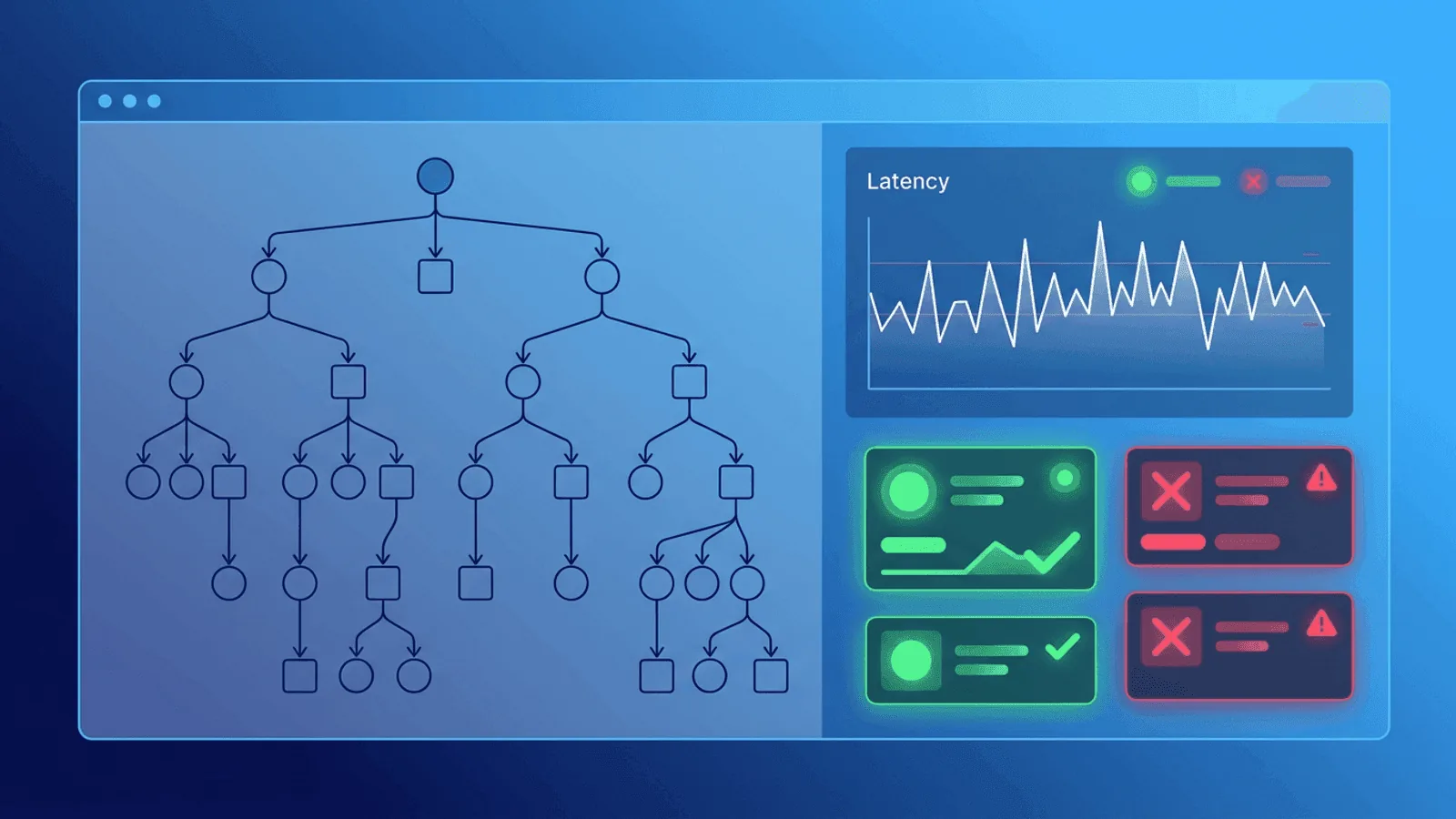
Short answer: GraphQL monitoring must inspect the response envelope because a request can return HTTP 200 with partial data and an errors array. Track operation-level error rate and latency, resolver spans, complexity, and transport availability without using raw query text as a label. The GraphQL response guide defines data, errors, and partial responses; pair it with response body validation.
GraphQL makes API development flexible, but it also changes how failures appear in production.
With REST, an error often maps to an HTTP status code. With GraphQL, you can get 200 OK while users still see broken experiences because some resolvers fail and return partial data.
That means basic uptime checks are necessary, but not sufficient.
This guide shows how to monitor GraphQL APIs so you catch real failures early: endpoint uptime, resolver-level errors, query performance, and alert fatigue-safe escalation.
Why GraphQL Monitoring Is Different
GraphQL introduces patterns that can hide issues from naive monitoring:
- Partial failures: response includes both
dataanderrors - Expensive queries: one request can fan out across many services
- N+1 problems: query works, but latency spikes with larger payloads
- Schema evolution: fields are deprecated or changed, clients break gradually
- Operation complexity variance: not all requests are equally expensive
A plain "URL returns 200" monitor misses most of this.
What to Monitor in a GraphQL Stack
1) Endpoint Reachability
Start with the basics:
- HTTPS availability for
/graphql - DNS and SSL checks
- Regional latency baselines
This catches total outages and network-layer failures.
2) Response Correctness
For GraphQL, correctness is not just status code.
Validate:
- Response contains expected top-level keys
errorsarray is absent for success checks- Critical fields are present in
data - Authentication-protected queries return expected shapes
You should monitor at least one read operation and one write operation that represent real user behavior.
3) Resolver Error Rate
Track how often resolvers fail, not just whether the gateway responds.
Key signals:
- Percentage of requests with
errorspresent - Top failing fields/resolvers
- Error categories (timeouts, auth failures, validation issues)
- Error spikes by operation name
A useful alert might be: "GraphQL errors present in >2% of checkout queries for 5 minutes."
4) Operation Latency
Latency in GraphQL can degrade silently.
Measure:
- p50/p95/p99 by operation name
- End-to-end API response time from outside your network
- Query latency trends after deployments
Without operation-level visibility, one heavy query can slow the whole API and only some users notice first.
5) Dependency Health
Resolvers often call databases, caches, search clusters, and third-party APIs.
Monitor dependency reachability and error trends in parallel:
- DB read/write latency
- Cache hit ratio shifts
- External API timeout spikes
- Queue lag for async resolvers
Most GraphQL incidents are dependency incidents in disguise.
GraphQL Failure Modes and Detection
| Failure Mode | Symptom | Best Monitoring Signal |
|---|---|---|
| Resolver timeout | Slow pages, partial data | p95 per operation + resolver timeout errors |
| N+1 query issue | Latency grows with result size | Latency by payload size + trend alerts |
| Schema mismatch | Clients break after deploy | Content validation for key fields |
| Auth middleware bug | 401/403 bursts on valid users | Authenticated synthetic query checks |
| Third-party dependency outage | Specific widgets fail | Field-level error spike + dependency checks |
| Cache invalidation issue | Stale or inconsistent results | Freshness checks + content assertions |
| Rate limiting regression | Random query failures at peak | Error rate by operation during traffic windows |
Practical Monitoring Setup (30-Minute Version)
If you need a high-impact setup quickly, do this:
- Uptime check on
/graphqlevery minute from multiple regions - Synthetic query check for one critical read operation
- Synthetic mutation check in non-production or safe sandbox path
- Content validation for required fields and absence of GraphQL errors
- Latency alert on p95 threshold for key operations
- Resolver error-rate alert when error ratio exceeds baseline
This catches the majority of production incidents without overengineering.
Query Design for Monitoring
Avoid full production queries in synthetic checks. Keep checks:
- Lightweight (small payloads, deterministic)
- Representative (matches real user path)
- Safe (read-only in prod, or write to test records only)
- Stable (not brittle to cosmetic schema changes)
A common pattern is to maintain a dedicated "monitoring operation" that validates critical path dependencies with minimal side effects.
Alerting Without Noise
GraphQL can generate noisy errors during deploys and traffic surges. Use layered thresholds:
- Critical: hard failure of endpoint or key operation in multiple regions
- High: sustained increase in
errorsratio for revenue-critical operations - Medium: latency degradation or single-region issues
Reduce false positives by:
- Requiring consecutive failures
- Cross-checking from 2+ regions
- Correlating with deploy windows and maintenance
Practical monitoring baseline
- Send named canary operations and assert required fields plus an empty or expected
errorsarray. - Measure latency and failures by normalized operation name, not full query text or variables.
- Trace resolver and downstream time, and enforce complexity, depth, payload, and timeout budgets.
How Webalert Helps
Webalert gives you the external monitoring layer GraphQL teams often miss:
- 1-minute HTTP/HTTPS checks for
/graphql - Content validation for expected response structures
- Response time tracking for latency regressions
- Multi-region checks to detect regional failures
- Heartbeat monitoring for background jobs feeding resolvers
- Alert routing via Email, SMS, Slack, Discord, Teams, and webhooks
- Status pages for clear incident communication
Use Webalert to detect what users feel, not just what internal dashboards report.
Summary
- GraphQL monitoring needs more than a 200 status check.
- Monitor resolver error ratios, operation latency, and response correctness.
- Validate critical read/write flows with synthetic GraphQL operations.
- Combine endpoint availability with dependency monitoring.
- Use tiered alerts to reduce noise while catching real incidents quickly.
If your GraphQL API powers customer-critical workflows, strong monitoring is not optional. It is your fastest path to fewer incidents and faster recovery.