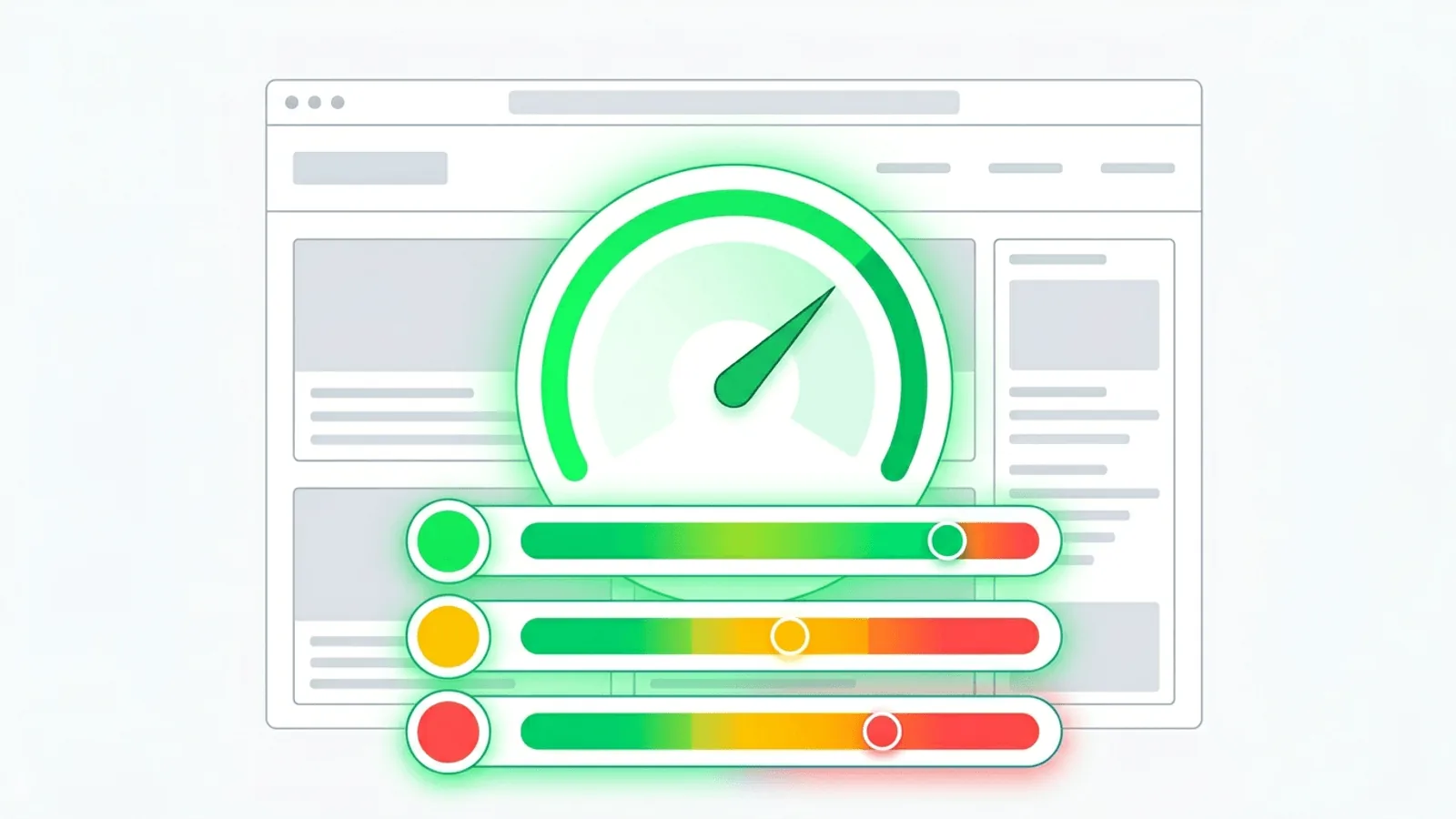
Short answer: Core Web Vitals are LCP for loading, INP for responsiveness, and CLS for visual stability. Evaluate each at the 75th percentile separately for mobile and desktop, use field data as the source of user experience, and use lab tests to reproduce regressions. See Google’s Web Vitals guidance, plus the focused INP and TTFB guides.
Your site passes every uptime check. It returns 200 in under 500ms. From a monitoring perspective, everything looks perfect.
But Google Search Console shows declining Core Web Vitals. Your Largest Contentful Paint is 4.2 seconds on mobile. Your Cumulative Layout Shift spikes on pages with ads. Your Interaction to Next Paint fails on your most important landing page.
The site is up. The site is fast to the server. But the site is slow to users — and Google is ranking it accordingly.
Core Web Vitals bridge the gap between server performance and user experience. Monitoring them continuously prevents regressions that silently erode search rankings and conversion rates.
What Are Core Web Vitals and Their Thresholds?
Core Web Vitals are three metrics Google uses to measure real user experience on web pages. They are a confirmed ranking signal and directly affect search visibility.
LCP — Largest Contentful Paint
What it measures: How long it takes for the largest visible element (hero image, heading, video) to finish rendering.
Good: Under 2.5 seconds
Needs improvement: 2.5 – 4.0 seconds
Poor: Over 4.0 seconds
LCP reflects perceived load speed. A page can be technically loaded (DOMContentLoaded fires) while the main content is still rendering.
INP — Interaction to Next Paint
What it measures: The responsiveness of the page when a user interacts with it (click, tap, key press). INP measures the time from interaction to the next visual update.
Good: Under 200 milliseconds
Needs improvement: 200 – 500 milliseconds
Poor: Over 500 milliseconds
INP replaced First Input Delay (FID) in March 2024. It captures responsiveness across the entire page lifecycle, not just the first interaction.
CLS — Cumulative Layout Shift
What it measures: How much the visible page content shifts unexpectedly during loading. Elements that move after the user has started reading or interacting cause layout shift.
Good: Under 0.1
Needs improvement: 0.1 – 0.25
Poor: Over 0.25
CLS is triggered by images without dimensions, dynamically injected ads, web fonts that cause text reflow, and late-loading content.
Why Core Web Vitals Need Monitoring
Rankings depend on it
Google confirmed Core Web Vitals as a ranking factor. Pages that fail CWV thresholds compete at a disadvantage against pages that pass. For competitive keywords, this can mean the difference between page 1 and page 2.
Regressions are silent
A developer adds a new font. A marketing team embeds a third-party widget. An ad network changes its script. None of these changes trigger a deployment failure, but they can push LCP from 2.3 seconds to 4.1 seconds overnight.
Without monitoring, you discover the regression 28 days later when the Google Search Console CrUX report updates.
It affects revenue
Google research found that as page load time increases from 1 second to 3 seconds, bounce probability increases by 32%. From 1 to 5 seconds, it increases by 90%. Core Web Vitals directly correlate with conversion rates.
What Causes Core Web Vitals Failures
Common LCP problems
- Unoptimized hero images — Large PNGs or uncompressed JPEGs that take seconds to download
- Render-blocking JavaScript — Scripts in the
<head>that delay rendering - Slow server response time (TTFB) — The server takes too long to start sending the HTML
- Third-party scripts — Analytics, chat widgets, and ad scripts competing for network and CPU
- Web font loading — Custom fonts that block text rendering until downloaded
- Client-side rendering — SPAs that render content via JavaScript after page load
Common INP problems
- Heavy JavaScript execution — Event handlers that run expensive computations on the main thread
- Third-party scripts — Ad scripts, analytics, and widgets that block the main thread
- Large DOM size — Pages with thousands of DOM nodes are slow to update
- Unoptimized React/Vue re-renders — Component trees that re-render unnecessarily on interaction
- Synchronous layout reads — JavaScript that reads layout properties and triggers forced reflow
Common CLS problems
- Images without width/height — Browser does not know the size until the image loads, causing reflow
- Ads and embeds without reserved space — Dynamically injected elements push content down
- Web fonts causing FOUT — Font swap changes text size and layout
- Dynamic content injected above the fold — Banners, notifications, or consent dialogs that shift content
- Late-loading CSS — Stylesheets that arrive after initial render change element positions
Monitoring Strategy
Layer 1: Synthetic performance monitoring
Synthetic monitoring runs automated tests from controlled environments at regular intervals. It provides consistent, comparable measurements.
What it catches:
- Regressions from code changes or new third-party scripts
- Server-side performance issues (TTFB)
- Image and resource size changes
- Baseline performance trends over time
Limitations:
- Does not capture real user device and network conditions
- May not trigger all client-side rendering paths
- Cannot measure INP (requires real user interaction)
Layer 2: Real User Monitoring (RUM)
RUM collects performance data from actual visitors using JavaScript injected into your pages.
What it catches:
- Performance on real devices (low-end phones, slow connections)
- Geographic performance variations
- INP from actual user interactions
- CLS from real browsing sessions (scrolling, ad loading)
Limitations:
- Requires JavaScript on the page
- Privacy considerations with data collection
- Data arrives after the fact (not preventive)
Layer 3: Uptime and response time monitoring
External monitoring checks do not measure Core Web Vitals directly, but they catch the server-side issues that cause CWV failures:
- Response time monitoring — Catches TTFB increases that directly affect LCP
- Content validation — Catches missing images, broken scripts, or changed page structure that affects CLS
- Multi-region checks — Identifies geographic performance issues
- SSL and DNS monitoring — Connection-level delays that add to total load time
The combination of all three layers provides complete coverage.
Practical Monitoring Setup
For every website
- Response time monitoring (1-minute interval) — Catches TTFB regressions that affect LCP
- Content validation on key pages — Catches broken images or missing elements that affect CLS
- SSL monitoring — TLS handshake delays affect total load time
- Google Search Console — Review CrUX data monthly for real-user CWV trends
For sites where SEO matters
Add to the above:
- Lighthouse CI in your deployment pipeline — Block deploys that regress CWV scores
- RUM integration — Track LCP, INP, and CLS from real users
- Page-level monitoring for top landing pages — These pages drive organic traffic
- Third-party script audit — Monitor which scripts load and their impact
For e-commerce and high-traffic sites
Add to the above:
- Per-page-type monitoring — Product pages, category pages, checkout, homepage
- Mobile-specific checks — CWV thresholds are evaluated on mobile
- Ad script monitoring — Ads are the most common cause of CLS regression
- CDN performance — Verify assets are served from edge locations
Preventing Core Web Vitals Regressions
In the development process
- Performance budgets — Set maximum bundle sizes, image sizes, and third-party script counts. Fail the build if budgets are exceeded.
- Lighthouse CI — Run Lighthouse in CI/CD and compare against baseline scores. Block merges that regress LCP, INP, or CLS below thresholds.
- Image optimization pipeline — Automatically resize, compress, and convert images to WebP/AVIF during build.
- Font loading strategy — Use
font-display: swapand preload critical fonts.
In deployment
- Post-deploy performance check — After each deploy, verify response time has not increased
- Content validation — Confirm pages render expected content (missing images affect LCP)
- Canary deploys — Roll out to a small percentage of traffic first and monitor CWV from real users before full rollout
In production
- Response time alerts — Catch TTFB regressions within minutes
- Third-party monitoring — Alert when a third-party script changes size or response time
- Content change detection — Catch unauthorized changes that may inject heavy scripts
- Regular CrUX review — Monthly review of Google's Chrome User Experience Report data
Core Web Vitals by Page Type
Different page types have different CWV risk profiles:
| Page Type | Primary CWV Risk | What to Monitor |
|---|---|---|
| Homepage | LCP (hero image), CLS (dynamic content) | Image load time, layout stability |
| Blog/content pages | LCP (featured image), CLS (ads, embeds) | Image optimization, ad slot reservation |
| Product pages | LCP (product image), CLS (reviews, recommendations) | Image CDN performance, dynamic content injection |
| Landing pages | LCP (above-fold content), INP (form interactions) | TTFB, form responsiveness |
| Dashboard/app pages | INP (user interactions), LCP (data loading) | JavaScript bundle size, API response times |
| Checkout | INP (form inputs), CLS (payment widget loading) | Third-party payment script performance |
How Response Time Monitoring Connects to CWV
External monitoring measures server response time — the Time to First Byte (TTFB). TTFB is the foundation of LCP:
LCP = TTFB + Resource Load Time + Render Time
If your server response time doubles, LCP increases by at least that amount. External response time monitoring catches the TTFB component of LCP in real time, typically within 1-2 minutes of a regression.
This is faster than waiting for CrUX data (28-day rolling window) or real user data to accumulate.
| Monitoring Type | Detection Speed | CWV Coverage |
|---|---|---|
| External response time | 1-2 minutes | TTFB component of LCP |
| Synthetic Lighthouse | On deploy or scheduled | LCP, CLS (simulated INP) |
| RUM | Hours (needs traffic volume) | LCP, INP, CLS (real conditions) |
| CrUX / Search Console | 28 days | LCP, INP, CLS (field data) |
The fastest way to catch LCP regressions is external response time monitoring. The most complete way is RUM. Use both.
Practical monitoring baseline
- Track LCP, INP, and CLS at p75 by page template, device class, geography, and release.
- Use RUM or CrUX for field truth; use Lighthouse and controlled journeys for repeatable diagnosis.
- Alert on sustained segment regressions and annotate deploys, experiments, tags, and third-party changes.
How Webalert Helps
Webalert monitors the server-side performance that directly affects Core Web Vitals:
- Response time tracking — Detect TTFB regressions that degrade LCP within minutes
- Content validation — Catch missing images, broken scripts, and changed page structure
- Multi-region checks — Identify geographic performance variations
- SSL monitoring — TLS issues add latency to every page load
- 60-second intervals — Catch regressions before they accumulate in CrUX data
- Historical response time data — Correlate performance trends with deployments
- Multi-channel alerts — Email, SMS, Slack, Discord, Teams, webhooks
See features and pricing for details.
Summary
- Core Web Vitals (LCP, INP, CLS) are a Google ranking factor that directly affects search visibility.
- CWV regressions are silent — they happen from code changes, new third-party scripts, and image updates without any deployment failure.
- Response time monitoring catches TTFB regressions that affect LCP faster than any other monitoring method.
- Content validation catches broken images and page structure changes that affect CLS.
- Use a layered approach: external monitoring for speed, synthetic testing in CI/CD for prevention, and RUM for real-world measurement.
- Monitor per page type — homepages, product pages, and landing pages have different CWV risk profiles.
- The fastest CWV regression detection comes from combining external response time monitoring with Lighthouse CI.
Fast servers are the foundation of fast pages. Monitor the foundation.