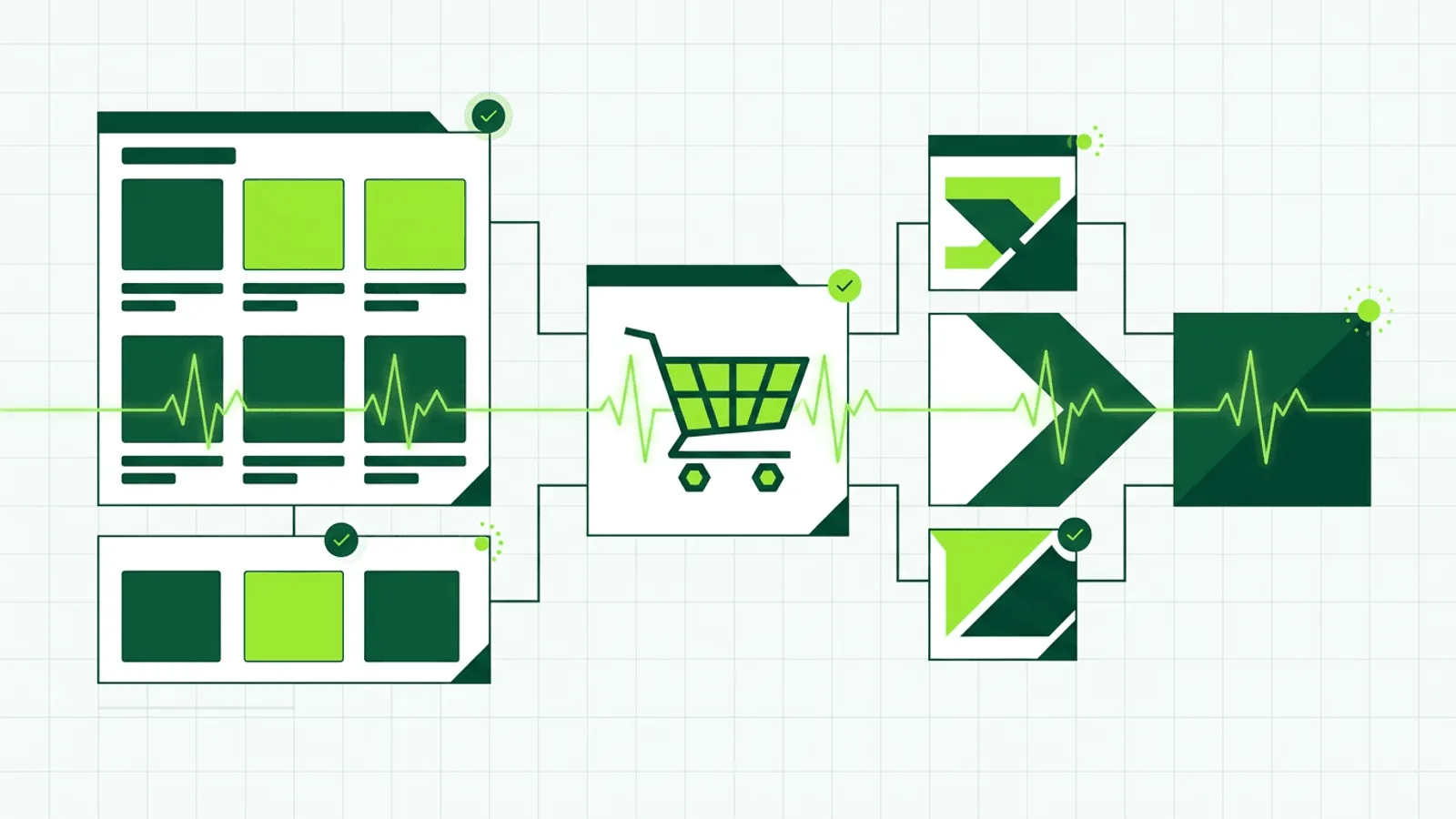
Shopify can be operational while one store cannot sell. A theme release can hide add-to-cart, an app can break search, a custom domain can fail, or a headless storefront can receive GraphQL errors inside an HTTP 200.
Shopify handles hosting and infrastructure, but it does not monitor your specific store's functionality. A broken app, a misconfigured theme, or a payment gateway issue can silently kill conversions while the platform reports 100% uptime.
This guide covers what to monitor on a Shopify store so you catch the problems that Shopify's own monitoring misses.
Why You Need Monitoring on a Hosted Platform
"Shopify is up" and "your store works" are different claims. The provider status page is useful context, but it cannot validate your theme, catalog, apps, markets, domain, or checkout handoff.
Things that break while Shopify is running fine:
- Third-party app conflicts — An app update breaks your cart, search, or product pages
- Theme code errors — A Liquid template edit introduces a rendering bug
- Payment gateway issues — Your payment provider has an outage, but Shopify does not alert you
- Custom domain DNS — Your domain stops resolving to Shopify while the platform is fine
- SSL certificate issues — Custom domain certificate renewal fails
- Checkout customizations — Extensions or integrations can alter checkout behavior
- API errors and throttling — Headless storefronts must inspect GraphQL error payloads
- Inventory sync failures — Your ERP or warehouse integration stops syncing, showing wrong stock levels
Shopify monitors their infrastructure. You need to monitor your store on that infrastructure.
What to Monitor
1) Storefront Availability
The most important check — can a customer reach your store and see products?
- Homepage — Verify it loads and contains your store name and navigation
- Key collection/product page — Check that your best-selling product displays correctly
- Search — If you rely on site search, verify it returns results
Use content validation, not just status codes. A Shopify store can return 200 while displaying "This store is unavailable" or a blank page from a broken Liquid template.
2) Checkout Flow
The checkout is where revenue happens. Monitor it separately:
- Cart page (
/cart) — Verify it loads and functions - Checkout handoff — Create an isolated synthetic cart and request its current checkout URL without submitting payment
- Payment gateway — If you use a third-party gateway, monitor their status endpoint
A broken checkout with a working storefront is the worst scenario — customers browse, add to cart, and then cannot buy. They leave and rarely come back.
Use a dedicated product or variant that cannot consume scarce inventory or contaminate business reporting. Clean up synthetic carts, do not submit payment, and never trigger fulfillment or customer communication. For headless stores, request a fresh checkoutUrl during the check rather than treating a previously generated URL as permanent.
3) Custom Domain and SSL
If you use a custom domain (not yourstore.myshopify.com):
- DNS resolution — Verify your domain resolves to Shopify's servers
- SSL certificate — Monitor certificate expiry and chain validity
- HTTPS redirect — Confirm HTTP redirects to HTTPS properly
- www vs non-www — Both should resolve correctly
Domain and SSL issues are the most common Shopify store outages that are entirely within your control. A DNS misconfiguration or expired certificate takes your store offline instantly.
4) Third-Party App Health
Shopify apps run code on your store. When they break, parts of your store break:
- App-dependent pages — If an app powers your reviews, search, or upsells, monitor the pages that display those elements
- Content validation — Verify app-generated content appears on the page (e.g., review stars, search results, loyalty points)
- Response time — A slow app can make your entire store slow
You cannot monitor the app itself, but you can monitor the pages and features that depend on it.
5) Shopify API (for Headless and Custom Integrations)
If you use Shopify's Storefront API for a headless build:
- API endpoint availability — Monitor the GraphQL endpoint
- Response validation — Verify the API returns expected product data
- Response time — API latency directly affects your frontend performance
- GraphQL errors — Treat an
errorsarray as failure even when HTTP status is200
Shopify's Storefront API reference documents 200 responses containing errors. Its cart guide recommends retrieving checkoutUrl when the buyer is ready because it can become stale.
The Storefront API does not use a fixed buyer request-per-minute limit, but Shopify documents bot protection and a checkout-creation throttle. Keep checks low-volume, identify legitimate synthetic traffic, validate THROTTLED and authorization errors explicitly, and back off instead of making the monitor part of the incident.
6) Key Landing Pages
Beyond the storefront, monitor pages that drive traffic:
- Campaign landing pages — Pages linked from ads or email campaigns
- Blog — If your Shopify blog drives organic traffic
- Custom pages — About, contact, sizing guides, FAQ
A broken landing page wastes every dollar spent driving traffic to it.
Common Shopify Failure Modes
| Failure | User Impact | Detection |
|---|---|---|
| Third-party app breaks cart | Cannot add to cart or checkout | Content validation on cart page |
| Theme Liquid error | Blank page or partial rendering | Content validation on affected pages |
| Custom domain DNS issue | Store completely unreachable | DNS monitoring + HTTP check |
| SSL certificate expired | Browser security warning | SSL monitoring |
| Payment gateway outage | Checkout fails at payment step | HTTP check on gateway status endpoint |
| Shopify API rate limited | Headless storefront errors | API endpoint monitoring + status validation |
| Inventory sync failure | Products show wrong stock levels | Content validation on product pages |
| App injecting broken JavaScript | Store loads but features are broken | Content validation + response time |
| Checkout extension or integration regression | Checkout handoff or UI fails | Isolated cart plus checkout smoke test |
| CDN/asset loading failure | Images and CSS missing, broken layout | Content validation for key visual elements |
Monitoring by Shopify Plan
Shopify Basic / Shopify / Advanced
- HTTP check on homepage — 1-minute interval, content validation
- HTTP check on a product page — Verify product data renders
- HTTP check on /cart — Verify cart functionality
- SSL monitoring on custom domain
- DNS monitoring on custom domain
- Response time alerts — Detect store slowdowns
Shopify Plus
All of the above, plus:
- Checkout monitoring — Verify checkout extensions and integrations work
- Multi-store monitoring — If you run expansion stores, monitor each
- API monitoring — Track Storefront API for headless or custom builds
- Wholesale channel — Monitor B2B storefront separately
- Discount and Function behavior — Verify representative pricing rules safely
- Markets and expansion stores — Represent each domain, locale, currency, and catalog path that routes differently
Headless Shopify
- Frontend application — Monitor your custom frontend (Next.js, Hydrogen, etc.)
- Storefront API — HTTP checks with response validation on GraphQL endpoint
- Webhook delivery — Heartbeat monitoring for critical webhooks (orders, inventory)
- CDN/hosting — Monitor your frontend hosting independently of Shopify
Setting Up Monitoring for Your Shopify Store
Focused setup
- Add your store URL —
https://yourstore.comwith content validation for your store name - Add a product page — Your best-selling product URL with content validation for the product title
- Add SSL monitoring — Automatic expiry alerts for your custom domain
- Set up alert channels — Email + SMS or Slack for immediate notification
Extended setup
Add to the quick start:
- Cart page check —
/cartwith content validation - DNS monitoring — Verify domain resolution
- Campaign landing pages — Each active campaign URL
- Response time baseline — Set alerts for response time exceeding 2x your normal baseline
- Status page — Create a public status page for your store to build customer trust during incidents
What to Do When Monitoring Detects an Issue
Store completely down (HTTP check fails):
- Check if it is a Shopify-wide outage at status.shopify.com
- If Shopify is fine, check your custom domain DNS settings
- Verify SSL certificate status
- Check if you accidentally password-protected the store
Store loads but content is wrong (content validation fails):
- Check recently updated or installed apps — disable the last change
- Review recent theme edits — revert if needed
- Test in an incognito window to rule out caching
- Check Shopify admin for any maintenance notifications
Store is slow (response time alert):
- Check if a new app is loading heavy scripts
- Review recently added images or videos (unoptimized media)
- Check Shopify status for platform-wide performance issues
- Test from multiple regions to isolate geographic issues
How Webalert Helps
Webalert monitors your Shopify store the way customers experience it:
- 60-second checks from global regions — detect outages within 2 minutes
- Content validation — verify pages display correct products, prices, and features
- SSL monitoring — catch certificate issues on custom domains before browsers block your store
- DNS monitoring — detect domain resolution failures
- Response time tracking — catch store slowdowns from apps or theme changes
- Multi-channel alerts — Email, SMS, Slack, Discord, Teams, webhooks
- Status pages — communicate incidents to customers and build trust
- 5-minute setup — paste your store URL and start monitoring
See features and pricing for details.
Summary
- Shopify platform uptime is not the same as your store working correctly.
- Third-party apps, theme code, and payment gateways break independently of Shopify.
- Monitor your storefront, checkout flow, custom domain SSL/DNS, and key landing pages.
- Use content validation, not just status code checks — a store can return 200 while broken.
- Set up alerts on SMS or Slack for immediate notification during business hours.
- Create a status page to maintain customer trust during incidents.
Shopify keeps the platform running. Monitoring proves your store is selling.