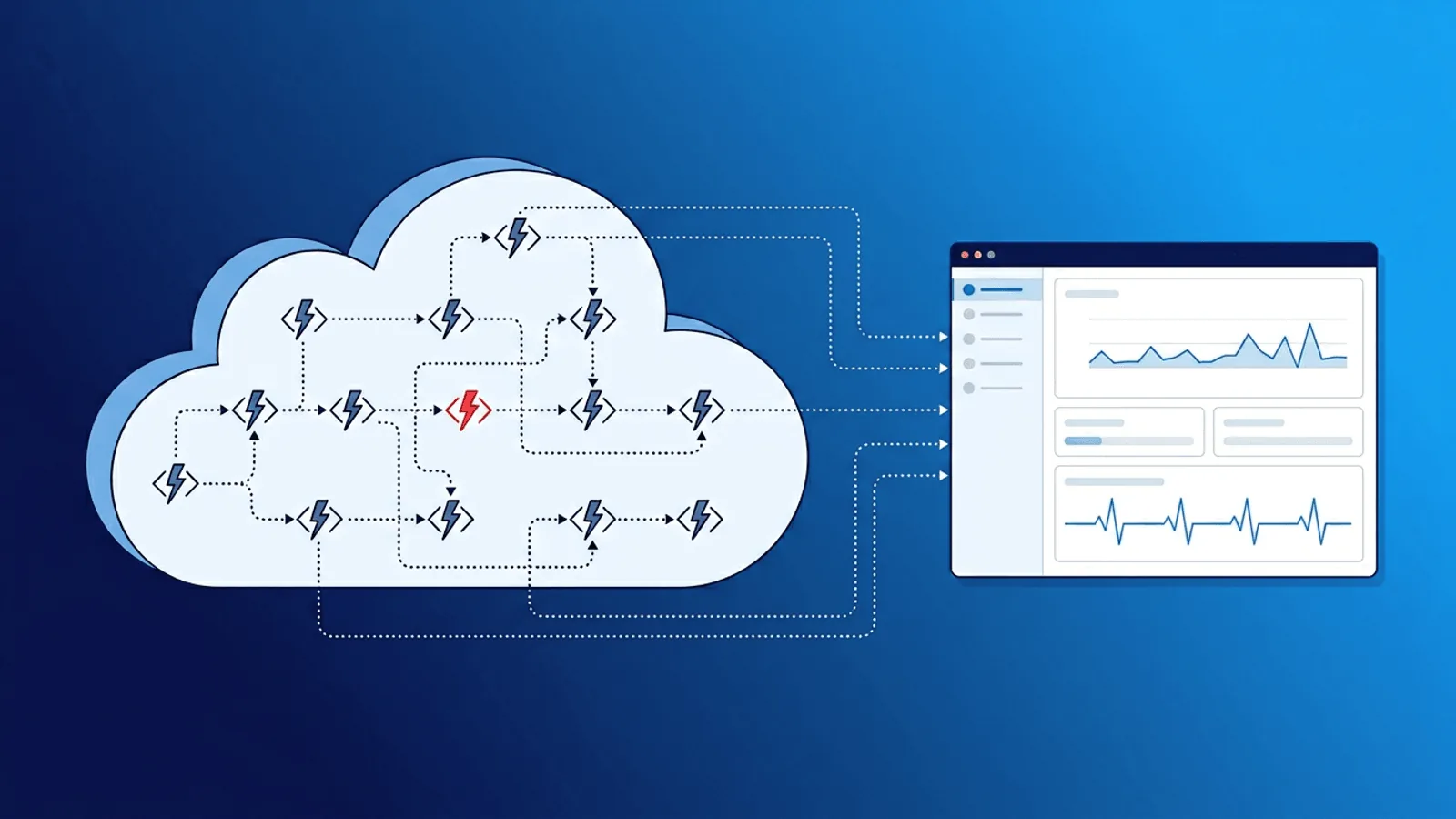
Serverless is appealing because you do not manage infrastructure. But "no servers to manage" does not mean "nothing to monitor."
Serverless functions fail in ways that traditional server monitoring cannot detect: cold start latency spikes, silent timeouts, memory exhaustion, invocation throttling, and deployment mismatches. Your function can be down or degraded while your cloud provider dashboard shows everything green.
This guide covers what to monitor in serverless deployments across AWS Lambda, Vercel Functions, Cloudflare Workers, and other edge runtimes — and how to set up alerts that catch failures before users report them.
Why Serverless Monitoring Is Different
With traditional servers, you monitor the machine and the application on it. With serverless, there is no machine to monitor. The platform handles scaling, provisioning, and execution.
That changes the failure model:
- Platform-managed execution environments — Providers reuse environments, isolates, and connections differently; monitor invocation and service outcomes instead of assuming one process lifecycle.
- Cold starts — New execution environments add initialization latency. Some platforms expose this directly (for example Lambda
Init Duration), while external latency shows user impact. - Timeout failures — Platforms terminate work that exceeds configured limits and report provider-specific outcomes, logs, and gateway responses. Alert on both invocation telemetry and the caller-visible result.
- Concurrency limits — Cloud providers throttle invocations when concurrency limits are exceeded. Requests are dropped or queued without your code being involved.
- Ephemeral logs — Logs are stored in cloud-specific systems (CloudWatch, Vercel logs) that may not be integrated with your alerting.
- Versioned deployments — Rollout, alias, region, and edge propagation behavior varies by provider. Validate the version actually serving each critical route after deployment.
Traditional monitoring checks a server. Serverless monitoring checks behavior and outcomes.
What to Monitor in a Serverless Stack
1) Function Endpoint Reachability
The most fundamental check: can the function be invoked successfully from outside your network?
- HTTP/HTTPS check against the function URL or API gateway endpoint
- Validate response status code (200, not 502/504)
- Validate response body contains expected content
- Check from multiple regions to detect edge-specific failures
This catches total outages, deployment failures, and routing misconfigurations.
2) Response Time and Cold Starts
Serverless latency is bimodal: warm invocations are fast, cold starts add 100ms-5s depending on runtime and bundle size.
Monitor:
- p50 response time (warm baseline)
- p95 and p99 response time (cold start impact)
- Latency trend after deployments
- Latency by region for edge-deployed functions
Alert when p95 exceeds an acceptable threshold. Sustained high p95 often indicates increased cold start frequency.
3) Error Rate and Invocation Failures
Track how often functions fail:
- 5xx responses from API gateway or edge network
- Function timeout errors
- Out-of-memory kills
- Unhandled exception rate
- Throttling events (HTTP 429 or provider-specific throttle signals)
A spike in error rate after a deployment is the most common serverless incident pattern.
4) Scheduled Function Completion
Many serverless workloads are scheduled (cron triggers, event processors, data pipelines). These need heartbeat monitoring:
- Function sends a signal to a heartbeat endpoint after successful completion
- If the signal does not arrive within the expected window, alert
- This catches silent failures: the scheduler stops triggering, the function times out, or the cloud provider has a regional issue
5) Downstream Dependency Health
Serverless functions often call databases, APIs, queues, and storage services. Monitor these directly:
- Database connectivity and query latency
- Third-party API availability
- Queue depth and processing lag
- Storage service (S3, R2, blob) reachability
Most serverless incidents are actually dependency incidents. The function code is fine, but what it calls is not.
Serverless Failure Modes
| Failure Mode | Symptom | Detection Method |
|---|---|---|
| Cold start spike | Intermittent slow responses | p95/p99 latency monitoring |
| Function timeout | 504 Gateway Timeout | HTTP status check + response time alert |
| Memory exhaustion | Function killed mid-execution | Error rate monitoring + invocation logs |
| Concurrency throttling | Requests dropped or queued | Error rate spike + 429 status monitoring |
| Bad deployment | Immediate error rate increase | Post-deploy HTTP check + content validation |
| Region-specific outage | Failures from one geography only | Multi-region external checks |
| Stale environment variable | Function runs with wrong config | Content validation on response |
| Dependency timeout | Function hangs waiting for downstream | Response time monitoring + dependency checks |
| Scheduler failure | Cron function stops running | Heartbeat monitoring |
| Bundle size regression | Increased cold start duration | p99 latency trend after deploy |
Platform-Specific Tips
AWS Lambda
- Monitor via the API Gateway or Function URL endpoint, not just CloudWatch metrics
- CloudWatch alarms have a minimum 1-minute granularity — external checks can be faster
- Watch for Lambda reserved concurrency exhaustion on high-traffic functions
- Use heartbeat monitoring for EventBridge-triggered (scheduled) Lambda functions
- After deploys, check that the new version is serving traffic (alias routing can mask issues)
Vercel Functions / Edge Middleware
- Monitor deployed endpoint URLs directly with HTTP checks
- Vercel limits vary by runtime, plan, and fluid-compute configuration; read current platform limits rather than encoding one timeout in a runbook
- ISR (Incremental Static Regeneration) failures can serve stale content indefinitely — use content validation
- Check preview and production deployments separately after each push
- Monitor serverless function regions if using Vercel's regional execution
Cloudflare Workers
- Workers have a 10ms HTTP CPU limit on Free; Paid defaults to 30 seconds and can be configured up to 5 minutes
- Monitor the Worker route endpoint with content validation
- KV and Durable Objects have their own failure modes — check data-dependent responses
- Use multi-region checks since Workers run at the edge nearest the requester
- Subrequest limits are 50 external requests on Free and 10,000 by default on Paid as of August 2026; verify current limits before alerting
Netlify Functions / Edge Functions
- Similar to Vercel — monitor the
/.netlify/functions/endpoint - Background functions have a 15-minute timeout — use heartbeat monitoring for long-running tasks
- Edge functions have a 50ms CPU limit — check for timeout-related failures
- Monitor build hook endpoints if using triggered deploys
Practical Setup: 15-Minute Version
For immediate serverless monitoring coverage:
- Endpoint check — HTTP check on your primary function URL every minute from multiple regions. Validate status code and response body.
- Latency alert — Set p95 threshold at 2-3x your warm baseline. Catches cold start regressions and dependency slowdowns.
- Error rate check — Alert on any sustained 5xx responses.
- Heartbeat for scheduled functions — Each cron-triggered function pings a heartbeat URL on success. Alert if the heartbeat is missed.
- Post-deploy validation — After each deployment, confirm the endpoint returns expected content within 5 minutes.
This covers the most common serverless failure modes with minimal setup.
How Webalert Helps
Webalert monitors serverless from the outside — the perspective that matches real user experience:
- HTTP/HTTPS checks every minute from global regions for function endpoints
- Content validation to catch functions that return 200 with wrong or empty responses
- Response time tracking with percentile-based alerts for cold start detection
- Heartbeat monitoring for scheduled/cron serverless functions
- Multi-region checks to detect edge-specific and regional failures
- SSL and DNS monitoring for custom domain configurations
- Multi-channel alerts — Email, SMS, Slack, Discord, Teams, webhooks
- Status pages to communicate serverless incidents to users
See features and pricing for details.
Summary
- Serverless removes infrastructure management but not monitoring responsibility.
- Functions fail silently through timeouts, cold starts, throttling, and dependency issues.
- Monitor endpoint reachability, response time, error rate, and scheduled job completion.
- Use content validation — a 200 status code does not guarantee a correct response.
- Add heartbeat monitoring for every scheduled or event-driven function.
- Check from multiple regions, especially for edge-deployed functions.
- Validate every deployment with post-deploy endpoint checks.
Serverless makes scaling automatic. Monitoring is what makes reliability intentional.