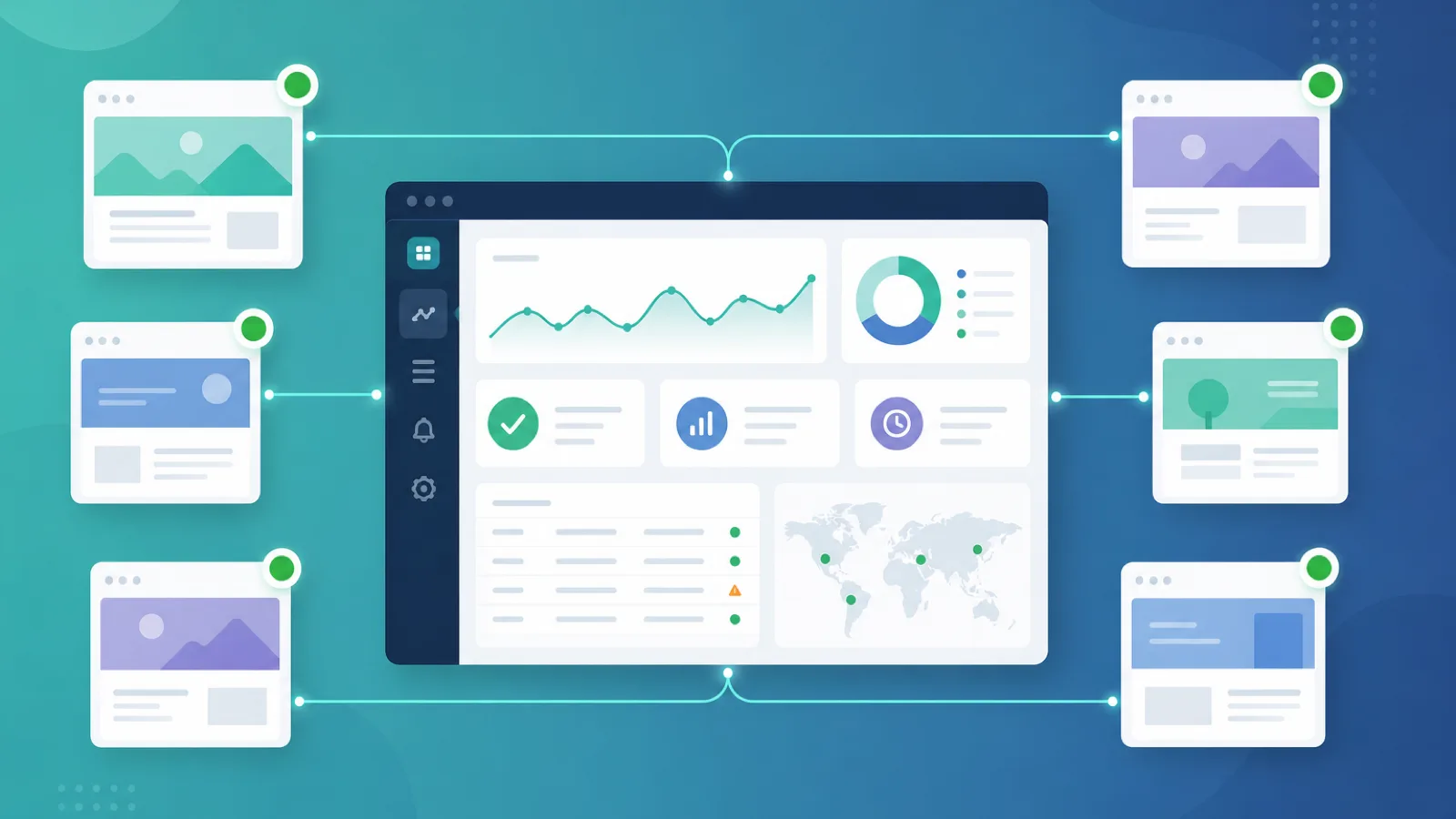
Most monitoring comparisons evaluate features that matter to a single engineering team: API integrations, Playwright scripting, log aggregation, trace correlation. None of that is what an agency needs. An agency managing 20 to 30 client sites is not debugging one production stack — it is running a portfolio of unrelated websites, each with its own stakeholders, its own SLA expectations, and its own need for a branded report at the end of the month. The tooling question is different, and so is the pricing math.
The agency use case has four requirements that single-tenant monitoring tools handle poorly: white-label branding so the client sees the agency's name, per-client workspaces so data stays isolated, branded status pages on the client's domain, and client-facing reports that prove value every month. On top of that, pricing has to scale with the client roster, not explode per monitor the moment a single client needs five checks. This guide covers what website monitoring for agencies actually requires, where general-purpose tools fall short, and how to set up a multi-client monitoring operation that scales without becoming a second job.
This is not a list of every monitoring tool on the market. It is a focused look at the multi-client problem and the capabilities that solve it, so an agency can pick a setup that grows with the roster instead of against it.
Why Agencies Need a Different Monitoring Setup
You monitor a portfolio, not a stack
A single-team monitor watches one product. An agency watches dozens of unrelated sites — different CMSs, different hosts, different domains, different owners. A dashboard built for one company does not model that. You need a fleet-wide view for the team and isolated views per client, so a client logging in sees only their own sites.
The client sees the tool
In a single-team setup, the tool is internal. In an agency, the client often gets a login or a status page link. If that surface shows another vendor's branding, the agency loses the relationship leverage. White-label — dashboard, status page, alert emails, reports under the agency's domain and logo — is the difference between a tool the agency uses and a service the agency resells.
Reporting is the deliverable
For a single team, an alert that fires and gets handled is the outcome. For an agency, the monthly report is the deliverable that justifies the retainer. If the tool cannot produce a branded report showing uptime, incidents, and resolution times per client, the agency is manually assembling screenshots, which does not scale past a handful of clients.
Pricing punishes the agency model
Per-monitor pricing is built for a team that adds checks to one product. An agency adds checks by the client. A single client with five monitors can cost more than a whole white-label tier at a multi-client tool. The agency-friendly model prices per workspace or per client, not per check, so adding a fifth monitor to a client does not inflate the bill.
Incidents need client-scoped communication
When a client's site goes down, the agency needs to tell that client — not all clients, and not in a generic channel. Per-client status pages and per-client alert routing mean the right client hears about the right incident, and the agency's other clients are not spammed with someone else's outage.
None of this means general-purpose tools are bad. They are excellent for one team. They are the wrong shape for an agency, and forcing them into the multi-client mold is where the operational pain shows up.
What to Look For in Multi-Client Monitoring
1. Per-client workspaces
Each client gets an isolated environment — their own monitors, incidents, and users — while the agency team sees a fleet-wide view across all workspaces. Data isolation matters for both privacy and presentation: a client logging in should see only their own sites.
2. White-label branding
The dashboard, status pages, alert emails, and reports should carry the agency's brand and domain, not the vendor's. This is what turns monitoring from an internal tool into a resellable service.
3. Branded status pages per client
A status page on the client's domain, branded with the agency's logo, gives the client a place to check status and subscribe to incident notifications. Per-client status pages mean each client gets their own communication surface.
4. Client-facing reports
Automated, branded reports — uptime percentage, incidents, resolution times — that the agency can hand to a client each month without manual assembly. This is the deliverable that proves the retainer.
5. Granular client permissions
Clients should get view-only or limited access to their own workspace, while the agency team retains full control. You define what each client can and cannot do.
6. Fleet-wide visibility for the team
The agency team needs one dashboard showing every client's status at a glance, with the ability to drill into any client. A tool that only shows one client at a time does not scale past a few clients.
7. Pricing that scales with clients, not checks
Per-workspace or per-client pricing means adding monitors to a client does not inflate the bill. Per-monitor pricing, by contrast, punishes the agency the moment a client needs more than one check.
8. Broad monitor coverage
HTTP uptime, SSL certificate, domain expiry, DNS, ping, and heartbeat coverage so the agency can monitor the full upstream causes of client outages, not just the homepage.
Single-Team Tools vs Multi-Client Monitoring
| Requirement | Single-team tool | Multi-client monitoring |
|---|---|---|
| Workspaces | One | One per client, isolated |
| Branding | Vendor's | White-label, agency's domain |
| Status pages | One, vendor-branded | One per client, agency-branded |
| Reports | Internal metrics | Branded, client-facing, automated |
| Client access | Not modeled | Granular per-client permissions |
| Fleet view | N/A | One dashboard across all clients |
| Pricing | Per monitor or per seat | Per workspace or per client |
| Best for | One product team | Agencies managing many sites |
The trade-off is straightforward: a single-team tool is cheaper and deeper for one product, but it does not model clients, does not white-label, and does not produce client-facing reports. A multi-client setup costs a little more but turns monitoring into a service the agency can resell.
How Webalert Fits the Agency Use Case
Webalert is built around monitoring many sites from one account, which maps naturally onto the agency portfolio model.
- One account, many sites — monitor every client site from a single dashboard, with a fleet-wide view for the team and the ability to drill into any site. Adding a client is adding monitors, not standing up a new account.
- Status pages per client — a public, brandable status page for each client on a custom domain, so each client gets their own incident communication surface and subscribers get notified on their own terms.
- Smart alerting that scales — downtime confirmed from multiple regions before paging, which keeps false alarms off the agency's on-call and out of clients' inboxes. When the agency manages 30 clients, noise reduction is the difference between a workable on-call and burnout.
- Incident management — incidents captured with timelines and post-incident review, so the agency has the records to write each client's monthly report and to support SOC 2 or SLA evidence when a client asks for it.
- SSL, DNS, and domain monitoring — the upstream causes of client outages monitored alongside uptime, so the agency catches an expiring certificate or a drifting DNS record before the client notices.
- Heartbeat monitoring — for client cron jobs and scheduled tasks that should phone home, covering components active checks cannot reach.
- Free tier to start — begin monitoring client sites without a per-client procurement cycle, and scale the roster before the bill scales.
The honest framing: Webalert is not a white-label reseller platform with full dashboard rebranding — agencies that need complete UI rebranding and per-client login isolation under their own domain should evaluate dedicated white-label tools alongside it. For agencies that want to monitor a portfolio of client sites from one account, with per-client status pages and incident records that feed monthly reporting, Webalert covers the operational layer without the per-monitor pricing trap.
How to Set Up Multi-Client Monitoring
1. Inventory the portfolio
List every client site, its critical endpoints, and the upstream dependencies that matter (SSL, DNS, domain). Tag each by client so the fleet view is organized by relationship, not by URL.
2. Configure monitors per client
For each client, set up HTTP uptime checks on the homepage and critical paths, plus SSL, DNS, and domain expiry. Add heartbeat monitors for any scheduled jobs the client runs. Group monitors by client so the dashboard reads as a portfolio.
3. Set up per-client status pages
Create a status page for each client on a custom subdomain, branded with the agency's logo. Connect each page to that client's monitors so it reflects real checks, not manual updates, and have the client subscribe for incident notifications.
4. Route alerts to the right people
Configure alert routing so the agency on-call is paged for any client outage, and so the affected client is notified through their own status page. Keep other clients out of the notification path — one client's outage is not everyone's news.
5. Establish the monthly report
Use the incident and uptime records to produce a branded per-client report each month: uptime percentage, incidents, resolution times, and any upstream issues caught (expired certificate, DNS drift). This is the deliverable that justifies the retainer.
6. Scale the roster
As you add clients, add monitors and a status page. With per-client grouping and a fleet view, onboarding a new client is minutes, and the bill tracks the client roster rather than the check count.
Frequently Asked Questions
What is website monitoring for agencies?
It is multi-client monitoring — watching a portfolio of unrelated client sites from one account, with per-client workspaces, branded status pages, and client-facing reports. The agency team sees a fleet-wide view; each client sees only their own sites.
Do agencies need white-label monitoring?
If the client sees the tool — through a login, status page, or report — then yes. White-label branding lets the agency present monitoring as its own service rather than a third-party tool, which is the difference between using a tool and reselling one.
How does agency monitoring pricing work?
Agency-friendly tools price per workspace or per client, so adding monitors to a client does not inflate the bill. Per-monitor pricing, by contrast, punishes agencies the moment a client needs more than one check, because the agency adds checks by the client, not by the product.
Can I give clients their own status page?
Yes. A per-client status page on a custom domain, branded with the agency's logo, gives each client their own incident communication surface and lets their stakeholders subscribe for notifications.
How do agencies report monitoring to clients?
With a tool that produces branded, per-client reports — uptime percentage, incidents, resolution times — automatically each month. Without that, the agency manually assembles screenshots, which does not scale past a handful of clients.
Turn Client Monitoring Into a Service
If you are monitoring 20 client sites with a tool built for one product team, the operational pain is already showing — per-monitor pricing, no client isolation, and monthly reports assembled by hand.
Start monitoring your client portfolio — free. One account for every client site, per-client status pages, smart alerting that scales with the roster, and the incident records that feed your monthly reports — so monitoring becomes a service you resell, not a tool you babysit.