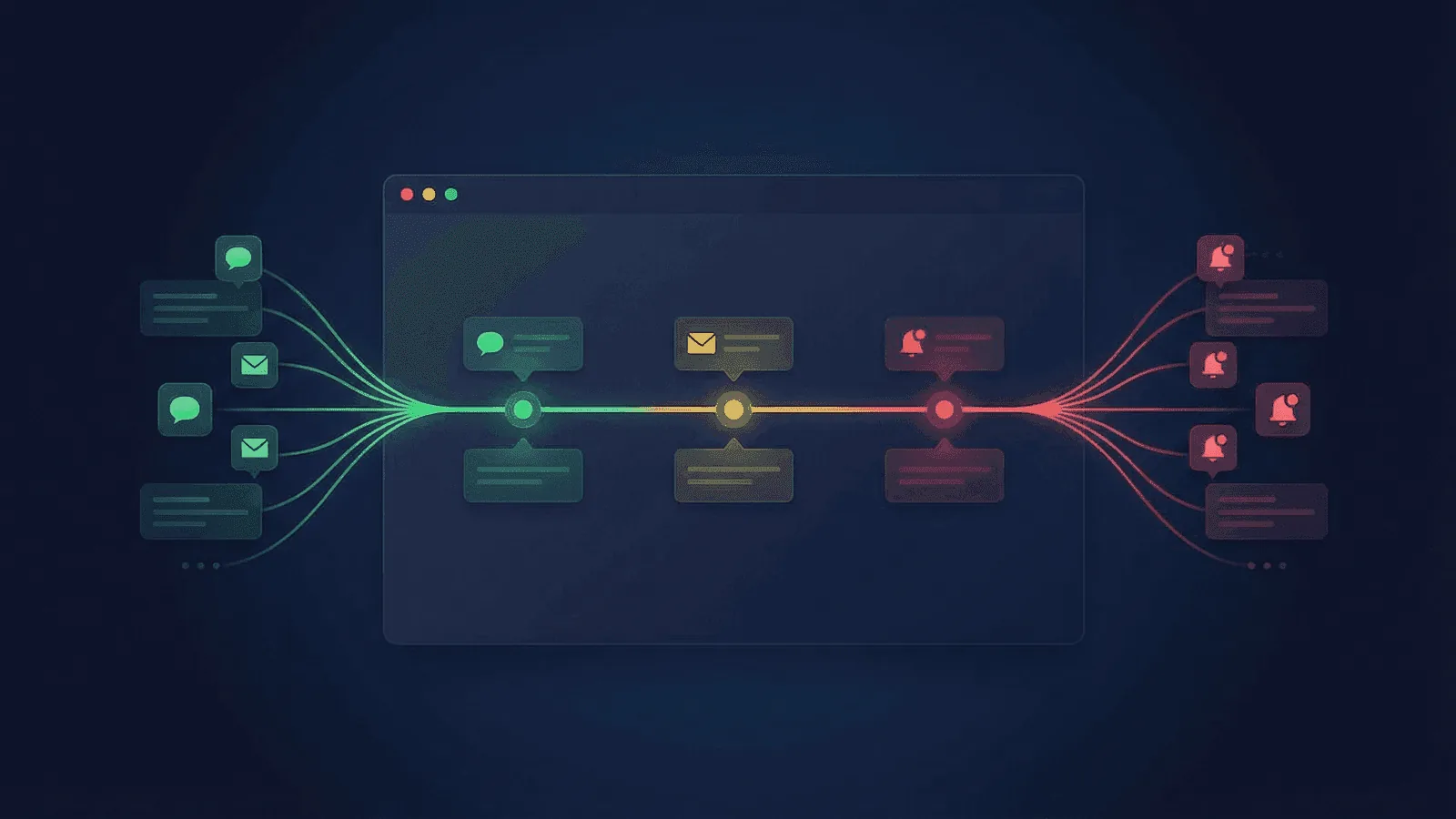
Every incident update should state the affected service or user journey, current phase, confirmed impact, update timestamp, and next-update time. Do not wait for root cause before acknowledging known user impact.
This guide provides copy-ready templates for investigating, identified, monitoring, and resolved phases, plus an ownership and channel checklist. Google SRE's incident-management guidance separates communication from operational control so responders can mitigate while one role maintains a consistent incident record.
Why Incident Communication Matters
Silence is worse than bad news
When users see an error or can't reach your site, they have two questions: "Is it just me?" and "Do they know about it?" If they find no communication from you, they assume the worst — that you don't know, don't care, or can't fix it.
A simple "We're aware of the issue and investigating" immediately changes the narrative. Users go from panicked to patient.
It reduces support load
Without proactive communication, every affected user becomes a support ticket. During a major outage, that can mean hundreds or thousands of messages. A public status update gives users a single place to check, reducing your support team's burden when they're needed most.
It protects your reputation
Users evaluate both service impact and how you handle it. Timely, specific updates reduce uncertainty and give support, sales, and customers one shared source of truth.
It keeps your team aligned
Status updates aren't just for customers. Internal stakeholders — support, sales, leadership — need to know what's happening too. A clear communication process prevents conflicting information from reaching customers through different channels.
The Four Phases of Incident Communication
Every incident follows a natural progression. Your communication should match.
Phase 1: Investigating
You know something is wrong, but you don't know what yet.
What to communicate:
- Acknowledge the problem
- State what's affected (if known)
- Set expectations for the next update
Tone: Calm, factual, transparent about uncertainty.
Template:
Investigating — [Service/Feature] Issues
We are aware of issues affecting [service/feature]. Users may experience [symptom: errors, slow loading, inability to log in, etc.].
Our team is actively investigating. We will provide an update within [30 minutes / 1 hour].
Example:
Investigating — Dashboard Loading Errors
We are aware of issues affecting the monitoring dashboard. Some users may see error messages or experience slow loading times.
Our team is actively investigating. We will provide an update within 30 minutes.
Phase 2: Identified
You've found the root cause and are working on a fix.
What to communicate:
- What the issue is (at a high level)
- What you're doing about it
- Estimated time to resolution (if known)
Tone: Confident, specific, action-oriented.
Template:
Identified — [Brief description of issue]
We have identified the cause of the [service/feature] issues. [One-sentence explanation of the root cause, e.g., "A database connection pool exhaustion is causing intermittent errors."]
Our team is [action being taken, e.g., "deploying a fix" / "scaling infrastructure" / "rolling back the recent deployment"].
Estimated time to resolution: [time estimate or "We will update within X minutes"].
Example:
Identified — Database Connection Issue
We have identified the cause of the dashboard loading errors. A configuration change caused the database connection pool to become exhausted, resulting in intermittent failures.
Our team is deploying a fix to increase the connection pool size and restart affected services.
Estimated time to resolution: 20 minutes. We will update when the fix is deployed.
Phase 3: Monitoring
The fix is deployed, and you're watching to confirm it worked.
What to communicate:
- The fix has been applied
- You're monitoring for stability
- When you'll confirm resolution
Tone: Cautiously optimistic.
Template:
Monitoring — Fix deployed for [service/feature]
A fix has been deployed for the [service/feature] issues. We are monitoring to confirm stability.
Users should see [expected improvement, e.g., "normal loading times" / "successful logins" / "no further errors"]. If you continue to experience issues, [action: "please refresh your browser" / "try again in a few minutes"].
We will provide a final update within [time].
Example:
Monitoring — Fix Deployed for Dashboard
A fix has been deployed for the dashboard loading errors. Database connections have been restored and we are monitoring to confirm stability.
Users should see normal loading times. If you continue to experience errors, please refresh your browser.
We will confirm resolution within 15 minutes.
Phase 4: Resolved
The incident is over.
What to communicate:
- Confirm the issue is resolved
- Brief summary of what happened
- Apologize and thank users for patience
- Mention follow-up actions (if appropriate)
Tone: Clear, appreciative, forward-looking.
Template:
Resolved — [Service/feature] issues
The [service/feature] issues have been fully resolved. All systems are operating normally.
Summary: [1-2 sentences on what happened and how it was fixed.]
Duration: [start time] to [end time] ([total duration])
We apologize for the disruption. We will be conducting a post-incident review to prevent similar issues in the future.
Example:
Resolved — Dashboard Loading Errors
The dashboard loading errors have been fully resolved. All systems are operating normally.
Summary: A configuration change at 14:30 UTC caused database connection pool exhaustion, resulting in intermittent errors for approximately 35% of dashboard requests. The connection pool was increased and affected services were restarted at 15:12 UTC.
Duration: 14:30 UTC to 15:25 UTC (55 minutes)
We apologize for the disruption. A post-incident review is scheduled, and we will share findings relevant to our users.
Writing Principles for Status Updates
Be specific about what's affected
Bad: "We're experiencing issues." Good: "Users may experience errors when loading the monitoring dashboard."
Vague updates create more anxiety, not less. Users want to know if their workflow is affected.
State what you know, not what you don't
Bad: "We don't know what's causing this yet." Good: "We're investigating elevated error rates on our API servers."
Frame updates around what you've confirmed, then acknowledge uncertainty briefly.
Give a time for the next update
Bad: "We'll update when we know more." Good: "We will provide an update within 30 minutes."
A specific timeframe sets expectations. If you don't have a fix by then, update anyway — even if it's just "Still investigating, next update in 30 minutes."
Avoid technical jargon
Your users don't need to know about Kubernetes pod eviction or database replication lag. Translate technical causes into impact-focused language.
Bad: "The PostgreSQL primary experienced WAL segment accumulation causing replication lag on read replicas." Good: "A database issue is causing some read operations to return stale or incomplete data."
Don't over-promise
It's tempting to say "This will be fixed in 10 minutes" to calm people down. But if it takes 45 minutes, you've destroyed your credibility. Give honest estimates with a buffer, or say "We're working on it and will update within X minutes."
Own the problem
Never blame users, third parties, or external factors in your initial updates — even if they're at fault. You can add context in the post-incident review. During the incident, focus on what you're doing about it.
Common Mistakes to Avoid
Going silent after the first update
The first update is the easiest. The hard part is keeping the cadence. Set a timer. Even if nothing has changed, post an update: "Still investigating, no new information. Next update in 30 minutes." Silence after an initial acknowledgment is almost worse than no communication at all.
Providing too much detail too soon
In the heat of the moment, it's tempting to share every finding. Resist this. Status updates are for affected users, not for your engineering team. Keep it high-level and impact-focused.
Forgetting internal communication
Your support team will be fielding questions. Your sales team might have demos scheduled. Keep internal stakeholders updated in parallel — they need context to handle their conversations with customers.
Not having a process before the incident
The worst time to figure out how to communicate is during an outage. Define your process now:
- Who writes and publishes updates?
- Where are updates posted? (Status page, email, in-app banner, social channels?)
- How often are updates published?
- Who approves updates? (Keep this lightweight — one person, fast turnaround.)
Declaring victory too early
Do not mark resolved until the original symptom and critical user journey pass, dependent systems are healthy, and the service remains stable for an observation period chosen from the failure mode. Use the post-incident recovery checklist rather than a universal fixed number of minutes.
Where to Publish Status Updates
Public status page
The single most important channel. A dedicated status page (e.g., status.yoursite.com) gives users a place to check without contacting support. It shows current status, active incidents, and historical uptime.
In-app notification
If users are inside your app and something is degraded, show a banner. Don't make them navigate to a separate page to learn about the issue.
For major incidents, send an email to affected users. Don't email for every minor blip — save it for significant outages (30+ minutes) or data-affecting incidents.
Social channels
If customers use a social channel to seek support, mirror a short update there and link to the status page as the source of truth.
Internal channels
Post to your team's Slack or Teams channel. Keep support, sales, and leadership informed so they can handle customer conversations accurately.
Using a Status Page for Incident Communication
A status page centralizes your incident communication and builds trust through transparency.
What a good status page includes
- Current status — At a glance: are services operational, degraded, or down?
- Active incidents — Timeline of updates for ongoing issues.
- Historical uptime — Shows your track record over 30, 60, or 90 days.
- Component breakdown — Status for individual services (API, dashboard, notifications, etc.).
- Subscriber notifications — Users can subscribe to get email or webhook updates automatically.
Why it matters for SEO and trust
A public status page signals professionalism. Enterprise customers and partners often check your status page history before committing. It demonstrates that you take reliability seriously and communicate proactively.
How Webalert helps
Webalert includes built-in status pages with every plan:
- Public status page — Branded page at
yourname.status.web-alert.ioor your custom domain. - Component-level status — Show individual service health, not just "all systems go."
- Incident timeline — Create and update incidents directly from the dashboard.
- Subscriber notifications — Users subscribe to email updates for your status page.
- Uptime history — Automatically displays historical uptime based on your monitor data.
Combined with uptime monitoring, you get a complete loop: detect the outage, get alerted, update your status page, and communicate with users — all from one platform.
See features and pricing for details.
Incident Communication Checklist
Use this during your next incident:
- Acknowledge the issue within 5 minutes of detection
- Post the first status update (Investigating phase)
- Notify internal stakeholders (support, sales, leadership)
- Update every 30 minutes (or sooner if status changes)
- Identify the root cause and update status (Identified phase)
- Deploy the fix and update status (Monitoring phase)
- Confirm stability for 15-30 minutes before resolving
- Resolve and post a summary with duration and root cause
- Schedule a post-incident review
- Share relevant findings with users (if appropriate)
Summary
Incident communication is a skill, not an afterthought. The companies that handle outages best follow a simple formula:
- Acknowledge fast — Within minutes, not hours.
- Be specific — Say what's affected and what you're doing.
- Update regularly — Even if nothing has changed, keep the cadence.
- Resolve clearly — Confirm stability before declaring victory.
- Learn publicly — Share what you've learned to build trust.
Outages happen to everyone. What separates great teams from the rest is how they communicate through them.
Communicate outages with confidence
Start your free status page with Webalert →
See features and pricing. Monitoring, alerting, and status pages — all in one platform.