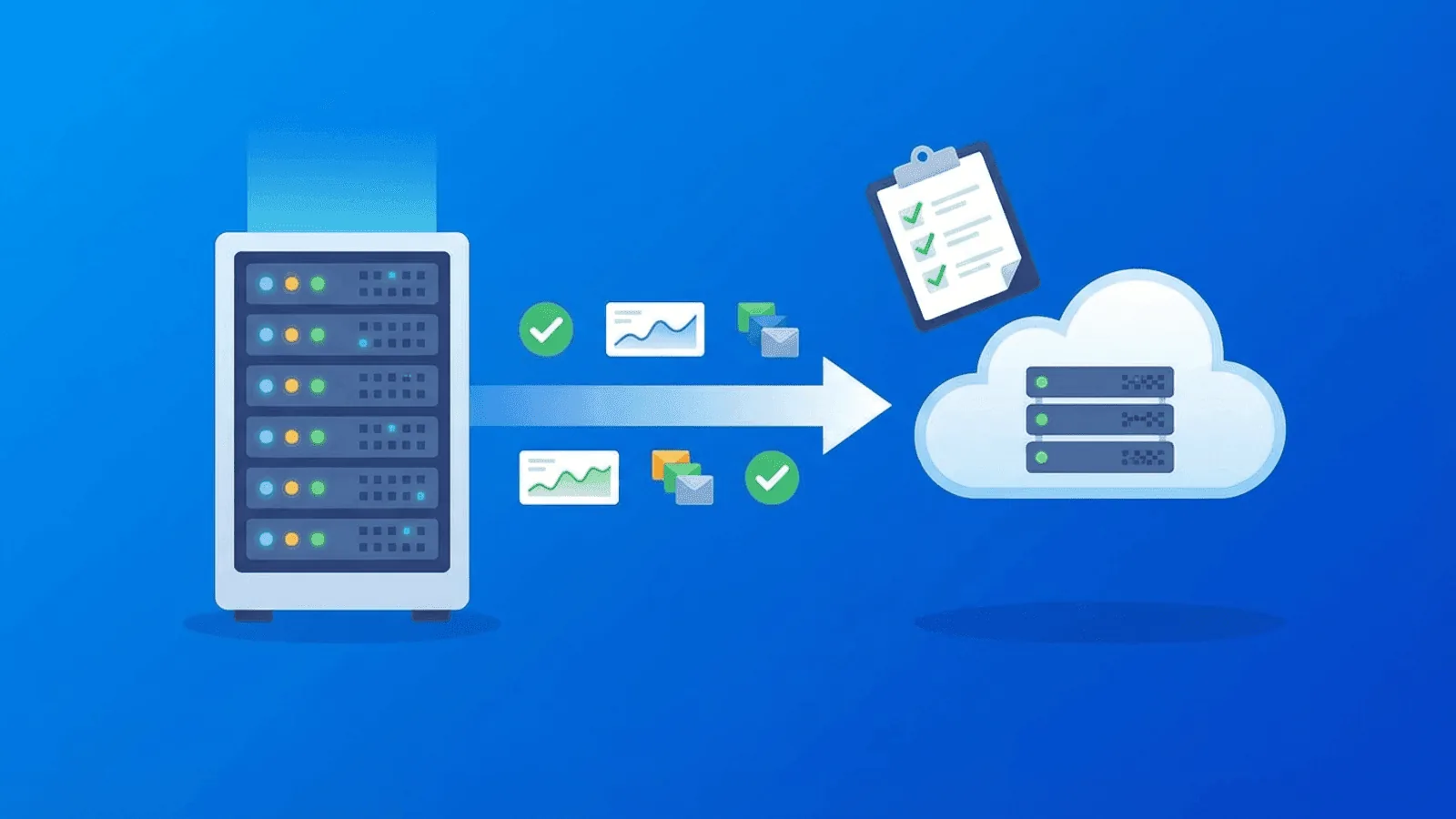
A safe website migration needs two things before cutover: a measurable baseline and a rollback decision. Monitoring should compare old and new targets, verify the exact customer paths being moved, and show whether failures are global, regional, or limited to one layer.
This checklist covers the change window from preflight through soak time. “Zero downtime” is a goal, not a guarantee: DNS caches, connection reuse, asynchronous jobs, and third-party dependencies can expose partial failures even when the primary cutover succeeds.
Why Migrations Break Things
Most migration failures aren't caused by the new infrastructure being bad. They're caused by the transition between old and new.
DNS propagation gaps
When you update DNS records, the change doesn't happen instantly. Different ISPs, regions, and recursive resolvers cache the old records for different durations (based on TTL). During propagation, some users hit the old server and some hit the new one. If the old server is already decommissioned, those users see errors.
SSL certificate mismatches
The new server needs a valid SSL certificate for your domain. If you're using Let's Encrypt, the certificate might not be issued until DNS points to the new server — creating a window where HTTPS requests fail. If you migrated to a new domain, the old certificate doesn't cover it.
Redirect chain failures
A domain migration means every old URL needs to redirect to the corresponding new URL. Miss one pattern and you have 404s. Chain too many redirects and you have performance issues. Use 302s instead of 301s and search engines don't transfer ranking.
Database connection issues
New infrastructure means new database connection strings, new network paths, possibly new database versions. Connection pool exhaustion, authentication failures, and increased latency are all common during the first hours after migration.
CDN and cache problems
CDNs cache content at edge nodes. After migration, the CDN might serve stale content from the old origin, or fail to connect to the new origin. Cache invalidation during migration requires careful timing.
Missing assets and broken paths
Static files, images, fonts, and scripts might have different paths on the new server. If your build process or asset pipeline changed, references to old paths return 404s.
Before Cutover: Establish Proof and Rollback Signals
Set this up before you touch anything. The goal is to have a baseline and active monitoring so you know the instant something breaks.
1. Baseline your current performance
Record your current metrics so you can compare post-migration:
- Response time for key pages (homepage, login, API endpoints)
- Uptime percentage over the past 30 days
- DNS resolution time for your domain
- SSL certificate expiry date and issuer
- Time to first byte (TTFB) from multiple regions
These become your comparison points. If response time doubles after migration, you want to know immediately.
2. Set up HTTP monitors on critical pages
Don't just monitor your homepage. Set up checks on every critical path:
- Homepage (
/) - Login/signup (
/login,/signup,/auth) - API health endpoint (
/api/healthor/api/v1/status) - Key product pages (the pages that drive revenue)
- Checkout or conversion pages (if applicable)
- Static assets (one CSS file, one JS bundle — to catch asset pipeline issues)
Temporarily use a cadence that supports the migration's detection and rollback objective. Critical revenue paths may justify tighter checks than low-traffic content, but avoid increasing probe load enough to distort the baseline.
3. Set up DNS monitoring
Monitor your domain's DNS records. A DNS monitor detects when the A/AAAA records change, when propagation starts, and when resolution fails.
This is critical during migration because DNS is usually the last thing you cut over, and it's the most common source of extended downtime.
4. Set up SSL monitoring
If you're changing servers or domains, SSL is at risk. Monitor certificate validity and expiry. You want to know immediately if:
- The certificate on the new server isn't valid yet
- The certificate doesn't cover the correct domain/subdomain
- The certificate chain is incomplete (missing intermediate cert)
5. Set up content validation
An HTTP 200 status code doesn't mean the page is correct. It might return a default server page, a maintenance page, or a partially loaded page. Use content validation to check that responses contain expected strings:
- Homepage should contain your brand name or a specific heading
- API health endpoint should return
{"status": "ok"}or equivalent - Login page should contain the login form
6. Configure multi-region checks
DNS propagation varies by region. Your site might work perfectly from US East but be unreachable from Europe. Multi-region monitoring catches location-specific failures that single-region checks miss.
7. Set alert thresholds tight
During migration, lower your alert thresholds temporarily:
- Response time alerts at 2x your baseline (instead of the usual 5x)
- Use fast warnings while reserving paging for confirmed customer impact
- Route alerts by severity and ownership; do not broadcast every signal to every channel
You can relax these after the migration is confirmed stable.
During Migration: What to Watch
The DNS cutover
This is the moment of truth. When you update DNS records:
- Lower TTL in advance — do this at least one existing-TTL period before cutover. Choose a temporary TTL your authoritative DNS provider and operational plan can support.
- Update the records — Point A/AAAA records to the new server IP.
- Watch DNS monitoring — Verify the new IP is resolving correctly.
- Check from multiple regions — Propagation isn't instant. Use your multi-region monitors to see where the change has taken effect.
- Keep the old server available — retain it until public resolvers, active traffic, asynchronous workloads, and rollback criteria show it is safe to remove.
SSL verification
Immediately after DNS starts pointing to the new server:
- Verify HTTPS works without certificate errors
- Check that the certificate covers all subdomains (
www,app,api) - Confirm the full certificate chain is valid (not just the leaf cert)
- If using Let's Encrypt with auto-renewal, trigger a renewal and verify it succeeds
Redirect verification
If you changed domains or URL structures:
- Use permanent redirects for intentionally permanent URL moves and temporary redirects for reversible cutover behavior
- Verify no redirect loops exist
- Check that query parameters are preserved where needed
- Confirm redirects work for both HTTP and HTTPS versions
- Test deep links, not just the homepage
Real-time response monitoring
Watch your HTTP monitors during the cutover window:
- Are all monitored pages returning 200?
- Has response time increased significantly?
- Are any regions failing while others work?
- Is content validation passing (not just status codes)?
Post-Migration Monitoring Checklist
Migration doesn't end when DNS propagates. The first 24-72 hours are critical.
First hour
- All HTTP monitors green across all regions
- SSL certificate valid and correctly configured
- DNS resolving to new server IP from all check locations
- Response times within acceptable range (compared to baseline)
- Content validation passing on all monitored pages
- API endpoints returning expected responses
- No redirect loops or broken redirect chains
First 24 hours
- Uptime remains at 100% post-cutover
- Response times stable (no gradual degradation)
- SSL monitoring shows no issues
- Database performance stable (no connection timeouts)
- CDN serving fresh content from new origin
- Email delivery working (if infrastructure changed)
- Cron jobs and background tasks running on schedule
First week
- Restore normal monitoring thresholds (relax the tight migration thresholds)
- Restore normal DNS TTL values (increase back to 3600+ seconds)
- Decommission old server (only after full propagation confirmed)
- Verify search engine indexing — new pages being crawled, old URLs redirecting
- Check analytics for traffic anomalies
- Remove any temporary monitoring you added for the migration
Common Migration Failures and How Monitoring Catches Them
Failure: DNS pointing to decommissioned server
What happens: You turned off the old server before DNS fully propagated. Users in some regions get connection refused errors.
Detection: Multi-region HTTP monitoring fails from specific locations. DNS monitoring shows inconsistent resolution.
Prevention: Keep the old server running for 48+ hours after DNS change. Monitor from multiple regions.
Failure: SSL certificate not covering new domain
What happens: You migrated from oldsite.com to newsite.com but the SSL cert on the new server only covers oldsite.com.
Detection: SSL monitoring immediately flags the mismatch. HTTP monitors with HTTPS enabled return certificate errors.
Prevention: Issue the new certificate before the DNS cutover. Verify it covers all required domains and subdomains.
Failure: Redirect loop between www and non-www
What happens: The old server redirects example.com → www.example.com, and the new server redirects www.example.com → example.com. Browsers hit the redirect limit and show an error.
Detection: HTTP monitoring returns "too many redirects" errors immediately.
Prevention: Configure redirects on the new server only. Test both www and non-www before DNS cutover.
Failure: Database connection timeout on new infrastructure
What happens: The new application server can't reach the database reliably. Connection pool exhaustion causes intermittent 500 errors.
Detection: HTTP monitors on API endpoints start returning 500s intermittently. Response time spikes before failures.
Prevention: Load test the new infrastructure before cutover. Monitor both HTTP endpoints and database ports (TCP monitoring).
Failure: CDN serving stale content from old origin
What happens: Your CDN has cached pages from the old server. New content and fixes aren't visible to users.
Detection: Content validation fails because the response contains old content, not the expected new strings.
Prevention: Invalidate CDN cache immediately after migration. Use content validation to verify responses contain current data.
Failure: Mixed content after HTTPS migration
What happens: Pages load over HTTPS, but some images, scripts, or stylesheets are still referenced with http:// URLs. Browsers block them.
Detection: Content validation for key pages fails because expected elements are missing from the rendered page.
Prevention: Audit all asset URLs before migration. Use content validation checks that verify critical page elements.
Migration Types and Their Specific Risks
Domain migration (oldsite.com → newsite.com)
Key risks: Redirect completeness, SSL for new domain, SEO transfer Monitor: Old domain redirects, new domain uptime, SSL validity, content on both domains
Hosting migration (same domain, new server)
Key risks: DNS propagation, server configuration, performance differences Monitor: Multi-region HTTP, response time comparison, DNS resolution, database connectivity
Platform migration (e.g., WordPress → custom stack)
Key risks: URL structure changes, missing pages, different error handling Monitor: All key page URLs, content validation (verify correct content, not default pages), redirects for changed URLs
Cloud migration (on-premise → cloud, or cloud → cloud)
Key risks: Network latency changes, security group/firewall rules, service endpoint changes Monitor: TCP port checks, API response times, multi-region latency, database connectivity
HTTPS migration (HTTP → HTTPS)
Key risks: Mixed content, redirect loops, certificate issues, HSTS misconfiguration Monitor: SSL validity, both HTTP and HTTPS versions of pages, content validation for asset loading
How Webalert Helps During Migrations
Webalert covers every monitoring need for a safe migration:
- HTTP monitoring — 1-minute checks on all critical pages with content validation
- DNS monitoring — Track record changes and propagation across regions
- SSL monitoring — Certificate validity, expiry, and chain verification
- TCP port monitoring — Verify database, cache, and service ports are reachable
- Multi-region checks — Detect location-specific failures during DNS propagation
- Content validation — Confirm pages return correct content, not just 200 status codes
- Heartbeat monitoring — Verify cron jobs and background tasks survive the migration
- Fast alerting — Slack, Discord, SMS, email, and webhooks with on-call scheduling
- Status pages — Keep users informed if issues occur during the migration window
Set up your migration monitoring in minutes, not hours.
See features and pricing for the full details.
Summary
Website migrations are high-risk but manageable with the right monitoring:
- Before migration: Baseline performance, set up monitors on all critical paths, lower DNS TTL, tighten alert thresholds.
- During migration: Watch DNS propagation, verify SSL, test redirects, monitor response times across regions.
- After migration: Maintain tight monitoring for 72 hours, verify everything from the checklist, then gradually restore normal thresholds.
The difference between a smooth migration and a multi-hour outage is almost always monitoring. Set it up before you start, and you'll catch every issue before your users do.